
A customer contacted RAID Recovery Services after losing access to their business database stored on a NAS device.
The system used two Western Digital hard drives in a RAID 0 setup. When one drive failed, the entire NAS became unreadable, leaving all data inaccessible.
The customer attempted recovery by replacing the failed disk and using software to rebuild the array. This unfortunately corrupted the remaining healthy drive, making the situation significantly worse.
Realising the extent of the damage, the client turned to RAID Recovery Services for professional support.
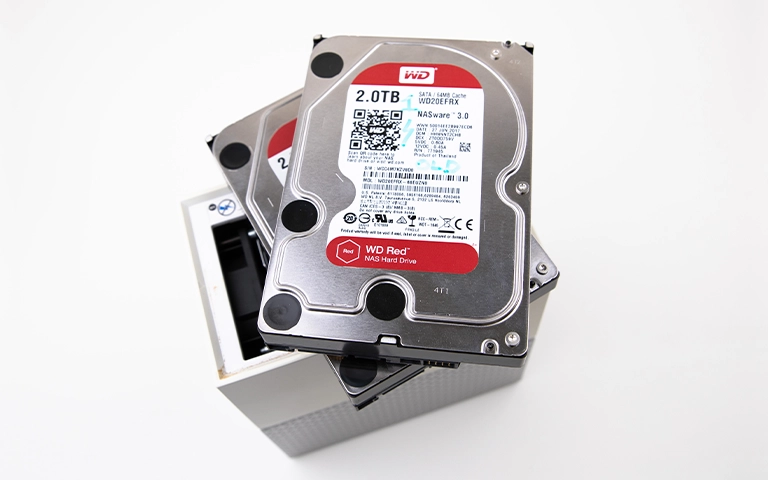
System Overview and Failure Scenario
The client’s NAS system used two Western Digital hard drives configured in a RAID 0 array. While this setup delivered strong performance, it offered no redundancy, meaning a single drive failure would result in immediate data loss. The NAS stored a critical customer database used in daily operations.
When one drive failed, the entire array collapsed. In an attempt to restore access, the customer installed a new drive and ran third party recovery software to rebuild the RAID.
This approach caused extensive corruption, as the software could not correctly interpret or synchronise the original disk structure. Both drives became unreadable, and the BtrFS file system was damaged beyond standard recovery tools.
At that stage, the customer contacted RAID Recovery Services for a professional assessment and a secure recovery strategy.
Expedited Evaluation Process
Because the database was critical to daily operations, the client chose our expedited evaluation service, which delivers a full diagnostic report within eight hours. Once the NAS drives arrived, our engineers began the assessment immediately.
The expedited evaluation included:
Initial Inspection: Both Western Digital drives were checked for physical or electronic damage.
Imaging Attempt: Specialised tools were used to test whether the drives could spin up and respond to basic commands.
Electronic and Mechanical Analysis: Engineers examined the circuit boards, connectors, and spindle assemblies to identify short circuits or mechanical issues.
File System Examination: Early scans confirmed a BtrFS file system, indicating a complex metadata based structure.
These steps helped us identify the failure points and plan the mechanical repair and data recovery process.
Read more about NAS failure and recovery.
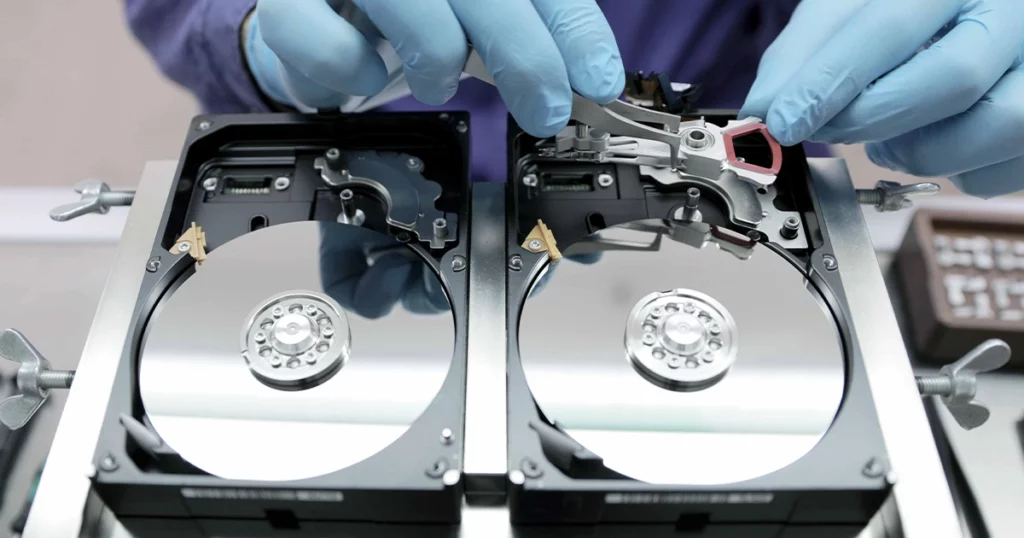
Diagnostic Findings – Spindle Motor and Data Corruption
The evaluation identified two key faults. One drive had a spindle motor failure, preventing the platters from spinning and placing excessive strain on the controller chip. Repeated power attempts or control board swaps could have caused permanent damage.
The second drive showed significant logical corruption from earlier software recovery attempts. Crucial BtrFS metadata and allocation structures were partially overwritten, leaving the volume inaccessible.
Our engineers stabilised both drives and prepared them for controlled data extraction, then moved on to the virtual reconstruction of the RAID 0 array.
Learn more about enterprise level HDD recovery.
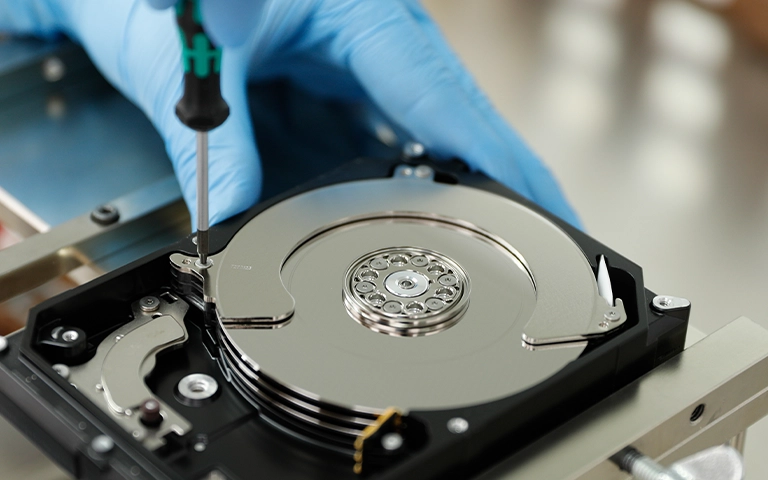
Virtual Array Reconstruction and File System Analysis
Once both drives were stabilised, our engineers began the virtual reconstruction of the RAID 0 array. Because data in RAID 0 is evenly split across disks, accurate alignment of data blocks was essential.
The team examined the BtrFS file system and its b tree metadata to locate file structures and hierarchy.
Key details such as block size and interleaving were identified to enable a precise virtual rebuild.
Using specialised tools, engineers recreated the RAID 0 layout and simulated its original data pattern.
The rebuilt array generated a complete directory tree, allowing the team to confirm file integrity before extraction.
After verification, all recovered files were copied to secure storage for final review.
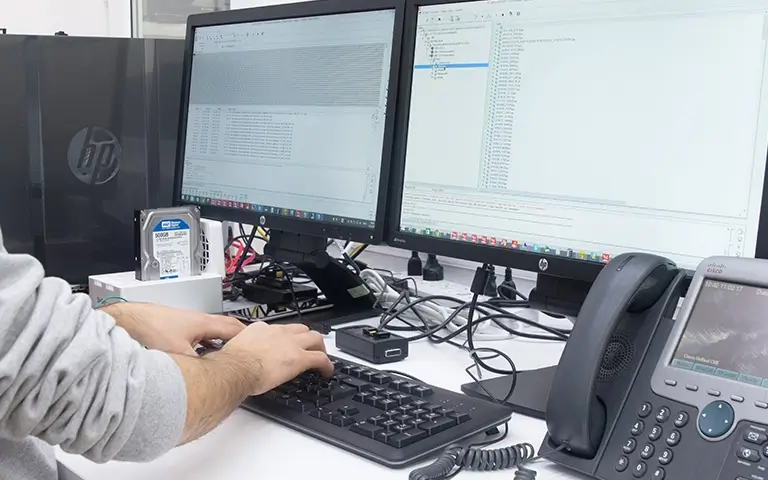
100% Data Recovery Success
Following the virtual reconstruction, our engineers recovered all data from the NAS array.
The customer’s database and related files were restored with full integrity, and each item was checked for consistency within the rebuilt BtrFS structure. The client joined a remote verification session to review the results before final delivery
As the total size was under 20 GB, the recovered data was securely provided via a cloud storage link. The customer confirmed that all essential information was intact and fully functional, marking this case as a complete recovery success.
Learn more about NAS drive failure rates.
Fast turnaround times for business-critical data
Conclusion – Professional NAS Data Recovery Matters
This case shows how quickly a self recovery attempt can turn a simple issue into a critical failure. Replacing drives or using software tools without the right equipment often causes further damage, especially with RAID 0 NAS systems that provide no redundancy.
By turning to RAID Recovery Services, the client avoided permanent data loss and achieved a full restoration of their database. Our engineers used mechanical repair, virtual reconstruction, and detailed file system analysis to recover every file safely.
If your NAS becomes inaccessible, power it down and contact a specialist. Our team is available 24/7 to diagnose and recover data from failed NAS and RAID setups of any type.
Discover common reasons for RAID data loss.

Trust the experts with proven results
Frequently Asked Questions
Can data from a failed RAID 0 NAS be recovered?
Yes, recovery is often possible, depending on the extent of physical or logical damage. Professional labs such as RAID Recovery Services use specialised imaging and virtual reconstruction techniques to restore inaccessible data safely.
What causes spindle motor failure in NAS hard drives?
Common causes include wear, power surges, and excessive heat. When the spindle fails, the platters stop spinning and the controller may overheat. Repeated power attempts can worsen the damage.
Why did recovery software make the problem worse?
Generic software cannot interpret RAID structures accurately. In this case, the rebuild attempt corrupted BtrFS metadata, making both drives unreadable. Complex RAID 0 arrays require professional tools and handling.
What is BtrFS, and how does it affect NAS recovery?
BtrFS is a modern file system that uses b tree structures for data and metadata. While efficient, it requires advanced analysis during recovery because corruption within the metadata can block access to the entire volume.
How can I prevent NAS data loss in the future?
Choose RAID levels with redundancy, maintain regular offsite backups, and avoid using recovery software after a failure. If your NAS becomes inaccessible, contact RAID Recovery Services for a professional assessment.