
In today’s environment, where data underpins almost every decision, choosing the right type of storage device is more than a technical detail. It is a strategic step towards ensuring reliability and easy access to your information.
Many people assume all hard drives behave in the same way, until performance problems, access errors, or sudden failures reveal the differences.
Network Attached Storage (NAS) drives and regular hard drives both store data, but they serve very different roles.
NAS drives are designed for multi user environments and network based storage, while standard desktop drives are intended primarily for local, single user use.
Understanding how these drives differ will help you make informed choices and protect your data from avoidable risks.
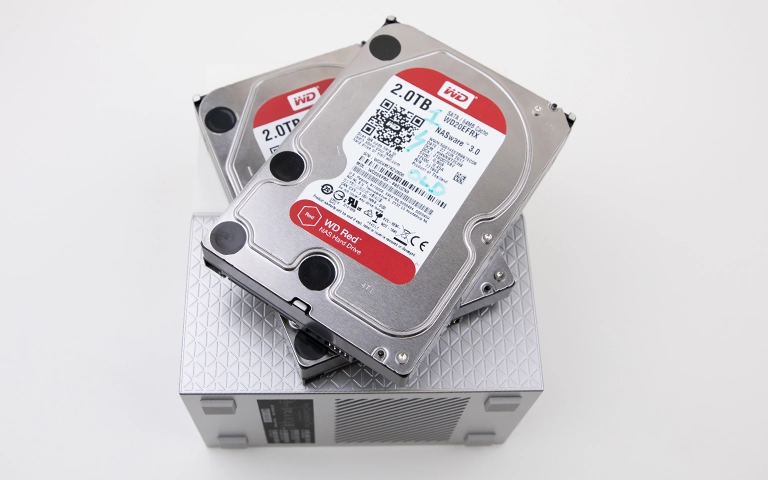
What is a NAS Drive?
A NAS drive, or Network Attached Storage drive, is a specialised hard drive designed to operate in a shared network environment.
Unlike a standard desktop drive, a NAS drive connects directly to your local network rather than to a single computer.
This setup allows multiple users or devices to access and store data at the same time, making it ideal for businesses and home offices that need centralised storage.
NAS drives are optimised for reliability and round the clock operation. They often include features such as error recovery control, enhanced vibration resistance, and firmware designed for continuous workloads.
Many NAS systems also use RAID configurations to add redundancy and strengthen data protection.
Key characteristics of NAS drives:
Built for constant operation and multi user access
Support for RAID configurations to reduce the risk of data loss
Optimised firmware for consistent performance over the network
Designed to cope with vibration and temperature changes in multi drive enclosures
Many NAS environments are configured with RAID for redundancy. Learn more about NAS RAID options and how they improve performance and reliability.
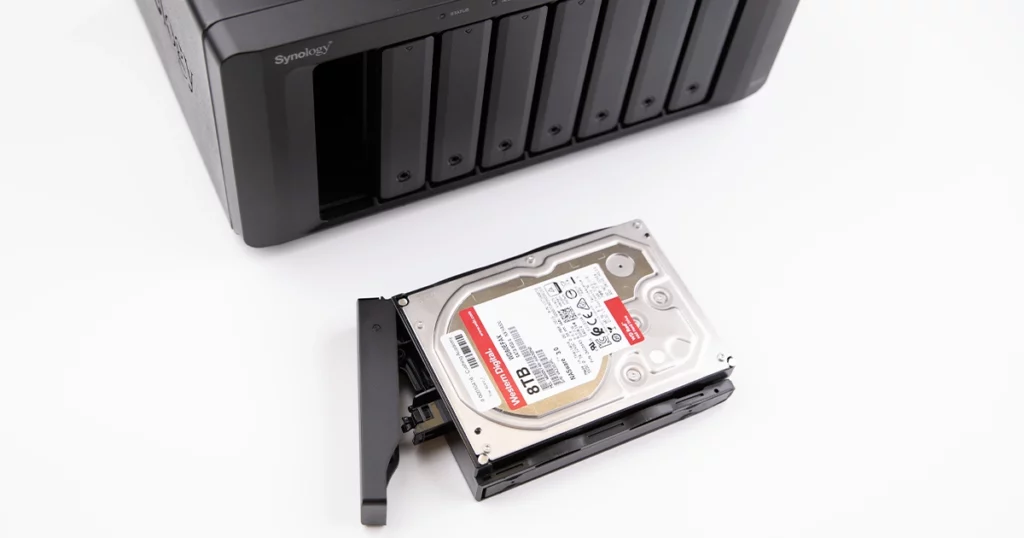
What is a Regular Drive?
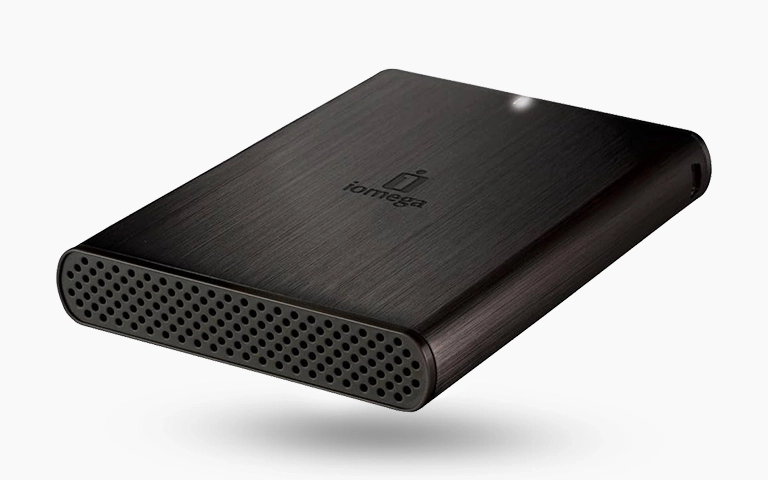
A regular drive, often referred to as a desktop or external hard drive, is designed primarily for individual use. It connects directly to a computer via interfaces such as SATA or USB and provides everyday storage for personal files, applications, and local backups.
Unlike NAS drives, these devices are not intended to run continuously or support multiple users accessing data at the same time.
Regular hard drives are built for general purpose computing. They are well suited to storing photos, documents, games, and other data on personal computers. In most cases, regular drives prioritise speed and affordability over long term endurance or network performance.
They are an excellent option for users who do not need network based storage or RAID level redundancy.
However, when regular drives are used in more demanding roles, such as servers or shared storage systems, they can wear out more quickly and become more vulnerable to data corruption.

Key Differences Between NAS Drive and Regular Drive
While both NAS and regular drives store digital data, their internal design, firmware, and performance are tailored for different environments. Understanding these distinctions helps you decide which option best fits your needs.
NAS drives are built for heavier workloads and environments where uptime is critical. Their firmware reduces the likelihood of data errors during network transfers, making them more dependable in multi drive systems.
By contrast, regular drives focus on affordability and simplicity. They offer sufficient performance for everyday use but are not engineered for long, continuous operation or multi user, collaborative environments.
When Should You Choose a NAS Drive?
A NAS drive is a strong choice when you need reliable, centralised storage that multiple users or devices can access at the same time.
It offers scalability, redundancy, and data protection capabilities that regular drives cannot provide. This is why businesses and advanced home users often select NAS systems to maintain data availability and consistent performance.
You should consider a NAS drive if:
You manage shared files across multiple computers or workstations
You need 24/7 access to data for business or home office use
You want to store backups from several devices in one secure location
You plan to configure a RAID setup for data redundancy
You require remote access or cloud synchronisation features
For organisations that depend on continuous access to information, NAS drives provide stability and protection against hardware failure.
Their ability to integrate with RAID arrays adds an extra layer of reliability, making them suitable for both business environments and advanced personal setups.
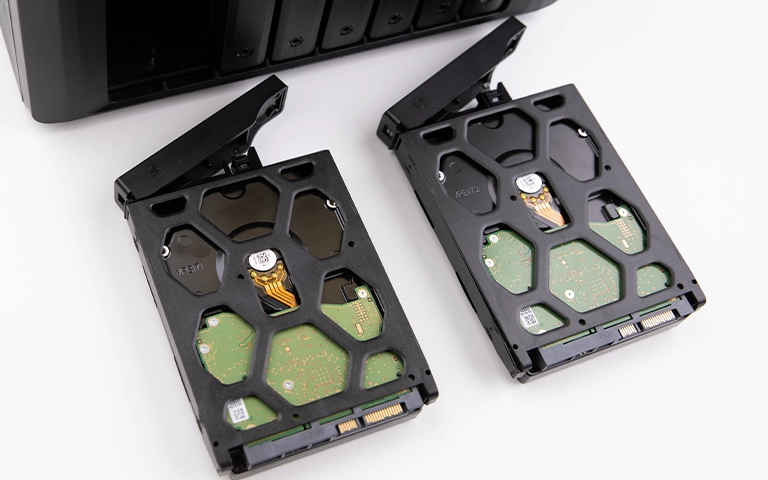
When a Regular Drive Makes More Sense
A regular hard drive is ideal when you need straightforward, direct storage without the complexity of network configuration. It is best suited to individuals who work on a single computer and want an affordable solution for everyday data storage.
Regular drives are well suited to handling documents, personal backups, or media libraries without requiring advanced setup. They are also simple to replace or upgrade, which makes them a practical choice in non critical environments.
A regular drive is the better option if:
You need cost effective storage for personal use
You do not require shared access or remote file management
You only use your drive for light workloads and occasional backups
You prefer a simple device that connects directly to your computer and works immediately
While regular drives cannot offer the same durability or redundancy as NAS drives, they provide convenience and solid performance for local storage. For users who do not need continuous operation or multi user access, they remain a dependable choice in the NAS drive vs regular drive decision.
Fast turnaround times for business-critical data
Data Recovery Challenges in Both Drive Types
Both NAS and regular drives can suffer data loss, but the causes and recovery methods often differ. The complexity of recovery depends on how the drive is used, the underlying file system, and whether it forms part of a RAID array.
NAS drives typically operate in multi disk environments, which increases the risk of array corruption or synchronisation issues when a single drive starts to fail.
In these situations, successful recovery usually requires specialist tools and expertise to rebuild the RAID structure and extract the stored data safely.
Regular drives tend to encounter different issues, such as physical damage, file corruption, or accidental formatting. Although these incidents may appear more straightforward, improper handling or the use of unreliable recovery software can easily make the damage worse.
Common data loss causes include:
Power surges or sudden shutdowns
RAID rebuild errors in NAS systems
Bad sectors or head crashes
Accidental deletion or formatting
Firmware or controller failures
At RAID Recovery Services, we specialise in both NAS and traditional drive recovery. Our engineers apply advanced diagnostic and recovery methods to restore data safely while avoiding further damage to the storage media.
For a deeper look at NAS related failures, see our articles on NAS data loss causes and NAS failure and recovery.

Conclusion: Making the Right Storage Decision
Choosing between a NAS drive and a regular drive comes down to how you use your data and what level of protection you require. NAS drives deliver reliability, scalability, and stronger data protection for shared or business environments, while regular drives offer simplicity and cost effective storage for personal or light use.
If data loss occurs on either type of drive, involving specialists gives you the best chance of a successful recovery. At RAID Recovery Services, we provide expert diagnostics and recovery solutions for both NAS and traditional drives, helping you restore access to your critical data with confidence.
Trust the experts with proven results
Frequently Asked Questions
Can I use a regular hard drive in a NAS system?
This is not recommended. Regular desktop drives are not designed for continuous operation or for the vibration levels inside multi drive enclosures. Using them in a NAS can lead to premature failure and increased risk of data loss. NAS drives use firmware optimised for 24/7 workloads and offer better reliability in RAID environments.
What makes a NAS drive more reliable than a regular drive?
NAS drives include enhanced error recovery control, improved vibration resistance, and firmware tuned for networked performance. These features allow them to operate safely in systems that run continuously, unlike standard desktop drives, which are designed for limited daily use.
Are NAS drives faster than regular hard drives?
NAS drives are not automatically faster in single user setups. Their main advantage is stable, consistent performance for multiple users and devices accessing data at the same time. For individual workloads, a regular drive can deliver similar, or sometimes better, performance depending on the overall system configuration.
How long do NAS and regular drives typically last?
A NAS drive will typically last around three to five years under constant operation, while a regular desktop drive may last two to four years with normal use. Actual lifespan depends on environmental conditions, workload intensity, and power quality.
What should I do if my NAS or regular drive fails?
Stop using the device immediately to avoid further damage. Do not attempt to rebuild, format, or run repair utilities on the drive. Contact RAID Recovery Services for a professional assessment so that the safest and most effective data recovery approach can be planned.