
Storage systems are a core part of modern IT environments. Two common options, Direct Attached Storage (DAS) and Storage Area Networks (SAN), often create confusion because both manage data but differ in design, scalability, and performance.
DAS connects directly to a server or workstation, offering a simple and cost effective setup. SAN links multiple storage devices through a dedicated network, making it better suited for larger or more complex operations.
Understanding the difference between SAN vs DAS helps you choose the right solution for your business.
In this post, we explain how each system works, compare their strengths, and outline how RAID Recovery Services can assist if data loss occurs.
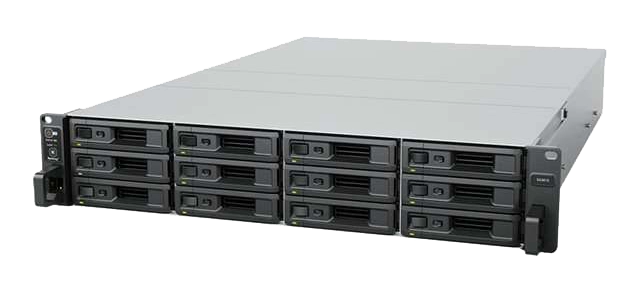
Fast turnaround times for business-critical data
What is DAS (Direct Attached Storage)?
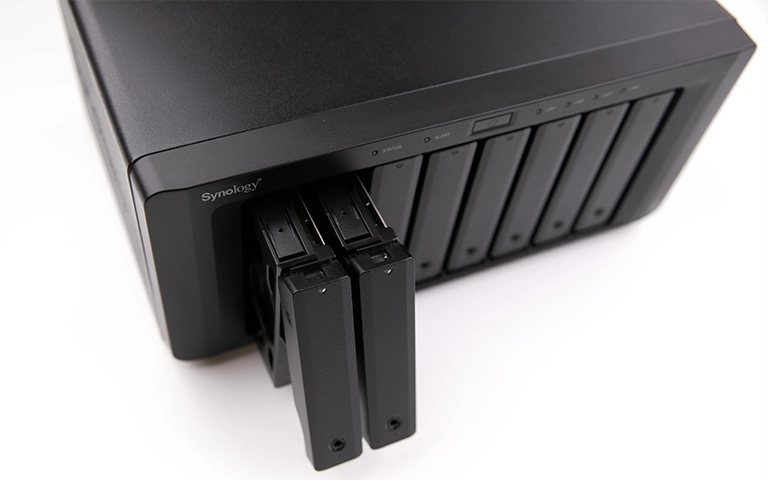
Direct Attached Storage, or DAS, is a storage device that connects directly to a single computer or server without using a network.
Typical examples include internal hard drives, external disks, and RAID arrays connected through SATA, SAS, or USB interfaces.
DAS is valued for its simplicity and consistent speed. Because the storage links directly to the host system, data transfer rates are often faster than those of network based solutions. It is commonly used in smaller businesses or standalone servers where shared access is not required.
However, DAS offers limited scalability and collaboration. Data stored on the device can only be accessed by the system it is attached to, making it less practical for organisations with multiple users or broader infrastructure needs.
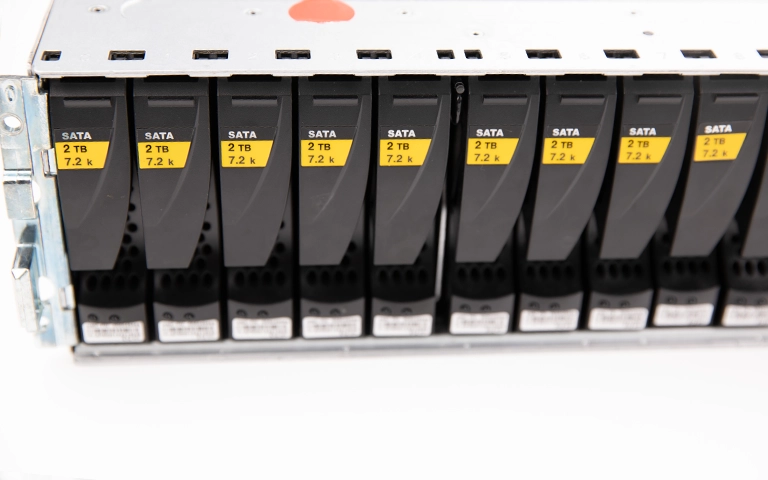
What is SAN (Storage Area Network)?
A Storage Area Network, or SAN, is a high speed network that links multiple servers to shared storage devices.
It provides centralised data access, allowing different systems to use the same storage resources at the same time. SANs typically use Fibre Channel or iSCSI connections, delivering strong performance and reliability.
Unlike DAS, SAN offers far greater scalability and flexibility. Storage can be expanded or additional servers connected without interrupting ongoing operations. This makes SAN well suited for enterprises, data centres, and organisations running critical databases or virtualised workloads.
A well designed SAN improves uptime and simplifies backup management, although it involves higher installation and maintenance costs. Skilled administration is also required to manage network performance effectively.
To explore another network based setup, read our guide on NAS vs SAN and learn how network attached storage compares in accessibility and cost.
DAS vs SAN: A Detailed Comparison
To make the differences between these two storage models easier to understand, here is a straightforward comparison of their key features.
For more insights on data organisation and storage performance, see JBOD vs RAID.
Data Recovery Challenges for DAS and SAN Systems
When data loss occurs, both DAS and SAN environments introduce their own recovery challenges. The connection type, storage architecture, and file system all influence how the process must be approached.
For DAS, problems often involve failed drives, controller faults, or accidental deletion. Because the storage is attached directly to a single system, recovery typically requires accessing the physical disk or RAID array.
For SAN, failures are usually more complex. Issues may arise from network interruptions, corrupted LUNs, or RAID controller faults within shared storage.
In many cases, engineers must resolve both hardware and network level issues before any data can be retrieved.
At RAID Recovery Services, we specialise in restoring data from both platforms. Our engineers manage damaged drives, RAID failures, and logical corruption using detailed diagnostics and advanced recovery tools.
To learn more about addressing complex system errors, visit our guide on Troubleshoot RAID Failure or see how we manage RAID Controller Failure Recovery cases.

Which Storage Solution is Right for You?
The choice between DAS and SAN depends on your organisation’s size, data requirements, and available budget.
Choose DAS if you operate a small business or need fast, local access without complex management. It is cost effective and easy to maintain, but it offers limited scalability.
Choose SAN if your environment includes multiple servers, virtual machines, or large databases. SAN provides centralised control, high performance, and room for long term growth.
When deciding, consider ongoing maintenance and your disaster recovery strategy. Regardless of the system you use, unexpected failures can cause major downtime and data loss.
If your DAS or SAN setup fails, our team can assist. RAID Recovery Services delivers specialist recovery solutions for enterprise storage systems, ensuring minimal disruption and strong data integrity.
For more on enterprise level storage, read our article on Enterprise NAS Storage.
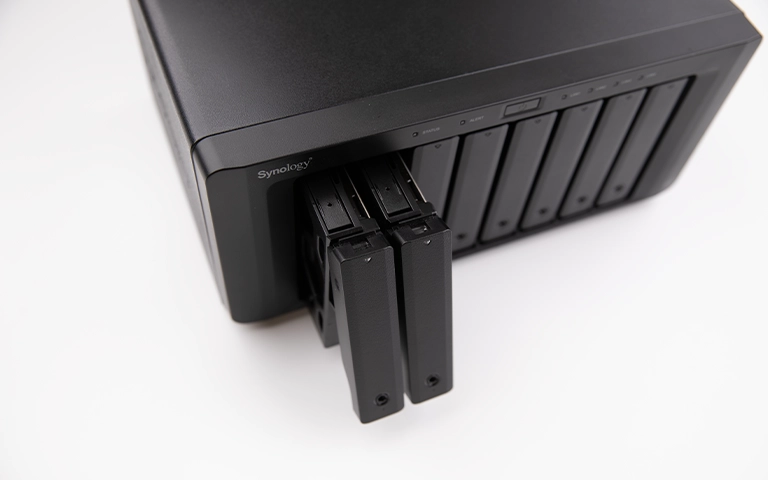
Trust the experts with proven results
Frequently Asked Questions
What is the main difference between DAS and SAN?
The primary difference is how each system connects. DAS links directly to a single computer or server, while SAN uses a dedicated network to provide shared storage for multiple servers. SAN offers greater scalability and centralised management, whereas DAS is simpler and more cost effective.
Is SAN faster than DAS?
In multi server environments, SAN is usually faster thanks to high speed Fibre Channel or iSCSI connections. For single system setups, DAS can deliver excellent performance because it operates without network latency.
Can I recover data from a failed SAN or DAS system?
In multi server environments, SAN is usually faster thanks to high speed Fibre Channel or iSCSI connections. For single system setups, DAS can deliver excellent performance because it operates without network latency.
Which is better for small businesses, DAS or SAN?
DAS is often the preferred choice for small businesses that need reliable local storage at a lower cost. SAN is better suited for medium to large organisations that require scalability, shared access, and centralised control.
What should I do if my DAS or SAN fails?
Avoid rebuilding, reformatting, or attempting any DIY fixes. Power the system down safely and contact a professional recovery provider. RAID Recovery Services offers secure diagnostics and recovery for both DAS and SAN failures.