
Drobo systems are recognised for their ease of use, modular expansion, and the flexibility offered by BeyondRAID technology. When a failure occurs, however, carrying out Drobo 5N2 data recovery becomes far more complex, particularly if multiple drives are involved.
In this incident, RAID Recovery Services was assigned to recover critical data from a Drobo 5N2 NAS that had failed entirely.
The chassis had stopped responding and two internal hard drives had reached an unreadable state at the same time, making a structured and highly controlled recovery process essential.
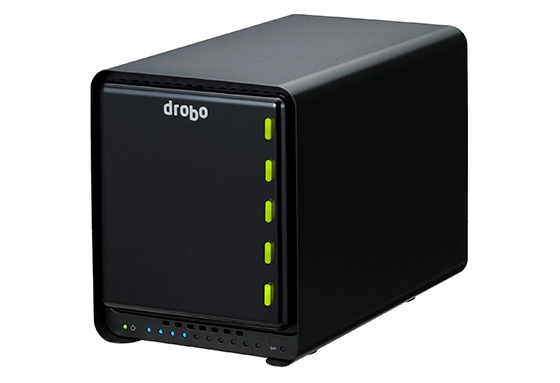
Understanding Drobo and BeyondRAID
Unlike conventional RAID setups that depend on fixed levels such as RAID 5 or RAID 6, Drobo operates on its own proprietary platform known as BeyondRAID. This system provides a number of advantages, including:
Mixing drives of different capacities
Automatic redistribution of stored data
Live RAID expansion without downtime
Redundancy comparable to single or dual drive protection, depending on the configuration
Although highly adaptable and straightforward for users, the proprietary nature of BeyondRAID introduces significant complexity when a failure occurs. Carrying out Drobo 5N2 data recovery outside a functioning chassis is challenging because traditional RAID tools cannot read or interpret Drobo’s internal data mapping or parity structure.
Case Background: What Happened to the Drobo 5N2?
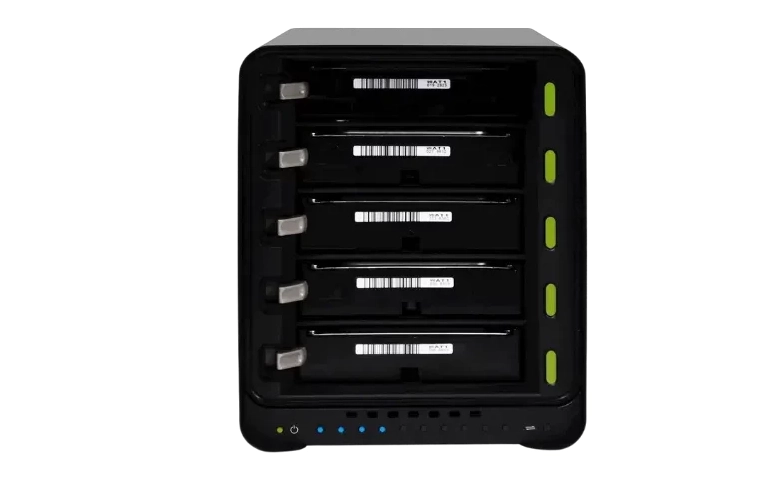
The client, a small creative agency, relied on a Drobo 5N2 NAS for shared storage and project collaboration. The system used five mixed-capacity SATA drives with dual disk redundancy.
The problem began when the Drobo 5N2 powered off unexpectedly and did not turn back on. A quick check revealed:
The chassis had failed and would not power up.
Two of the five hard drives were clicking and showed no activity, indicating mechanical damage.
With the chassis dead, the client had no way to view drive health or access any files.
Concerned about losing their full project archive, they sent the complete unit and all five drives to RAID Recovery Services for immediate recovery.
You can learn more about our emergency service options here.
Initial Evaluation: Full System Failure
After receiving the Drobo 5N2 and all five drives, our engineers carried out a non invasive assessment:
Drobo 5N2 Unit: The motherboard and power management system had failed. The device could not be repaired or used for recovery.
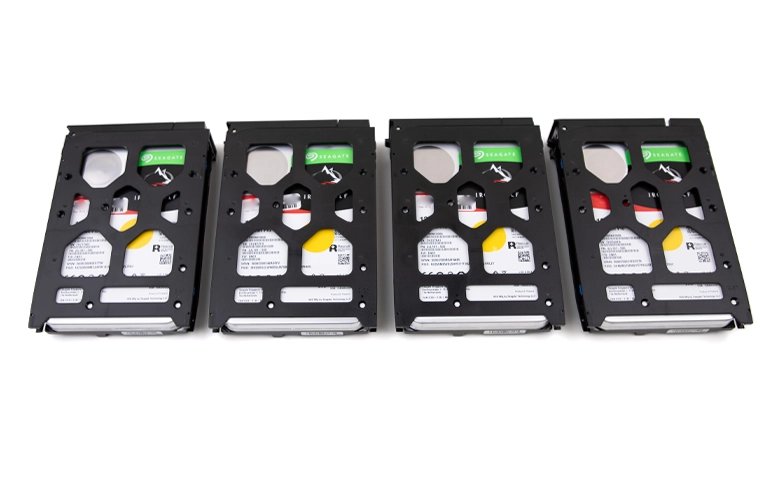
Drive Status: Two drives showed severe mechanical faults caused by head failure, one contained widespread bad sectors, and the remaining two were in good condition.
Because BeyondRAID spreads data and parity across all disks, recovering a dual disk redundancy array with two failed drives is possible, but only through controlled imaging, careful rebuild work, and custom parsing tools.
To better understand our process for handling these cases, you can learn more about our Drobo data recovery services here.
Recovery Plan and Cleanroom Drive Repair
To begin the recovery, our engineers followed a structured process:
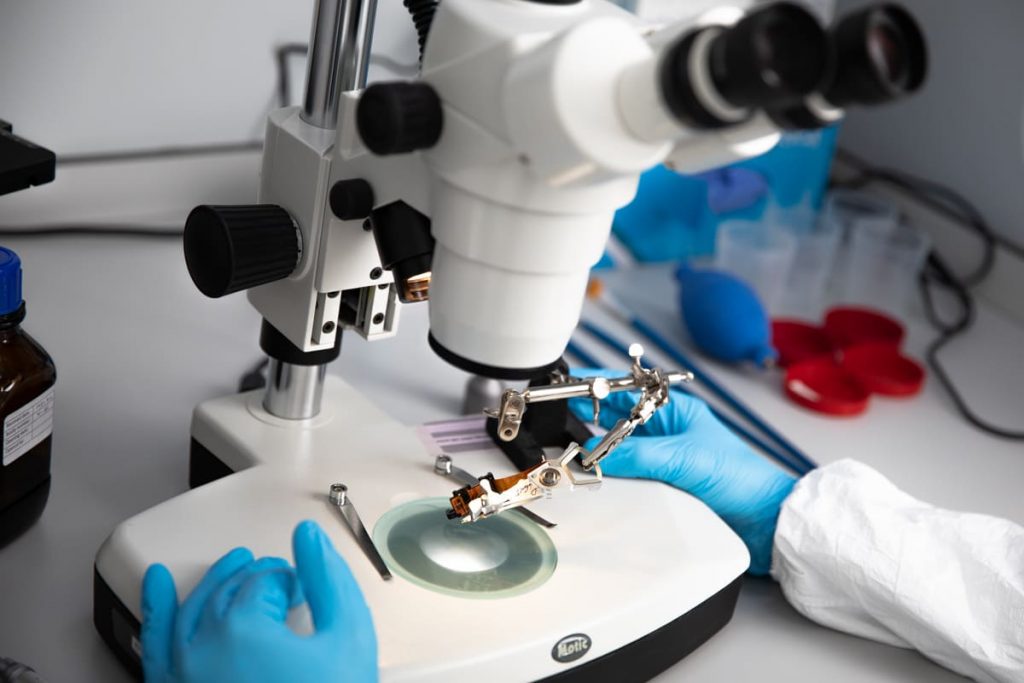
The two failed drives required head replacements, which were completed using compatible donor parts in our ISO Certified Class 10 cleanroom.
All drives were imaged bit by bit using advanced tools designed to work around read errors and unstable sectors. The resulting images were then reviewed together to map the original BeyondRAID layout.
Since Drobo does not disclose its storage architecture, our engineers reconstructed the volume by reverse engineering the data structure, supported by custom software and extensive RAID recovery experience.
Fast turnaround times for business-critical data
Drobo 5N2 Data Extraction and Rebuild
Using the completed disk images and our knowledge of BeyondRAID’s redundancy and distribution model, our engineers:
Recreated the data layout within a virtual RAID environment
Identified the underlying file system, which in this case was EXT4
Recovered the full volume structure, including directories, metadata, and ACLs
The extracted data set included:
Adobe project files
RAW video and photography assets
Client databases and spreadsheets
Versioned working documents and archived material
Quality Assurance and Final Delivery
With the file structure fully rebuilt, our team carried out comprehensive quality checks, including:
Validating file integrity across all key formats
Manually opening and reviewing critical project files
Comparing restored data against client provided file lists
A remote verification session was then arranged, during which the client confirmed that all essential data had been successfully recovered.
The completed data set was transferred to a new enterprise grade external hard drive and returned to the client through a secure delivery process. All restored data was permanently removed from our systems once the handover was complete.
Recovery Summary
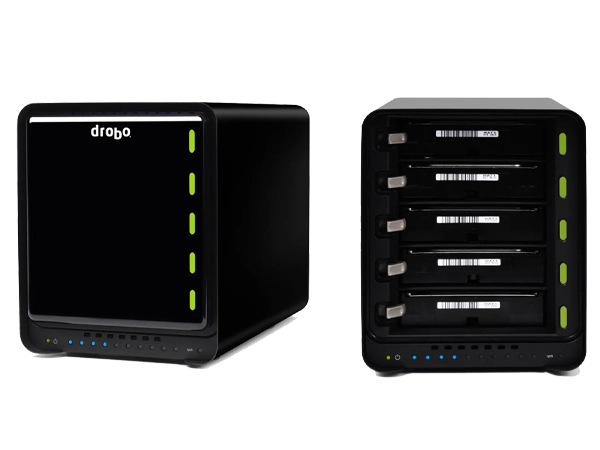
Device: Drobo 5N2 NAS
Drives: Five total (two failed, one degraded, two healthy)
Redundancy Setting: Dual disk protection
Result: 98.7 percent data recovery
Turnaround: Five business days via expedited service
Why Drobo Recovery Requires Specialised Expertise
Drobo systems operate very differently from traditional RAID arrays. Their closed and dynamic architecture means:
Standard RAID recovery utilities are ineffective
Healthy drives cannot be read without a functioning Drobo chassis
Specialist reverse engineering is often required to rebuild the volume
At RAID Recovery Services, we maintain an extensive library of Drobo units and use custom built tools designed to interpret and reconstruct BeyondRAID volumes directly from raw disk images.
Protecting Data on Drobo Devices
To minimise the risk of irreversible data loss:
Always enable dual disk redundancy
Avoid mixing failing and new drives unless a rebuild will begin immediately
Back up Drobo volumes to an external location because Drobo itself is not a backup
Replace a failing drive as soon as alerts appear
Do not start forced rebuilds if more than one drive is reporting problems
Rebuilding a Drobo or RAID array without specialist guidance can lead to permanent data loss. You can learn more about the potential consequences by reviewing our article on the risks of RAID rebuilds.
Trust the experts with proven results
Need Help with Drobo 5N2 or BeyondRAID Recovery?
If your Drobo 5N2, 5D3, or 8D has failed or become inaccessible due to multiple drive issues, our specialists can provide a risk free assessment and advise on the safest recovery approach.
We deliver emergency recovery services and operate with strict data security, full confidentiality, and a commitment to reliable customer support.