
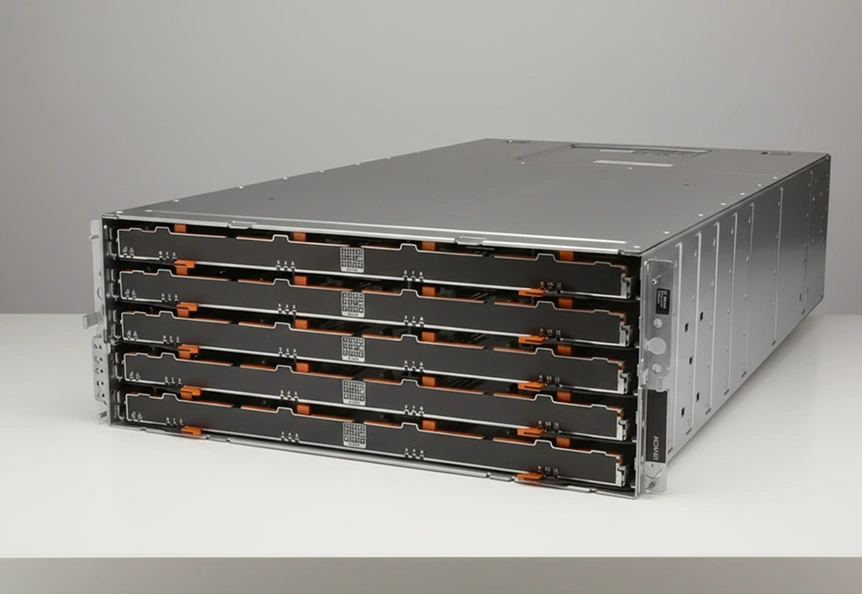
A multinational financial corporation began experiencing severe instability on its Dell EMC PowerVault MD3460, the core storage system for transaction records and customer data. Access slowed to a crawl, error messages escalated, and drives reported failures in rapid succession.
With operations at risk and data integrity in question, the company turned to RAID Recovery Services to assess the damage, stabilize the environment, and determine how much of the affected information could be saved.
Incident Background and Impact Assessment
The client used a Dell EMC PowerVault MD3460 as a primary storage platform for:
High volume transaction records
Customer account information
Core financial reporting data
Over a short period, the system began to show escalating symptoms:
Sluggish, unresponsive access to critical files
Intermittent data inaccessibility during peak hours
Unusual mechanical noises from the drive shelves
Frequent error messages indicating drive failures and possible data corruption
These indicators pointed to progressive multi drive failure within a complex RAID environment, consistent with patterns seen in enterprise incidents where multiple disks degrade in parallel.
To understand similar patterns, many organizations learn more about RAID hard drive failure behavior in advance of an outage using dedicated technical resources.
Key Diagnostic Findings
Our engineers performed a structured diagnostic of the Dell EMC PowerVault MD3460, focusing on hardware health, RAID integrity, and data accessibility.
These results confirmed a complex multi drive failure within the RAID group, where a standard rebuild attempt would have posed a serious risk of permanent data loss.
Organizations facing similar conditions often review guidance on RAID rebuild data loss risks to plan a controlled response instead of attempting ad hoc fixes.
Step by Step Recovery Workflow
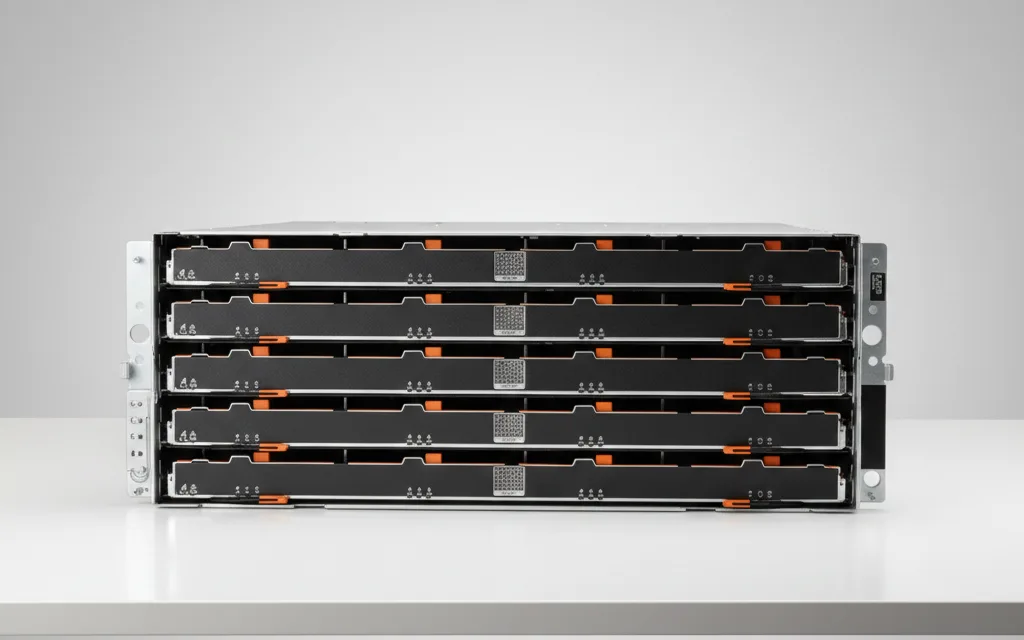
Our team followed a controlled, structured workflow to stabilize the environment and protect remaining data.
Documented system layout, virtual disk configuration, and pool assignments.
Collected logs, error events, and prior intervention attempts from the client.
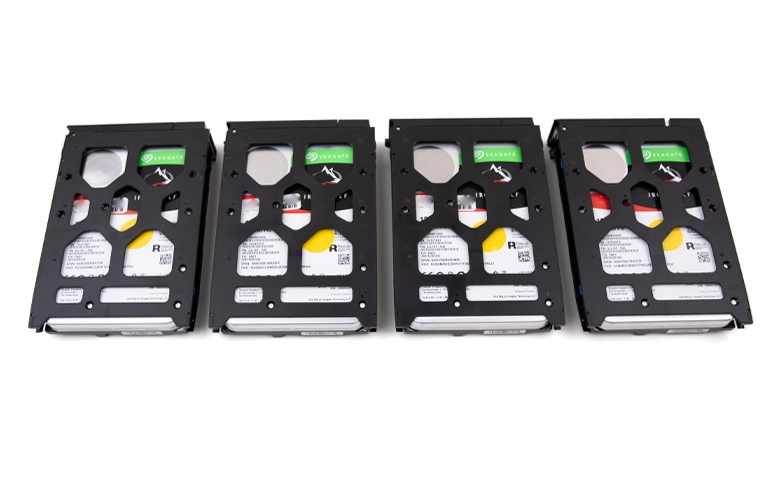
Tested each drive outside the array on dedicated lab equipment.
Identified failing and marginal drives, then created sector level images where possible.
Prioritized imaging of the most unstable drives to capture data before further degradation.
Recreated the original RAID layout virtually from disk images.
Validated stripe order, parity rotation, and block size against metadata and log evidence.
Aligned this approach with best practices used for complex enterprise RAID configurations, similar to those described in our guidance on RAID configurations for servers.
Mounted the reconstructed volumes in a read only mode.
Extracted database files, transaction data sets, and user directories to a secure recovery platform.
Performed targeted repairs on damaged file system structures where feasible.
Ran consistency checks on recovered data sets.
Prepared structured exports so the client’s internal teams could validate and reintegrate data into their production systems.
Critical Handling Advisory
If several drives show errors, do not run rebuilds or repair tools on the array. This can overwrite readable sectors and make recovery impossible. Power the system down, record the configuration, and engage a professional recovery team to work from drive images instead of the live hardware.
Fast turnaround times for business-critical data
Final Recovery Outcomes
The engagement resulted in a stable, production ready dataset that the client could confidently reintegrate into its environment.
Approximately 98 percent of critical information was restored, including transaction and ledger records, customer account data, and core financial reporting sets.
Before delivery, key databases underwent consistency checks and sample queries were executed in a controlled environment to verify integrity and usability.
The recovered data was then provided on encrypted media with a clear, documented structure, enabling the client’s IT and compliance teams to bring systems back online with minimal friction.
Strategic Takeaways for Preventing Future Data Loss
To strengthen surveillance continuity and reduce the risk of similar failures, organizations should consider the following measures:
Strengthen monitoring and alerting
Track SMART status, latency, and error rates with clear escalation rules so storage issues are addressed before they become outages. For wider continuity planning, learn more in our overview of business data recovery.
Treat backup as a separate resilience layer
Maintain both local and offsite or cloud backups, and test restores regularly to confirm that data can be recovered when primary storage fails. For modern backup patterns, see server cloud backup.
Adopt proactive drive lifecycle management
Replace drives based on age, workload profile, and early warning signs rather than waiting for hard failures, and review firmware and configurations as part of regular maintenance.
Trust the experts with proven results
Frequently Asked Questions
What typically causes multiple drive failures in a Dell EMC PowerVault MD3460?
Common triggers include aging drives, sustained heavy workloads, vibration, thermal issues, and previously degraded disks that were not replaced in time.
Is it safe to start a rebuild when several drives show errors?
No. Starting a rebuild on an unstable set can push marginal drives over the edge and permanently corrupt data that is still readable.
How long does enterprise RAID data recovery usually take?
Timeframes vary by damage level and array size, but complex multi drive cases often require several days of diagnostic, imaging, and reconstruction work.
Can all financial databases and records be fully restored?
Not always. Recovery success depends on drive condition and the extent of corruption. However, a controlled lab process usually restores a significant portion of critical datasets.
What should an IT team do immediately after detecting this kind of failure?
Stop non essential activity on the array, capture logs and configuration details, avoid rebuild attempts, and engage a professional recovery provider as soon as possible.