
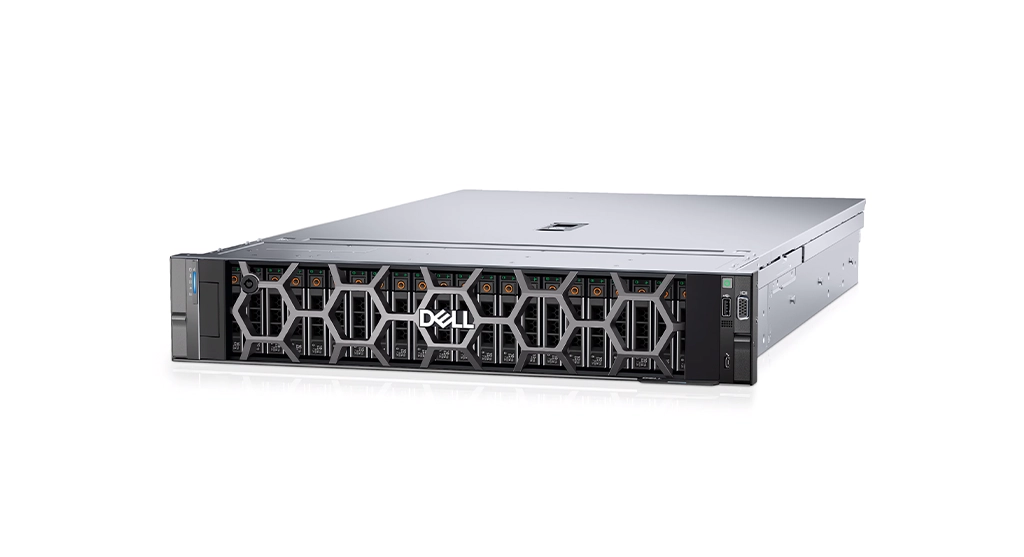
A global technology corporation experienced a critical failure on its Dell PowerEdge R740 server, which hosted a large RAID 5 storage array containing around 48 terabytes of sensitive enterprise data.
Multiple drives reported faults, and the array collapsed, taking core research, intellectual property, and operational datasets offline.
With firmware corruption and physical damage complicating the situation, the company engaged RAID Recovery Services to evaluate the incident and determine a safe path toward data restoration.
Incident Background and Impact Assessment
The affected system was a Dell PowerEdge R740 configured with a RAID 5 array holding approximately 48 TB of enterprise data, including research assets, IP, customer records, and internal communication archives. Operations depended on this platform for day to day activity across multiple regions.
Over time, the server presented escalating symptoms:
Degraded performance and slower response times
Intermittent access issues on critical datasets
RAID alerts indicating drive instability and faults
Eventually, two drives failed within the RAID 5 set. The array collapsed and data became inaccessible.
This pattern is consistent with multi drive incidents described in broader analyses of RAID data loss causes, where aging or unstable disks undermine redundancy and lead to sudden outages.
To learn more about why arrays fail under load, read more about common RAID data loss reasons.
Key Diagnostic Findings
Our specialists performed a structured diagnostic on the Dell PowerEdge R740 and its RAID 5 array.
These results confirmed a complex multi drive failure where a normal controller level rebuild would almost certainly result in permanent data loss.
In similar situations, organizations are advised to review best practices for handling failed RAID rebuilds before making changes on production systems.
To explore these risks in more detail, learn more about RAID rebuild data loss risks.
Step by Step Recovery Workflow
Our team followed a controlled, multi stage workflow to protect the remaining data and rebuild the array safely.
The Dell PowerEdge R740 was taken out of production. RAID configuration, controller settings, and log data were documented in detail for reference during reconstruction.
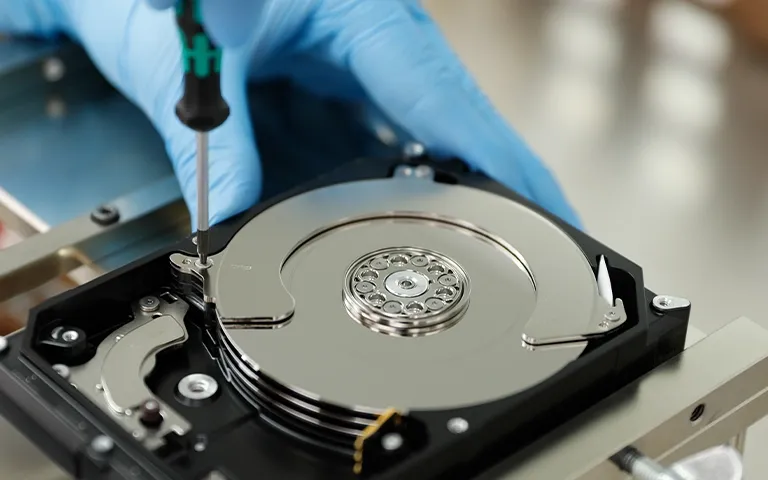
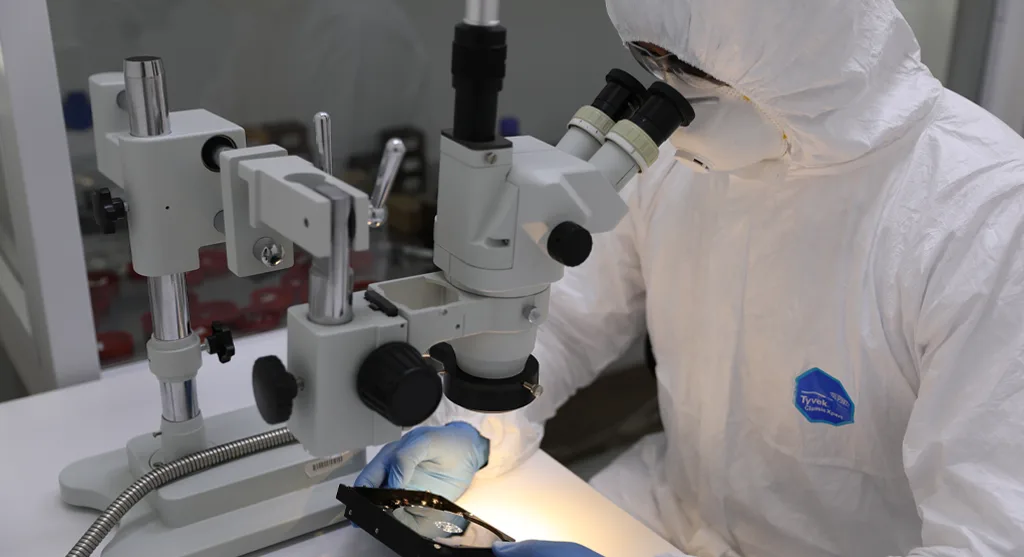
The drive with physical head damage was opened in a Class 10 cleanroom. Damaged read/write heads were replaced with compatible donor parts to restore temporary read access.
The drives affected by firmware corruption were processed with specialized in house tools, restoring access to user areas and service zones so they could be imaged reliably.
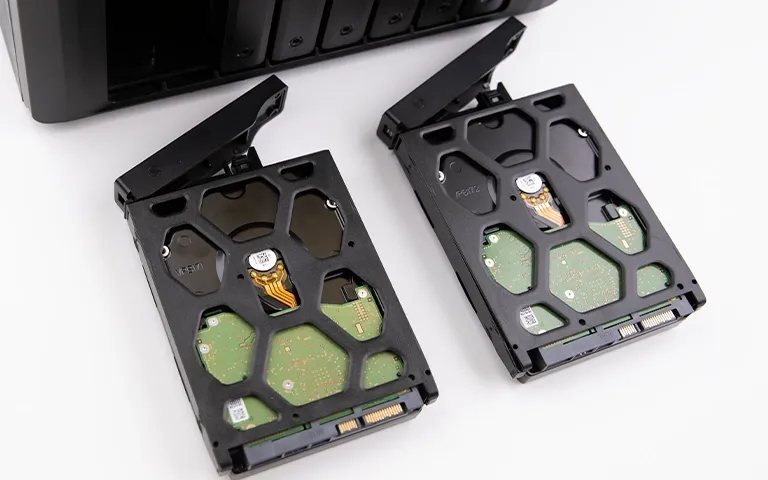
Each drive in the RAID set, including marginal ones, was cloned sector by sector to new media. All subsequent work was performed on the clones, not the original disks.
Using the cloned drives, engineers reconstructed the RAID 5 set in a controlled lab environment. Stripe order, parity distribution, and block size were validated against known RAID configuration patterns used in enterprise servers.
For context on how such layouts are typically designed, you can read more about RAID configurations for servers.
Once the virtual array was stable, volumes were mounted read only and prepared for data extraction and integrity checks.
Critical Handling Advisory
When multiple drives fail in a RAID 5 set, do not attempt a controller level rebuild or force disks online. These actions can overwrite remaining good data. Power the server down, record the configuration, and let a specialist team work from forensic images instead.
Fast turnaround times for business-critical data
Final Recovery Outcomes
The reconstructed RAID 5 array provided stable, read only access to the client’s data, allowing a controlled extraction of information from the virtualized Dell PowerEdge R740 environment.
Our team verified that core datasets, including proprietary research, intellectual property, customer databases, and internal communications, were accessible and structurally intact.
Overall, approximately 98 percent of the targeted data was recovered. Before delivery, critical volumes and directories were validated through checksum comparisons and sample application level tests.
The recovered data was then transferred to secure replacement storage with clear documentation of structure and contents, enabling the client’s IT teams to reintegrate systems with minimal disruption.
Strategic Takeaways for Enterprise RAID Environments
RAID is not backup: RAID keeps systems online, but it does not replace independent backups. For a clear breakdown, read more on RAID is not backup.
Backups must be testable, not just configured: Use both on premise and offsite or cloud backups, and run regular restore tests. For modern offsite options, see server cloud backup.
Act early on drive health warnings: Monitor SMART data and error rates, and replace suspect drives before they fail in groups.
Keep RAID configuration well documented: Record controller settings, RAID levels, stripe sizes, and drive order so recovery teams can reconstruct arrays accurately after a failure.
Trust the experts with proven results
Frequently Asked Questions
What caused the RAID 5 array to fail on the Dell PowerEdge R740?
The primary cause was multiple drive failures in the RAID 5 set, driven by firmware corruption and physical damage on at least one disk. RAID 5 can tolerate only a single drive failure, so the second failure led to a full array collapse.
Can a RAID 5 array be recovered after two drives fail?
In many cases, yes. If enough data can be imaged from the failed and marginal drives, specialists can often reconstruct the RAID virtually and recover a significant portion of the data.
Why is firmware corruption such a serious problem for recovery?
Firmware issues prevent the drive from presenting user data correctly, even when the media is intact. Without specialized tools, the disk may appear dead or inaccessible, blocking standard recovery attempts.
Is it safe to try a rebuild from the Dell controller after multiple drives fail?
No. A controller level rebuild with unstable or corrupted drives can overwrite remaining good data and reduce the chances of a successful lab recovery.
How long does a case like this typically take to process?
Timeframes depend on array size, drive condition, and complexity, but multi drive, firmware related recoveries often require several days to complete diagnostics, imaging, reconstruction, and validation.