Common Lenovo Storage Failures We Recover
Lenovo RAID systems can fail during rebuilds, drive swaps, or unexpected shutdowns. Below are common issues our engineers successfully recover from.
- RAID group shows as offline or degraded in XClarity or ServeRAID utility
- Rebuild process fails to complete or leads to lost logical volumes
- Drives drop out unexpectedly during synchronization or initialization
- Controller battery or firmware crash interrupts array access
- Configuration corruption after improper shutdown or power surge
- Storage pool goes missing after replacing or expanding disks
- DE Series or ThinkSystem SAN reports unrecognized drives
No matter how complex the failure, our experts can often fully recover Lenovo RAID data when handled correctly.
Our Expertise in Lenovo Data Recovery
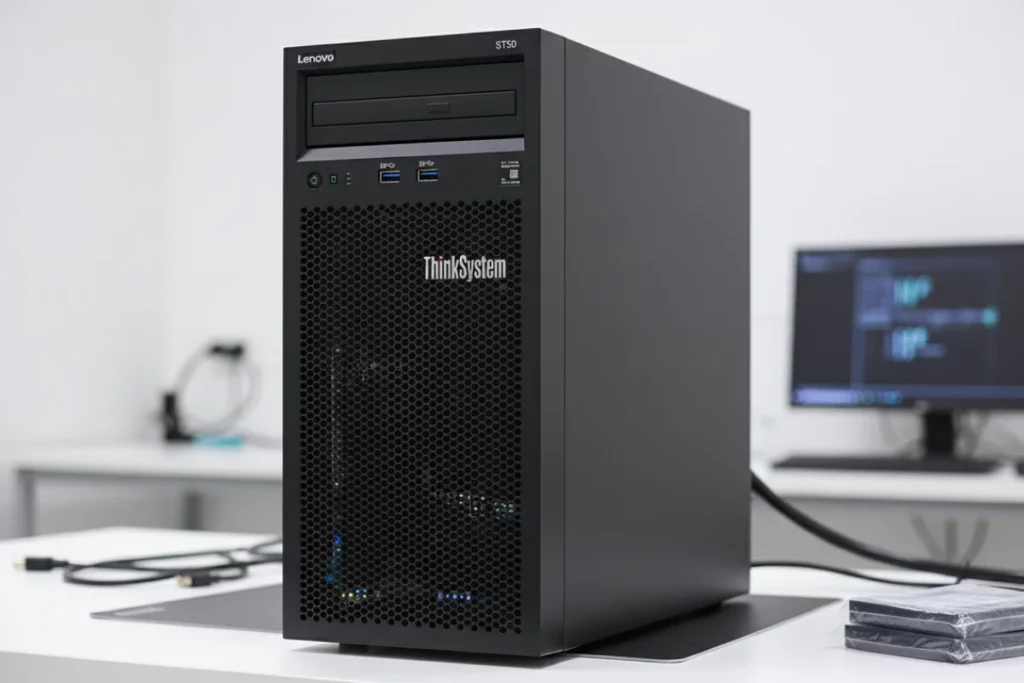
Our engineers have extensive experience recovering data from Lenovo ThinkSystem, ThinkServer, and DE Series environments. We handle all Lenovo RAID configurations with precision to ensure safe and reliable results.
What We Recover:
Supported Systems
ThinkSystem, ThinkServer, DE Series, and legacy ServeRAID-based arrays
RAID Levels
RAID 0, 1, 5, 6, 10, 50, and 60
Environments
VMware, Windows Server, Linux, and Hyper-V
Data Types
LUNs, volumes, virtual disks, and snapshots
Recovery is possible even when the Lenovo RAID array will not mount or volumes have disappeared.
What to Avoid After Lenovo RAID Failure
- Do not force a rebuild or reinitialize the array in Lenovo XClarity or ServeRAID utilities.
- Avoid swapping or reseating drives randomly to restore access.
- Do not restart the server repeatedly after the array goes offline.
- Avoid clearing configurations or attempting manual imports.
- Do not run repair utilities or disk scans on affected volumes.
Following these steps helps preserve the original data structure and ensures a higher chance of successful Lenovo RAID recovery.