
RAID systems are widely regarded for their reliability and redundancy, helping businesses protect critical data against single drive failures.
However, even well designed arrays are not immune to problems. When multiple drives fail or a rebuild is carried out incorrectly, the risk of serious data loss increases significantly.
RAID hard drive failure can disrupt workflows, cause costly downtime, and put valuable business information at risk. Understanding why these failures occur and how recovery works is essential for minimising damage and restoring operations quickly.
This guide outlines the main causes of RAID hard drive failure and explains how professional business data recovery services can help you restore your data safely.
Understanding RAID Systems and Their Vulnerabilities
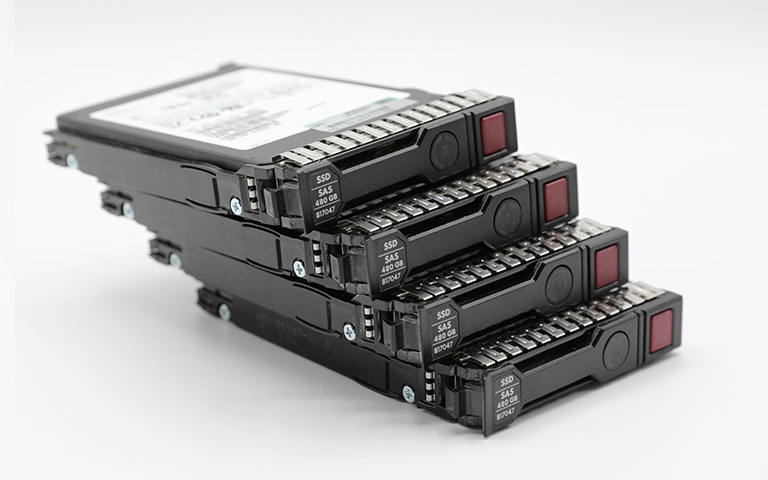
RAID, short for Redundant Array of Independent Disks, combines multiple drives to improve performance and provide a degree of data protection through redundancy.
Different RAID levels use their own configurations to balance speed, usable capacity, and fault tolerance.
Although RAID reduces the impact of a single drive failure, it does not make your data completely secure. Arrays can still fail as a result of hardware damage, controller faults, or multiple drives developing issues at the same time. Incorrect rebuild attempts can also compromise data integrity and make recovery more complex.
To see how reliability varies between configurations, take a look at our detailed analysis on RAID failure rate.
Common Causes of RAID Hard Drive Failure
RAID systems can fail for a range of physical and logical reasons. Recognising these risks early helps you act before a RAID hard drive failure results in complete data loss.
Mechanical wear and tear:
Traditional hard drives contain moving components that deteriorate over time, leading to bad sectors, read or write errors, and eventual failure.Power surges and controller damage:
Sudden voltage spikes or a faulty RAID controller can corrupt data and interrupt communication between drives, causing instability across the array.Overheating:
Insufficient cooling, blocked airflow, or sustained heavy workloads can cause thermal stress and permanent damage, shortening the lifespan of each drive.Rebuild or synchronisation errors:
Incorrect rebuild procedures or software faults during synchronisation can overwrite valid data or corrupt the file system, making recovery more difficult.Multiple drive failure:
If two or more drives fail within a short period, the array can exceed its fault tolerance and become completely inaccessible.
You can learn more about the underlying factors behind RAID data problems in our post on reasons for RAID data loss.
Warning Signs of RAID Array Problems
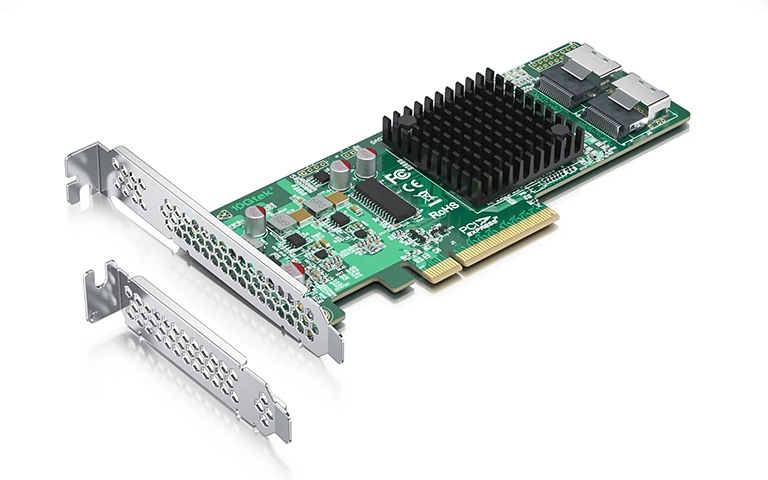
Spotting early indications of RAID hard drive failure can help you avoid complete data loss. Common warning signs include:
Degraded or missing drives:
Your RAID management tool reports one or more drives as “degraded” or “offline”.Unusual noises or delays:
Clicking, grinding, or buzzing sounds can indicate mechanical damage inside a drive.Slow file access:
Read and write speeds drop noticeably, even when the system is under a light workload.Frequent rebuild failures:
Rebuild processes stop unexpectedly, take far longer than usual, or fail to complete.Inaccessible volumes:
The RAID array no longer mounts correctly or disappears from the operating system.
If you notice any of these symptoms, stop using the system and act quickly to reduce the risk of permanent data loss.
What to Do After RAID Failure
When a RAID array fails, prompt and controlled action can be the difference between a successful recovery and permanent data loss.
First, stop using the array immediately. Continuing to operate the system can overwrite critical data and aggravate any mechanical or logical damage.
Avoid starting rebuilds or running generic recovery software unless you fully understand the cause of the failure. Uninformed attempts often make professional RAID hard drive failure recovery far more complex.
Note any error messages, alerts, or unusual behaviour you observe, and then power the system down and disconnect the affected drives safely.
For step by step guidance on handling early RAID issues, visit our post on Troubleshoot RAID Failure.
A professional evaluation ensures that recovery can begin in a safe, controlled environment and gives you the best chance of restoring your data.
Fast turnaround times for business-critical data
Professional RAID Data Recovery Process
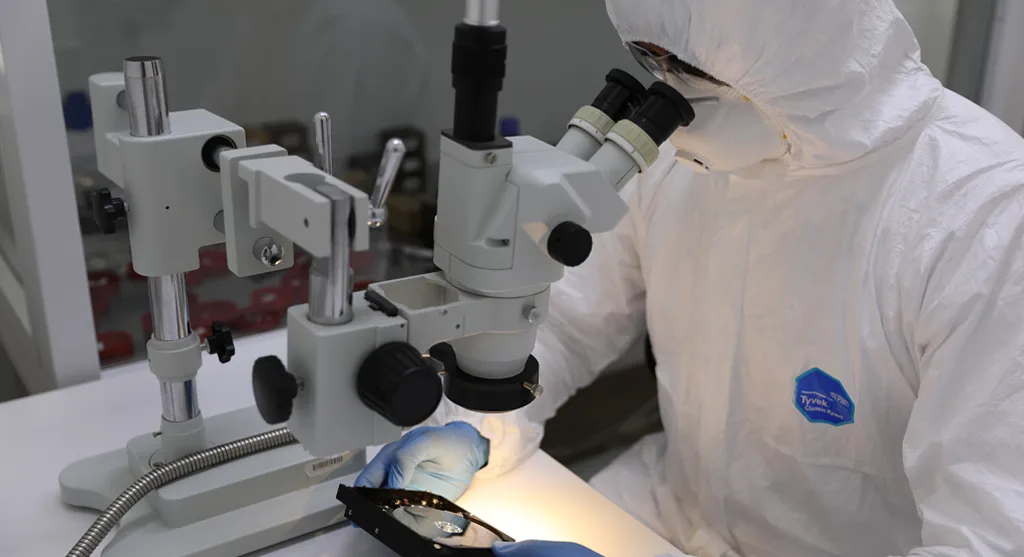
Recovering data from a failed RAID array requires specialist tools, experienced engineers, and controlled laboratory conditions. At RAID Recovery Services, our team follows a defined process to manage RAID hard drive failure safely and thoroughly.
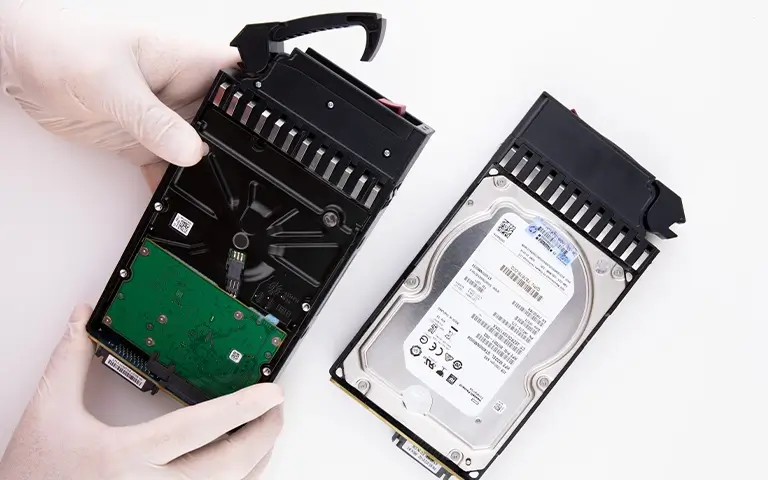
The work begins with a detailed evaluation to identify the cause of the failure. Any damaged drives are carefully inspected and imaged in a controlled environment to prevent further deterioration.
Once disk images have been created, technicians rebuild the RAID configuration virtually to reconstruct the original data layout and restore stable access to the files.
Attempting to rebuild the array manually can easily lead to data overwriting or corruption. You can learn more about these risks in our guide on RAID rebuild data loss risks.
Preventing Future RAID Drive Failures
Although RAID provides redundancy, proactive maintenance is essential if you want to keep your systems stable and avoid unexpected RAID hard drive failure. The following measures can help reduce future risks:
Monitor drive health regularly:
Use SMART diagnostics and monitoring software to detect early signs of degradation, bad sectors, or rising error rates.Replace ageing drives promptly:
Do not wait for a complete failure. Plan replacements for drives that are reaching end of life or showing repeated warnings.Maintain proper cooling:
Ensure consistent airflow and adequate temperature control within your server rack or chassis to prevent overheating and thermal stress.Use power protection:
Install an uninterruptible power supply (UPS) and suitable surge protection to guard against voltage spikes and sudden power cuts.Choose the right RAID configuration:
Select a RAID level that aligns with your performance, capacity, and redundancy requirements rather than relying on a single, default setup.
Trust the experts with proven results
Conclusion: Restoring Reliability After RAID Drive Failure
RAID systems are designed to improve resilience, but no configuration is completely immune to failure. Understanding the causes of RAID hard drive failure, recognising early warning signs, and reacting quickly can make the difference between a successful recovery and permanent data loss.
When a failure does occur, professional support is the safest route. At RAID Recovery Services, our engineers use detailed diagnostics and proven recovery techniques to restore data from damaged or degraded arrays with precision and control.
By combining regular maintenance, proactive monitoring, and a well planned backup strategy, you can keep your RAID environment reliable and ensure that critical business information remains protected in the long term.
Frequently Asked Questions
What is RAID and how does it work?
RAID consolidates multiple drives into a single logical storage pool. Depending on the RAID level, it distributes data through mirroring, striping, or parity to enhance performance, capacity, or resilience.
Does RAID guarantee data protection?
No. RAID reduces the impact of hardware failures but does not protect against file corruption, malware, or accidental deletion. It is not a replacement for a structured backup strategy.
What are the main causes of RAID failure?
Common causes include mechanical drive wear, controller faults, power issues, thermal stress, and unsuccessful rebuild attempts.
What should I do immediately after a RAID failure?
Cease all activity. Power down the system, maintain the drive order, document any error messages or symptoms, and avoid rebuild attempts that could overwrite critical metadata. Seek professional recovery support promptly.
Can data be recovered after a RAID failure?
Yes. Specialist recovery teams can image each drive in a controlled environment, reconstruct the RAID parameters, and extract data without escalating the damage.