
Modern businesses and home users generate huge volumes of data every day. Keeping this information stored and shared securely is an ongoing challenge. Traditional storage devices often fall short when teams need reliable, flexible access to their files.
Network Attached Storage (NAS) provides a more practical solution. It connects directly to your network, allowing multiple users to access and manage files from different devices. With the key benefits of NAS storage, you can centralise, protect and organise your data far more efficiently.
In this post, you will discover what NAS devices are, the main benefits of NAS storage, and why they have become a vital part of modern data management.
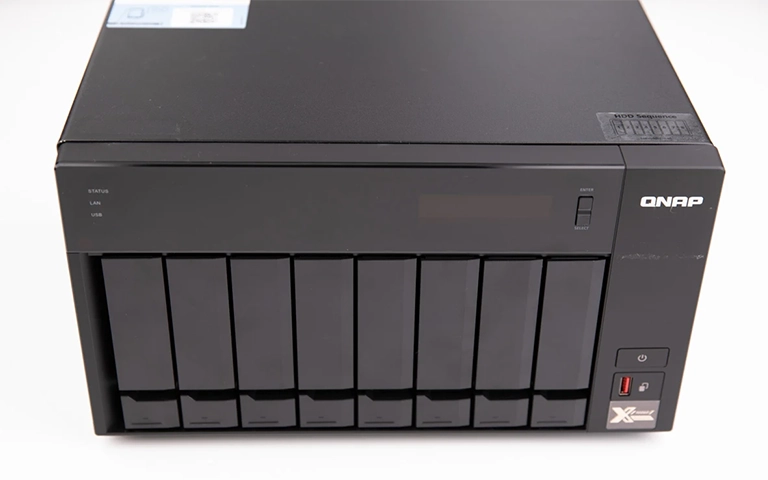
What Is a NAS Device?
A Network Attached Storage (NAS) device is a dedicated storage system that sits on your network. Unlike a standard external drive that plugs into a single computer, a NAS allows multiple users and devices to access files at the same time.
It works much like a private cloud within your office or home network. You can store, share and back up files without relying on third party, internet based storage platforms.
Most NAS systems use multiple hard drives configured in RAID to improve both resilience and performance.
For anyone who needs secure, centralised storage that is always available and straightforward to manage, the benefits of NAS storage make it an excellent choice.
Core Advantages of NAS Devices
NAS devices deliver a range of benefits that make them a dependable option for both home and business environments:
Centralised data access: Keep all your files in one shared location and access them from any authorised device on the network.
Improved data protection: Most NAS systems support RAID configurations, helping protect your data if a drive fails.
Scalability: Increase your storage capacity easily by adding additional drives as your data requirements grow.
Remote accessibility: Reach your files securely over the internet, giving you cloud style access without handing data to third party platforms.
Energy efficiency: NAS units typically consume less power than traditional servers, which helps reduce operating costs over time.
Automated backups: Schedule regular backups so critical data is protected without relying on manual processes.
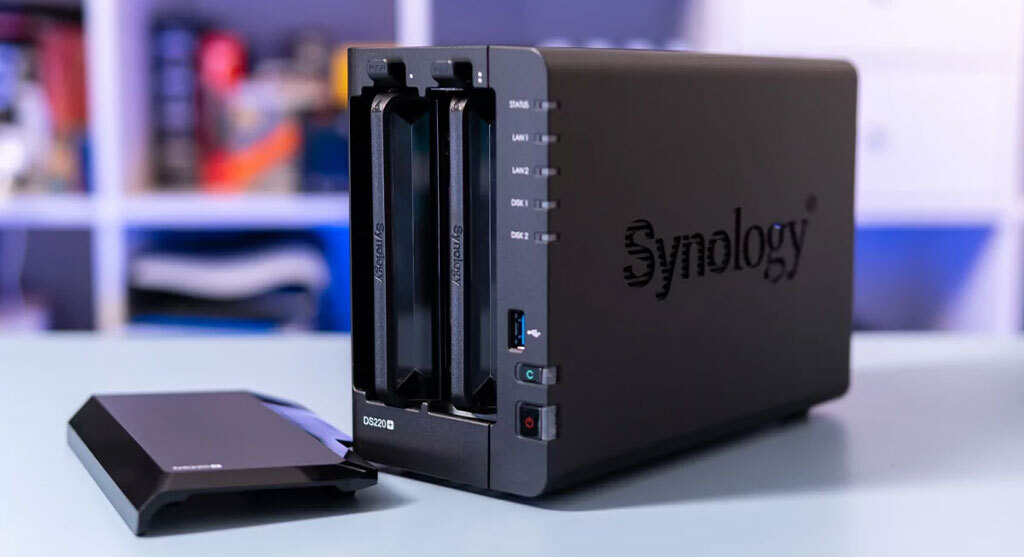
NAS for Businesses and Teams
For businesses, a NAS system streamlines file sharing and collaboration. Teams can work from the same set of data across multiple devices without delays or duplicate copies. This improves workflow, reduces confusion and keeps files organised in a single, secure location.
One of the key benefits of NAS storage for organisations is automated backup. Regular, scheduled backups help reduce the risk of data loss caused by hardware failure, accidental deletion or human error.
Many NAS models also include advanced features such as user permissions, version control and cloud synchronisation, making them suitable for both small offices and larger enterprises.
If you are comparing storage options for your team, take a look at our guide on QNAP vs Synology for a closer look at the leading NAS brands.
Fast turnaround times for business-critical data
NAS vs Regular External Drives
While both NAS systems and external drives are used for storing data, the way they work is very different.
A standard external hard drive connects directly to a single computer, so only one user can access it at a time.
A NAS device sits on your network instead, which allows multiple users to read and write files at the same time from different devices.
With RAID options, the benefits of NAS storage include stronger redundancy if a drive fails, along with far better scope for scaling your capacity. A typical external drive does not offer the same level of protection or flexibility.
If you would like a deeper technical breakdown, read our full comparison in NAS Hard Drive vs Regular Drive.
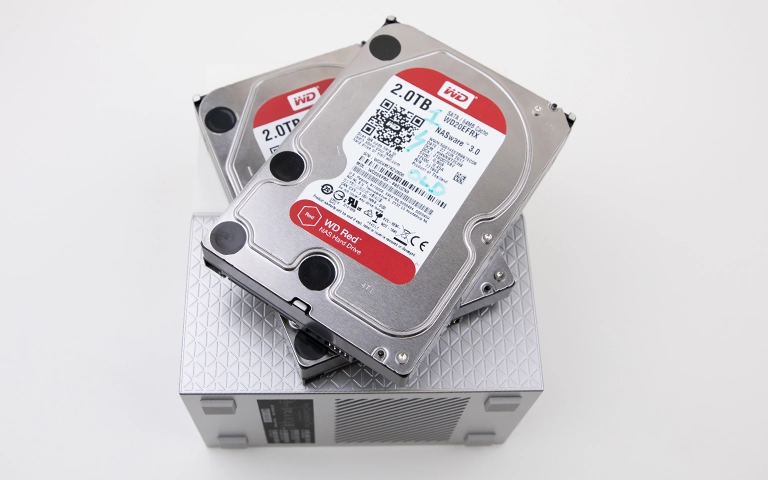
Common NAS Data Risks and Failures
Although NAS devices are generally reliable, they are not immune to data loss. Some of the most common risks include:
Drive failures: A single disk failure in a RAID set can lead to partial or complete data loss if it is not identified and replaced in time.
Power surges or outages: Sudden loss of power or unstable electricity can damage drives or leave you with corrupted files.
RAID corruption: Misconfigured arrays, rebuild errors or controller faults can leave the NAS volume unreadable.
Firmware or software issues: Outdated firmware, failed updates or system crashes may prevent the NAS from starting correctly.
User errors: Accidental deletions, incorrect reconfiguration or factory resets carried out without a backup often result in lost data.
If you have already experienced one of these problems, learn how professional recovery works in our post on NAS Failure and Recovery.
Professional NAS Data Recovery Services
When a NAS device fails, trying to rebuild or repair it yourself can easily make the situation worse. The safest way to avoid permanent data loss is to have the system assessed by a professional data recovery team.
At RAID Recovery Services, we specialise in recovering data from all major NAS brands and RAID configurations. Our engineers work in certified cleanroom facilities, where they can accurately diagnose mechanical, electronic and logical faults.
Whether your NAS has suffered a drive failure, firmware issue or controller fault, our team can recover your data in a controlled, secure and efficient manner, so you can get back to using the full benefits of NAS storage.
For a real world example of what is possible, take a look at our NAS Data Recovery service.

Conclusion: Reliable and Scalable Storage Choice
NAS devices provide a practical balance of flexibility, security and performance. The key benefits of NAS storage include centralised access to your files, automated backup routines and scalable capacity that can support both home users and growing businesses.
Although NAS systems are generally dependable, failures can still occur due to hardware faults, configuration issues or software problems. Understanding these risks and knowing when to involve a specialist helps protect your data and reduces the chance of permanent loss.
If you experience NAS failure or lose access to critical files, contact RAID Recovery Services. Our specialists can assess the system, identify the root cause and recover your data with a controlled, methodical approach.
Trust the experts with proven results
Frequently Asked Questions
What is the main advantage of using a NAS device?
The main advantage of a NAS device is centralised storage. It allows multiple users to access, share and back up data over the network, which improves efficiency and team collaboration.
Is NAS better than an external hard drive?
Yes, in most shared environments. NAS devices provide multi user access, RAID protection and room to scale as your data grows, which standard external hard drives do not. They are particularly suited to businesses or teams handling large volumes of data.
Can NAS devices protect data from drive failure?
Most NAS systems use RAID configurations that mirror or distribute data across several drives. This helps maintain data integrity if a single drive fails, although you should still keep separate backups for full protection.
Who should use a NAS device?
NAS is ideal for small businesses, offices and home users who need secure, centralised file access. It is especially useful for organisations that work with sensitive information or frequently shared project files.
What should I do if my NAS device fails or data becomes inaccessible?
Power the device down and avoid further attempts to rebuild or repair it yourself. Contact RAID Recovery Services for a professional evaluation. Our engineers specialise in NAS data recovery and can work to restore your files safely.