
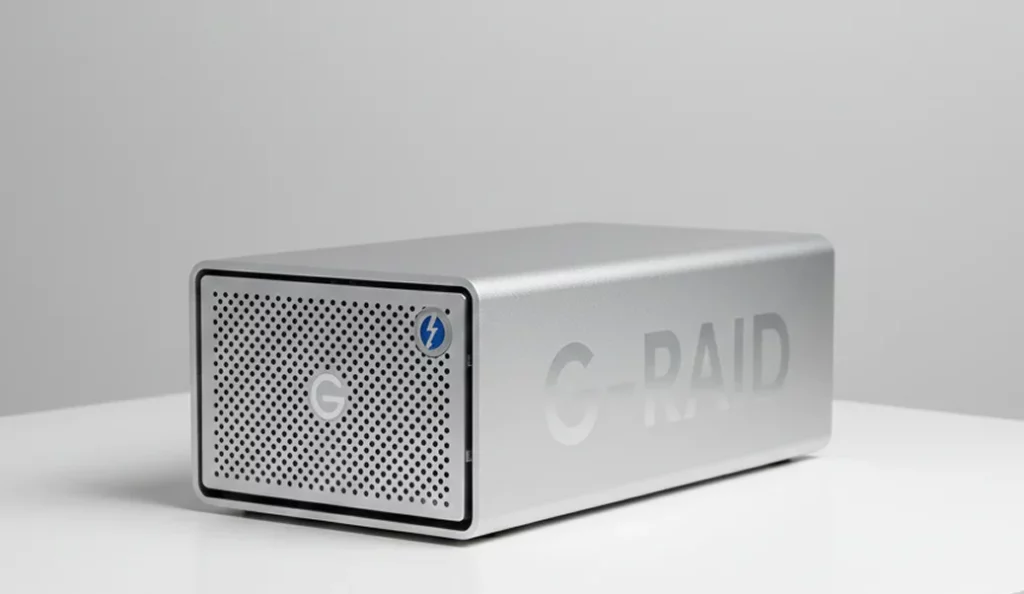
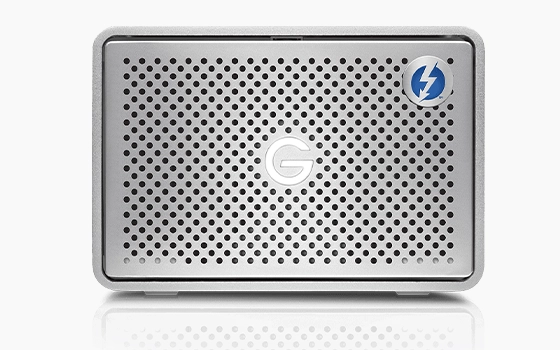
A G RAID 2 device configured in RAID 0 suffered extensive data loss after a batch of files was accidentally deleted during a routine system check.
The array held day to day operational documents, compliance records, and key project materials.
Our engineers preserved the original disks, carried out controlled imaging, and applied targeted reconstruction workflows. All deleted data was successfully recovered and verified as usable.
Initial Situation and Data Loss Context
The client unintentionally deleted a substantial volume of operational and compliance related data stored on a G RAID 2 configured in RAID 0. Key factors included:
Accidental deletion during a routine system review
Critical business files, project materials, and records becoming inaccessible
The client contacting our team immediately to avoid further data loss
Increased risk due to the RAID 0 configuration offering no redundancy
For similar situations in RAID environments, you can learn more in our RAID 0 recovery overview.
Technical Diagnostic Findings
The diagnostic phase confirmed widespread accidental deletion across the RAID 0 volume and highlighted the risks of continuing to use the system in its current state. Key findings are summarised below.
To explore how RAID systems behave during failure events, you can learn more by reviewing our RAID troubleshooting guidance.
Structured Recovery Workflow
Our team executed a focused five step workflow to secure the RAID 0 environment and recover all deleted data.
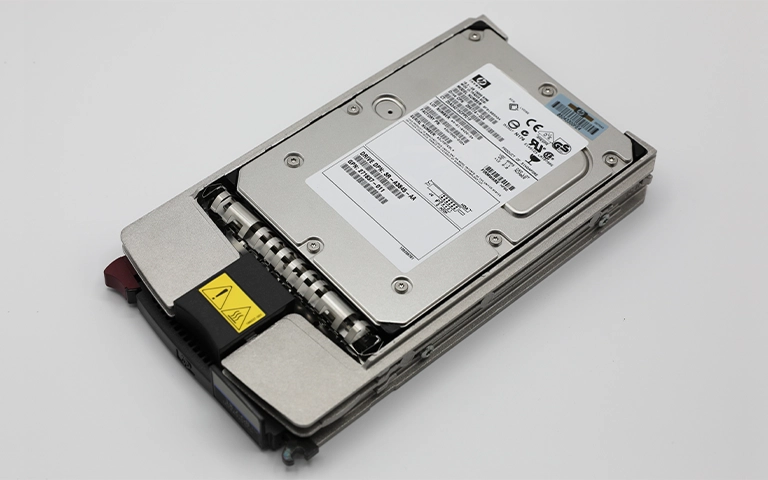
Both drives were removed from service, write protected, and secured to prevent any new activity that could overwrite deleted file remnants.
Each disk in the RAID 0 set was imaged sector by sector to dedicated lab storage, creating complete clones for all further recovery work.
Using the drive images, engineers rebuilt the original RAID 0 layout virtually, confirming stripe size, disk order, and alignment to mirror the live configuration.
File system metadata was analysed to map deleted entries, identify recoverable structures, and locate regions where directory and allocation records could be reconstructed.
Deleted files were recovered from the virtual array and validated through sample opens, checksum checks, and spot testing to ensure data integrity and usability.
Important Note
Any activity on a RAID 0 array after an incident can cause permanent data loss. Power the system down immediately and avoid any rebuild or repair attempts.
For guidance on handling similar cases, explore our article on RAID failure rate to learn more.
Fast turnaround times for business-critical data
Final Recovery Outcomes
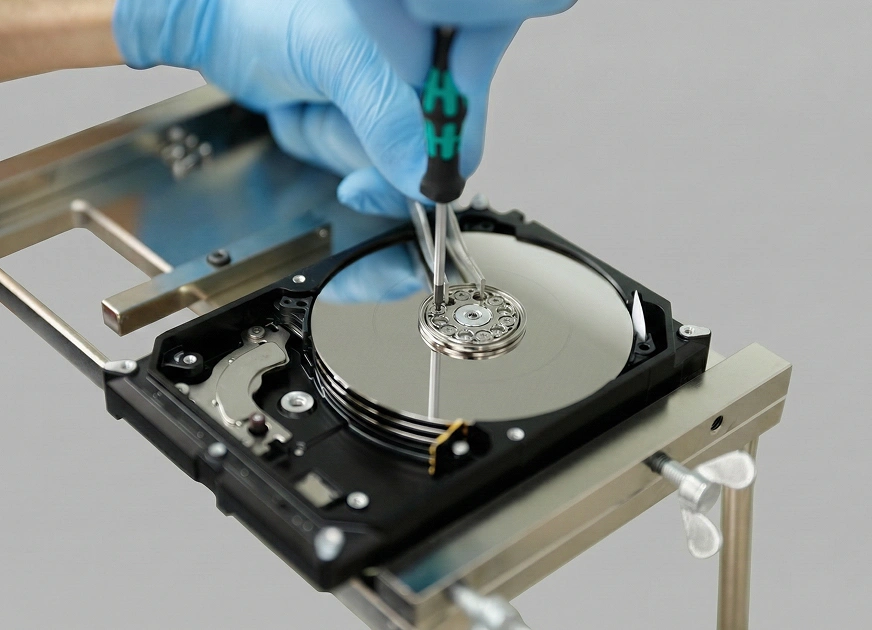
Our engineers achieved a full restoration of the client’s deleted data while preserving the integrity of the original drives throughout.
Delivered results:
All deleted operational files, compliance documents, and project materials were successfully restored
Recovered data was validated through file integrity checks and verification of directory structures
The client received the completed dataset on a secure external drive for immediate use
Original drives remained untouched during the process, ensuring full forensic preservation
Strategic Takeaways for Preventing Future Data Loss
RAID 0 offers zero fault tolerance and should never be deployed without a robust secondary backup strategy in place.
Accidental deletion on striped arrays is highly volatile, as any new write operation can permanently overwrite sectors that still contain recoverable data.
Imaging the drives first is essential to preserve the remaining data footprint before any reconstruction or file system work is attempted.
Consistent monitoring and clear documentation of system changes help identify issues earlier and reduce the complexity and cost of recovery.
Well defined user access controls and operational checks can significantly lower the risk of accidental deletion in production environments.
Trust the experts with proven results
Frequently Asked Questions
Can deleted files be recovered from a RAID 0 array?
Yes, provided no new data has been written to the array. The deleted sectors must remain intact for a successful recovery, so powering down quickly is critical.
Does RAID 0 offer any protection against data loss?
No. RAID 0 is designed purely for performance. Any deletion or drive fault can result in immediate and widespread data loss.
Is it safe to run rebuild or repair tools after accidental deletion?
No. RAID 0 cannot be rebuilt in the traditional sense. Any attempt to rebuild, reinitialise, or repair the array will overwrite sectors that may still contain recoverable data.
Why is imaging important in RAID 0 recovery cases?
Imaging creates exact sector level copies of each disk and protects the original drives from further wear or accidental overwrites, which is essential for a successful RAID 0 recovery.
What should I do immediately after accidental deletion on RAID 0?
Power the device down immediately and avoid all further activity. Continued use rapidly reduces the likelihood of a successful professional recovery.