
When you are responsible for maintaining mission-critical business systems, it becomes clear that not every hard drive serves the same purpose. Some are intended for day-to-day personal use, while others are engineered to support continuous data access, intensive workloads, and long periods of uninterrupted operation.
These are known as enterprise hard drives, and they underpin the storage platforms that keep organisations functioning.
But what truly separates an enterprise hard drive from a standard consumer model?
And why can these drives still experience failures that trigger costly downtime and specialist data recovery, even with their more resilient build?
Below, we examine how enterprise drives operate, what differentiates them, and how professionals restore data when something goes wrong.
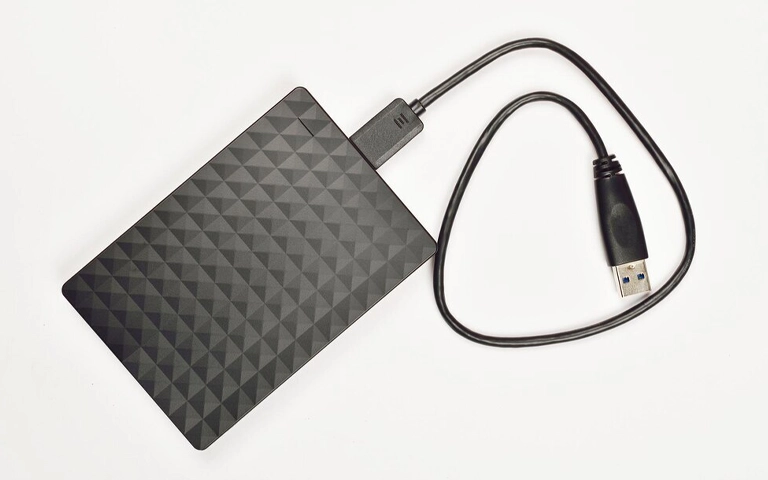
The Role of Enterprise Hard Drives
Enterprise hard drives are built to deliver high reliability and consistent performance in environments where systems cannot stop. They are widely used in data centres, servers, and RAID configurations where even short periods of downtime can interrupt operations or create financial risk.
These drives are engineered to process large data volumes, run continuously, and maintain stable read and write speeds. Their components are more robust than those found in standard desktop drives, enabling them to handle demanding workloads and reducing the likelihood of failure during long-term use.
However, no storage device is entirely immune to faults. Power fluctuations, thermal issues, or RAID controller failures can render enterprise systems inaccessible and lead to data loss.
When this happens, specialist engineers use targeted diagnostic tools and controlled recovery methods to rebuild damaged configurations and restore essential data.
At RAID Recovery Services, we specialise in recovering data from enterprise-grade drives deployed in advanced server and storage infrastructures, helping organisations reduce downtime and protect critical information.
What Defines an Enterprise Hard Drive
An enterprise hard drive is built for higher endurance and stability than a standard desktop drive. It is intended for 24/7 use in demanding environments such as servers, storage arrays, and data centres.
Key characteristics include:
Higher workload rating: Handles very high annual read and write volumes without major performance loss.
Advanced error correction: Firmware and sensors detect and correct errors quickly, helping prevent data corruption.
Vibration control: Multiple sensors limit vibration in multi-drive systems, supporting consistent performance.
RAID-focused design: Optimised to stay in sync and maintain throughput in large RAID arrays.
Extended lifespan: Higher MTBF and duty cycles support long-term, intensive use.
These features make enterprise hard drives a more reliable choice for organisations that depend on constant access to critical data.
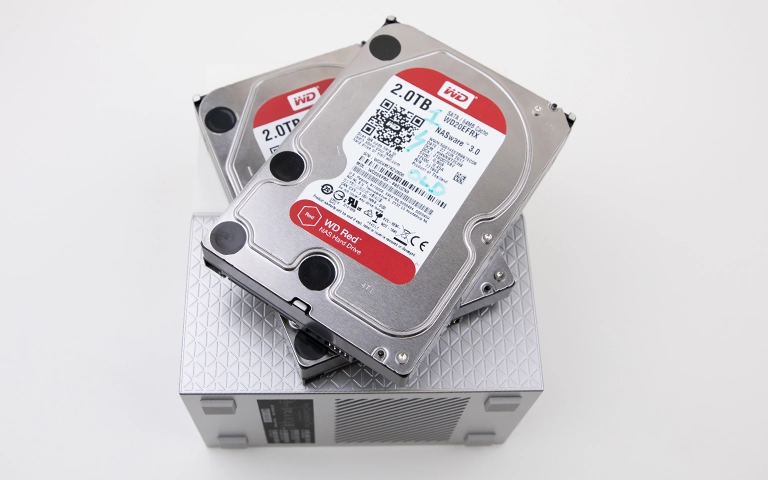
Enterprise HDD vs Desktop HDD – Key Differences
While desktop hard drives are intended for everyday personal or office use, enterprise drives are built for sustained performance, reliability, and endurance under continuous load.
The table below outlines the main differences between the two:
These distinctions explain why enterprise drives are critical in professional and hosted environments. They help maintain continuous performance and safeguard data where unplanned downtime is simply not an option.
However, even with these advantages, enterprise drives can still fail due to power issues, controller faults, or long-term wear. When this happens, specialist data recovery is often the only safe way to restore inaccessible enterprise data.
Why Enterprise Drives Are Used in RAID Systems
Enterprise hard drives are well suited to RAID configurations because they provide durability, accuracy, and consistent performance under sustained workloads. Their firmware supports precise synchronisation between drives, which helps reduce rebuild errors and limits downtime.
These drives are also designed to tolerate vibration, heat, and continuous 24/7 operation, making them a reliable choice for servers and data centres.
Even so, the most advanced RAID setups can still fail due to power problems, controller faults, or gradual drive wear. When this occurs, professional data recovery is essential to rebuild the array correctly and restore critical data without increasing the risk of permanent loss.
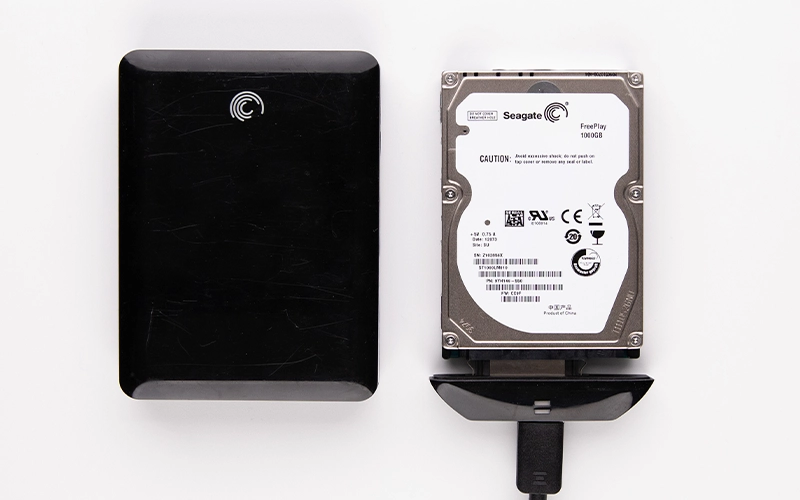
Common Causes of Enterprise Hard Drive Failure
Enterprise hard drives are more robust than desktop models, but they still fail. Continuous use, heat, and ageing hardware can all lead to slow performance, read errors, or sudden data loss.
Typical causes include:
Mechanical wear: Moving parts such as heads and platters wear out over time.
Overheating: Poor airflow or heavy workloads raise internal temperatures and damage components.
Power surges: Voltage spikes can burn electronics or corrupt stored data.
Controller issues: RAID controller faults can take multiple drives offline or mark arrays as failed.
Firmware problems: Corrupted or incomplete firmware updates can leave a drive unreadable.
Physical shock or vibration: Impact or persistent vibration can disrupt internal alignment.
When these problems occur, data on enterprise drives may become inaccessible and attempts to force access can make the situation worse.
In such cases, advanced imaging and RAID reconstruction carried out by specialists in a controlled environment offers the best chance of recovery.
See our guidance on data loss prevention.
Fast turnaround times for business-critical data
How Enterprise Hard Drive Recovery Works
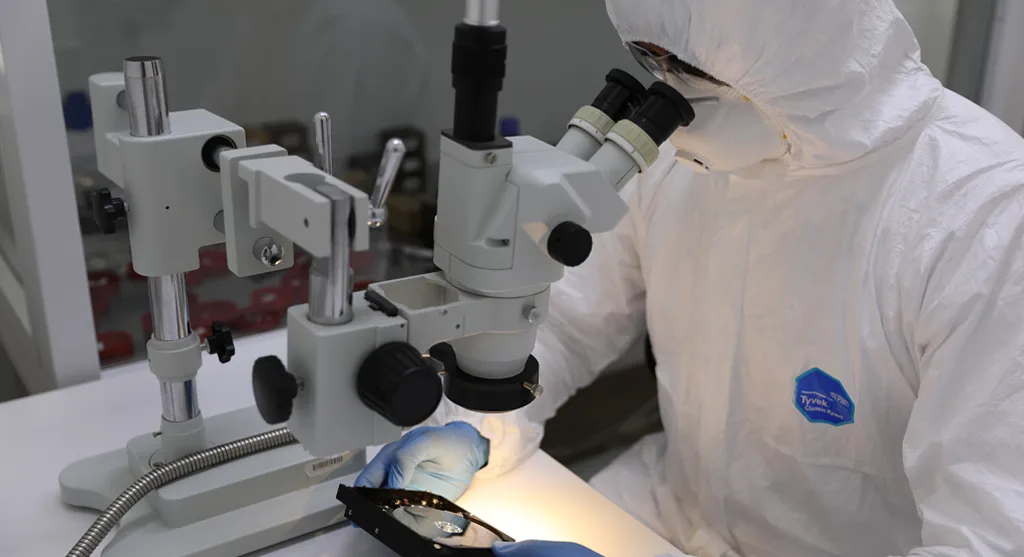
Recovering data from enterprise hard drives requires specialised equipment and controlled handling. Because these drives are frequently part of RAID arrays or production servers, every step of the process must be carried out carefully to avoid further damage or data corruption.
The recovery workflow typically involves several key stages:
Initial diagnostics: Engineers evaluate the condition of each drive, identifying physical, logical, or firmware-related faults.
Drive imaging: Each disk is cloned using sector-by-sector imaging tools to capture all readable data and protect the original media from additional stress.
Repair and stabilisation: Where necessary, components such as read/write heads or PCBs are repaired or replaced in a cleanroom environment to restore drive operability for imaging.
RAID reconstruction: If the drives belong to a RAID array, the original RAID layout is reconstructed using precise parameters so that the data structure can be rebuilt accurately.
Data extraction and verification: Once the array or drive image is restored, files are extracted, checked for integrity, and then transferred to secure storage for return to the client.
At RAID Recovery Services, our engineers follow defined recovery procedures to maintain data integrity at every stage of this process.
Whether the issue involves a single enterprise drive or a large multi-drive RAID system, each case is handled with the same level of precision, security, and confidentiality.
Preventing Data Loss in Enterprise Environments
Monitor drive health regularly. Use monitoring tools that track temperature, read/write errors, SMART status, and performance metrics.
Maintain effective cooling and stable power. Consistent temperature control and clean, conditioned power help reduce stress on drive electronics and mechanics.
Schedule regular backups. Maintain independent backups of critical data, stored offsite or in secure cloud infrastructure.
Replace ageing drives proactively. Plan lifecycle replacement for drives approaching their expected service life, rather than waiting for failure.
Test RAID rebuild procedures. Validate that your restore and rebuild processes work correctly before a real incident occurs.
Conclusion: Reliable Drives Still Need Reliable Recovery
Enterprise hard drives are designed for endurance, accuracy, and continuous operation, but no storage device is completely immune to failure. Power problems, controller faults, and long-term wear can still result in data loss, even in well maintained, high-spec environments.
Deploying enterprise drives in RAID configurations adds resilience but does not remove the need for a robust backup strategy. The most effective protection combines dependable hardware, proactive monitoring, tested backups, and access to professional recovery support when a failure occurs.
At RAID Recovery Services, we specialise in recovering data from enterprise-grade hard drives used in servers, RAID arrays, and large-scale storage platforms.
If your organisation experiences an unexpected failure, our team can assess the incident, rebuild the configuration, and restore your data in a controlled and secure manner.
Trust the experts with proven results
Frequently Asked Questions
What makes an enterprise hard drive different from a regular one?
Enterprise hard drives are built for continuous 24/7 use, higher workloads, and greater durability. They typically offer stronger vibration resistance, more advanced error correction, and longer service life than standard desktop drives.
Can enterprise hard drives still fail?
Yes. Even with higher build quality, enterprise drives can fail as a result of mechanical wear, overheating, power issues, or RAID controller faults. When this happens, professional data recovery is often required to restore information safely.
How are enterprise hard drives used in RAID systems?
Enterprise drives are widely used in RAID configurations because they synchronise accurately and cope well with intensive workloads. Their reliability helps to reduce unplanned downtime in servers and other business critical storage platforms.
What should I do if an enterprise hard drive fails?
Power down the affected system as soon as possible to avoid further damage or data overwriting. Do not attempt DIY repairs or array rebuilds. Instead, contact a professional data recovery provider for assessment and controlled recovery.
Does RAID Recovery Services recover data from enterprise drives?
Yes. RAID Recovery Services specialises in recovering data from failed enterprise hard drives, including those in complex RAID and server environments. Our engineers perform secure diagnostics and precise recovery procedures to protect data integrity.