
Selecting the correct number of drives for your RAID configuration is a strategic decision, not a minor technical detail. Drive count directly impacts total capacity, system performance and the level of data protection your environment can realistically deliver.
Each RAID level serves a distinct operational purpose. Some are engineered for speed and throughput, while others are designed to maximise redundancy and fault tolerance. Understanding the required drive count for each configuration enables more informed planning and prevents costly misalignment between performance expectations and system capability.
In this guide, we outline how many drives are required for each primary RAID configuration, from RAID 0 through to RAID 10, and clarify what level of performance and resilience you should expect from each setup.
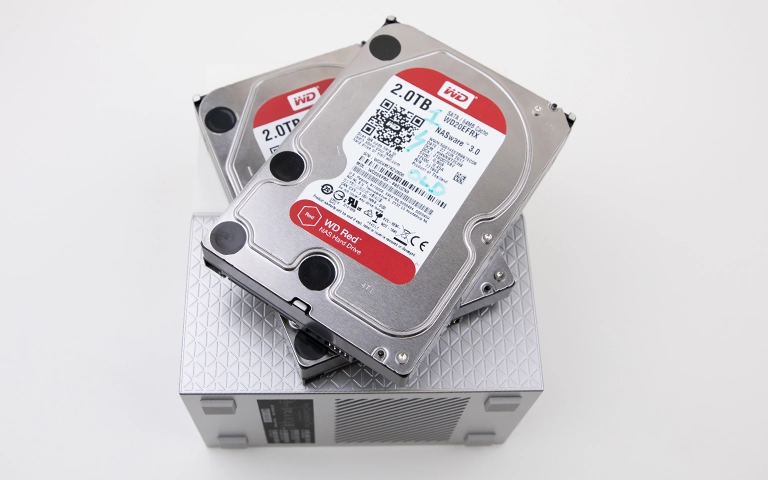
Understanding How RAID Configurations Work
RAID, or Redundant Array of Independent Disks, is a storage technology that combines multiple drives into a single logical unit. The primary objective is to improve performance, enhance reliability or deliver a combination of both, depending on the selected configuration.
Each RAID level applies a specific method for storing and protecting data, which directly influences how many drives are required.
Most RAID setups rely on three core techniques:
Striping: Distributes data across multiple drives to improve read and write performance.
Mirroring: Duplicates the same data across two or more drives to provide protection in case of failure.
Parity: Stores calculated information that allows data to be rebuilt if a drive stops working.
The balance between these approaches determines the number of drives your system needs and how resilient it will be against hardware failure.
To make informed decisions, review the different RAID types and their intended purposes before building your storage configuration.
RAID 0 – Speed Over Redundancy
RAID 0 is designed purely for performance. It distributes data evenly across multiple drives to deliver faster read and write speeds, making it suitable for tasks that require rapid data access.
However, it offers no data protection. If a single drive fails, all stored information is lost.
Minimum drives: 2
Purpose: Maximum speed with no fault tolerance
Storage efficiency: 100% with no redundancy
Best for: Gaming systems, temporary storage or large file transfers
Learn more about RAID 0 configuration and its typical use cases.
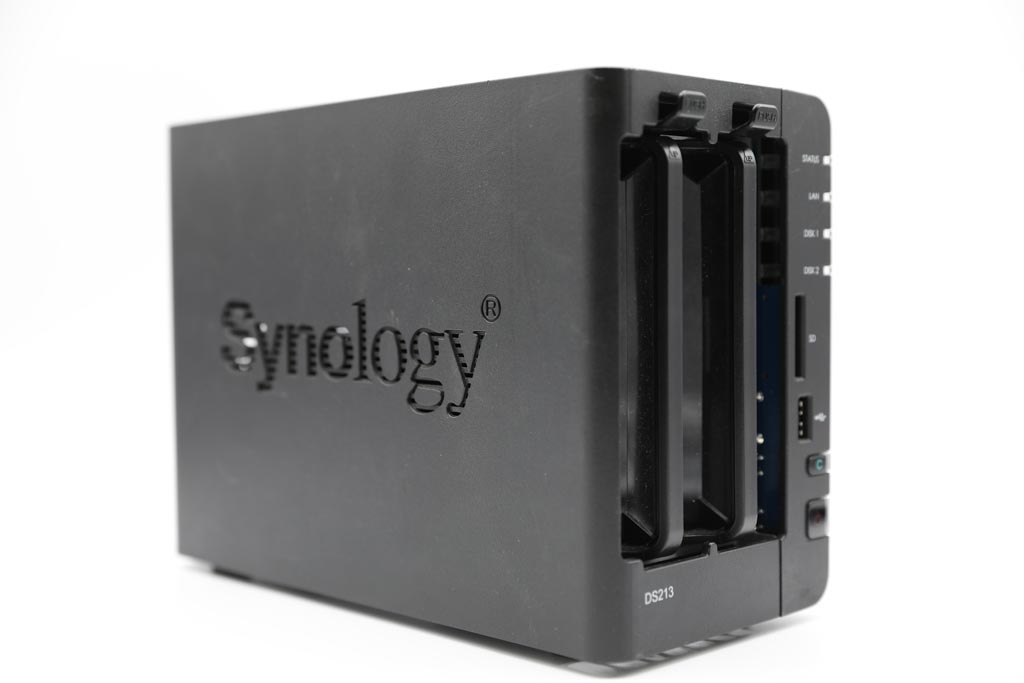
RAID 1 – Data Mirroring for Protection
RAID 1 is built for data protection through duplication. All data is written simultaneously to two or more drives, so if one drive fails, the other continues to hold a complete and usable copy. This configuration delivers strong reliability but reduces usable storage capacity.
Minimum drives: 2
Purpose: Full data redundancy through mirroring
Storage efficiency: 50%
Best for: Critical backups, small servers and sensitive business data
Read more about What is RAID 10 and how it safeguards your data.
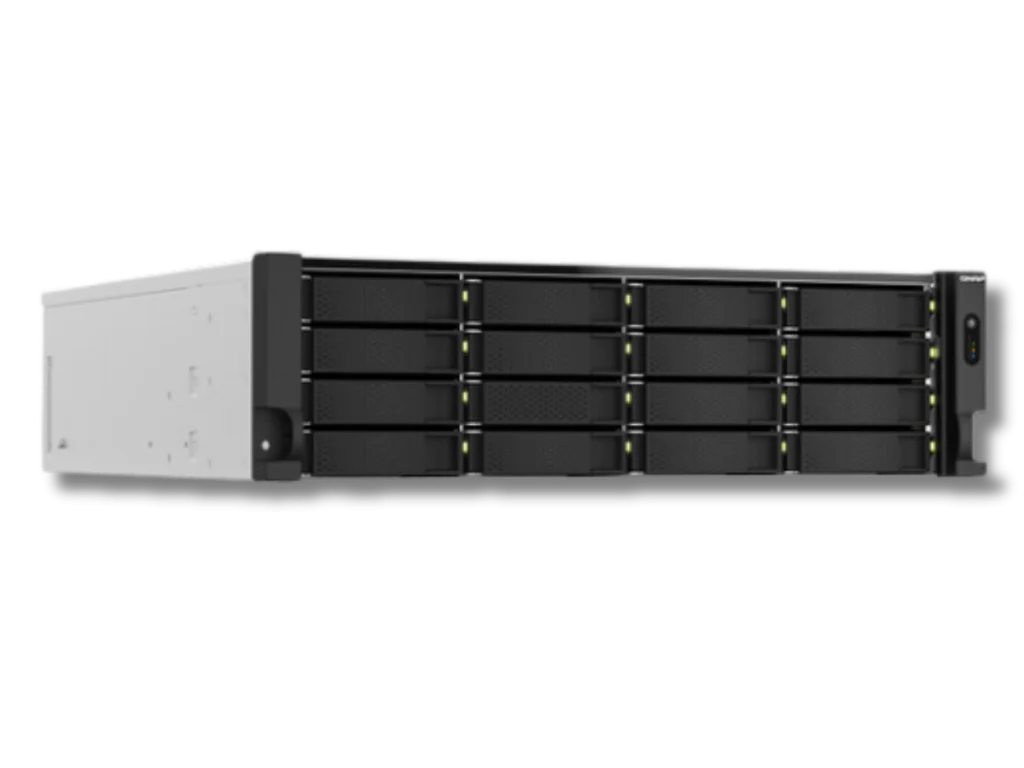
Fast turnaround times for business-critical data
RAID 5 – Balanced Performance and Redundancy
RAID 5 delivers a strong balance between speed, capacity and data protection. It distributes both data and parity across all drives, allowing the array to remain operational if a single drive fails. This makes RAID 5 one of the most widely used configurations for business servers and shared storage systems.
Minimum drives: 3
Purpose: Performance with single drive fault tolerance
Storage efficiency: (N-1)/N, where N represents the total number of drives
Best for: NAS environments, office servers and general purpose storage
To refine your selection, review the comparison between RAID 5 and RAID 6 to determine which configuration best aligns with your performance and protection requirements.
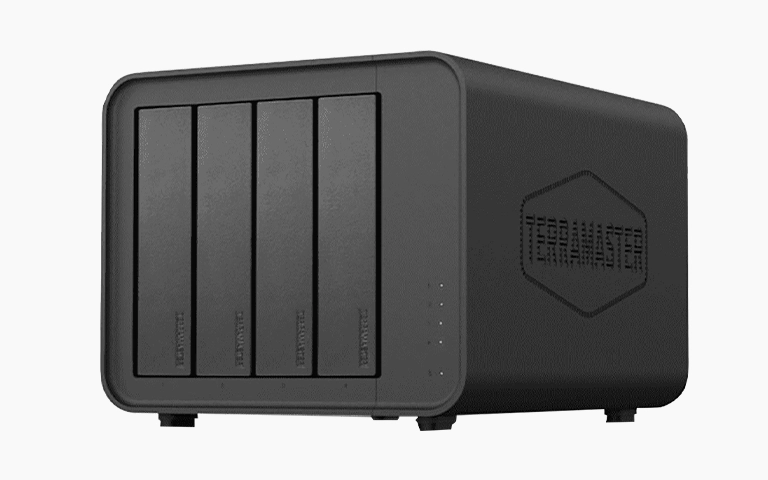
RAID 6 – Dual Parity for Extra Protection
RAID 6 extends the functionality of RAID 5 by adding a second layer of parity. This allows the array to remain operational even if two drives fail at the same time, offering a higher level of resilience for larger and more critical systems.
While write performance may be slightly reduced, the additional protection makes RAID 6 a dependable choice for environments where uptime is essential.
Minimum drives: 4
Purpose: Enhanced protection through dual parity
Fault tolerance: Supports up to two drive failures
Best for: Enterprise servers, backup arrays and long term data storage
Learn more about RAID 6 fault tolerance and how it helps secure critical systems against multiple drive failures.
RAID 10 – Combining Speed and Redundancy
RAID 10 combines the strengths of RAID 0 and RAID 1 by using both striping and mirroring. This configuration delivers high performance alongside robust data protection, making it one of the most reliable RAID options available. If a drive fails, its mirrored counterpart maintains full data integrity without significantly affecting performance.
Minimum drives: 4
Purpose: High performance with strong data protection
Fault tolerance: One drive per mirrored pair can fail without data loss
Best for: Databases, virtualised environments and high performance servers
Discover how RAID 10 delivers both speed and resilience for demanding workloads and critical operations.
Choosing the Right RAID Configuration
Selecting the appropriate RAID configuration depends on your performance objectives, storage requirements and tolerance for risk. RAID 0 prioritises speed without protection, while RAID 1 focuses on data safety through mirroring.
RAID 5 and RAID 6 offer a balance of capacity and fault tolerance, and RAID 10 provides a high performance solution with strong redundancy.
If your RAID array becomes degraded or inaccessible, avoid rebuild attempts or unplanned drive swaps. These actions can escalate the situation and reduce the chances of successful recovery.
Contact RAID Recovery Services instead. Our engineers can safely reconstruct the array, recover data from failed drives and restore full system access while maintaining the integrity of your storage environment.
Trust the experts with proven results
Frequently Asked Questions
How many drives are required for a RAID 0 setup?
RAID 0 requires a minimum of two drives. It delivers strong performance by striping data across disks but offers no redundancy. If one drive fails, all data within the array is lost.
What is the minimum number of drives for RAID 1?
RAID 1 needs at least two drives. Data is mirrored between them, providing full redundancy. If one drive fails, the second still holds an intact copy of the data.
How many drives do I need for RAID 5 and RAID 6?
RAID 5 requires a minimum of three drives and can tolerate a single drive failure. RAID 6 needs at least four drives and can withstand the failure of two drives at the same time, making it more suitable for larger arrays.
What is the minimum drive count for RAID 10?
RAID 10 combines striping and mirroring and requires at least four drives. It delivers both high performance and fault tolerance, making it ideal for databases and high demand systems.
Can I add more drives to my RAID later?
Some RAID controllers and NAS platforms support capacity expansion, but adding drives carries risk if not handled correctly. Always ensure you have a verified backup or consult RAID Recovery Services before attempting to expand your array.