
Network Attached Storage (NAS) systems have become a trusted way to store and share data across multiple users and devices.
Businesses rely on them for centralised access, secure backups and efficient collaboration. However, like any other storage system, NAS units are not immune to NAS data loss.
Hardware failure, accidental deletion or software corruption can make valuable information suddenly inaccessible.
When this happens, users sometimes attempt quick fixes that can make the situation worse. Understanding the common causes of NAS data loss helps you minimise downtime and recognise when it is time to involve a specialist.
At RAID Recovery Services, we specialise in restoring critical data from failed or damaged NAS devices so your systems can be recovered safely and your files remain protected.
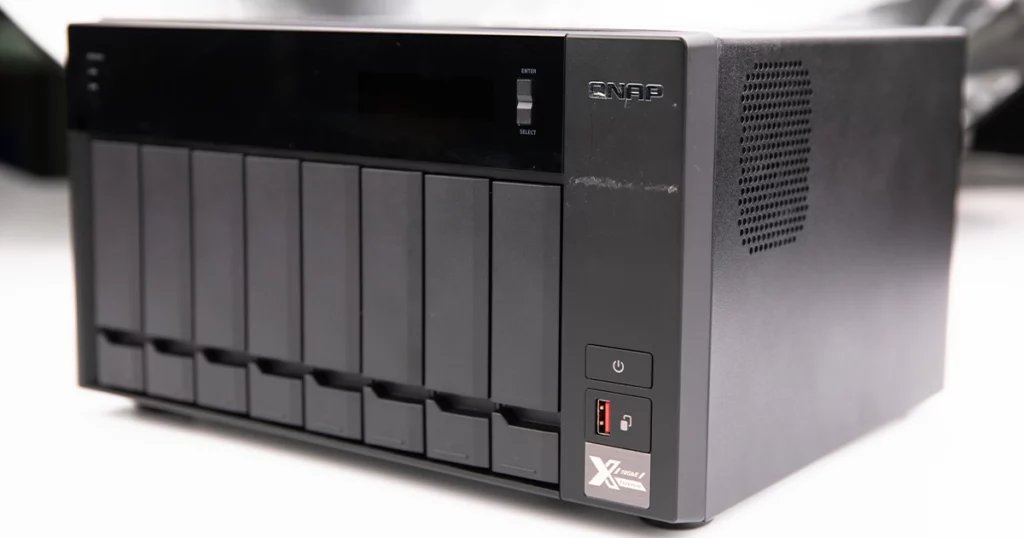
Hardware-Related Failures
Hardware issues are among the most common causes of NAS data loss. Even well-maintained systems can fail because of worn components or electrical problems. Typical hardware-related issues include:
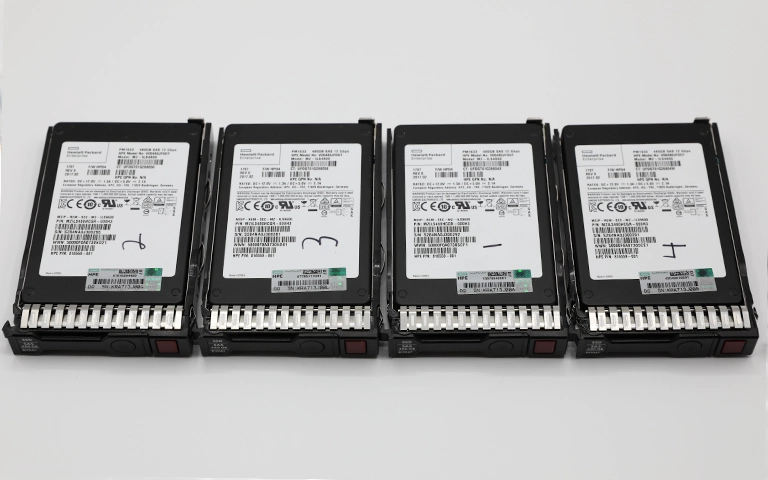
Hard drive failure: Over time, NAS drives can develop bad sectors, read/write head damage or motor problems. Once a drive begins to fail, it can corrupt data across the array.
Power surges or outages: Sudden changes in power can damage the NAS controller, power supply or drive electronics, leaving the whole array inaccessible.
Overheating: Poor airflow or constant heavy workload can cause drives to overheat, leading to physical damage or sudden shutdowns.
Controller board failure: A faulty RAID controller can interrupt communication between the drives and the operating system, often causing data loss or volume errors.
These hardware problems may seem random, but regular monitoring and prompt maintenance help prevent most failures. If your NAS suddenly shows offline, failed or degraded drives, stop using it and speak to a professional data recovery provider.
To explore how NAS drives differ from standard models, review our article NAS Hard Drive vs Regular Drive.
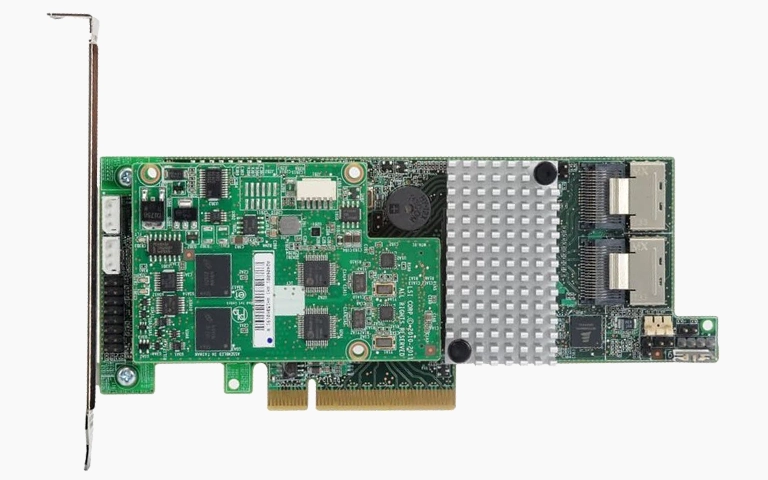
File System and Firmware Corruption
NAS devices rely on stable firmware and a healthy file system to organise and access stored data. When either becomes corrupted, files and folders may disappear or the NAS may fail to boot at all. Common causes include:
Improper shutdowns: Power loss during file transfers or updates can damage the file system or break directory structures on the NAS.
Firmware update errors: Interrupted or failed firmware updates can leave the system stuck in a boot loop or unable to mount volumes.
Software bugs: Outdated firmware or unstable releases may trigger data access errors, especially in more complex RAID setups.
File system damage: Bad sectors, unexpected reboots or system crashes can result in unreadable partitions and missing network shares.
Corruption at this level can make a NAS look empty even though the data is still stored on the drives. Trying to reformat, rebuild RAID or reinstall firmware at this stage can overwrite recoverable data.
If your NAS shows these symptoms, stop using it immediately and contact a specialist. At RAID Recovery Services, our engineers safely clone and rebuild affected NAS drives to restore data integrity without causing further damage.
Human Error and Accidental Deletion
Even the most advanced NAS systems cannot fully prevent mistakes made by users or administrators. Human error is one of the main reasons for NAS data loss and can occur in several ways:
Accidental file deletion: Shared folders or important datasets can be removed by mistake, especially during clean up or reorganisation.
Volume reformatting: Reinitialising or formatting a NAS volume without checking backups can permanently erase all stored data.
Incorrect configuration changes: Adjusting user permissions, quotas or shared paths may remove access to data or overwrite critical directories.
Improper firmware or system resets: Carrying out factory resets without removing drives or backing up settings can destroy RAID and volume structures.
These actions are rarely reversible with simple undo options or standard restore tools.
In such situations, do not create new files or run generic recovery software. On NAS systems, data can be overwritten very quickly.
At RAID Recovery Services, our engineers recover deleted or lost files from most NAS platforms, even when the data appears to be completely erased.
Fast turnaround times for business-critical data
Environmental or Network Causes
NAS systems are sensitive to both environmental conditions and network-related disruptions. Even when hardware and configuration look healthy, external factors can still lead to serious NAS data loss:
Overheating or humidity: Continuous operation in high temperatures or damp environments can cause component wear, condensation and eventual drive failure.
Power outages or surges: Sudden loss of power or voltage spikes can damage internal circuits or corrupt RAID parity during write operations.
Fire or flooding: Physical damage from incidents such as fire or water exposure often affects both drives and controllers, making professional recovery the only realistic option.
Network failures: Unstable connections, IP conflicts or incorrect access controls may result in corrupted file transfers or incomplete synchronisation.
Firmware update interruptions: Running firmware updates over an unreliable network can leave the NAS unable to boot or missing key configuration files.
If your NAS suddenly disconnects from the network or reports inaccessible shares, avoid changing network settings repeatedly or restarting the system multiple times. Instead, contact a specialist for a proper diagnostic.
To better understand wider NAS outages and how to respond, review our article NAS Failure and Recovery.
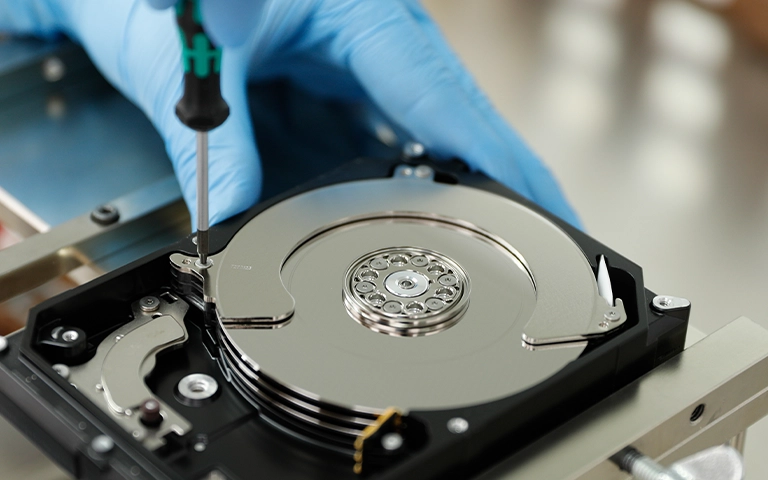
Professional NAS Data Recovery
When NAS data loss occurs, both time and expertise are critical. Each additional attempt to repair, rebuild or reset the system can lower the chances of a successful recovery.
At RAID Recovery Services, our engineers follow a structured process to restore your data safely:
Comprehensive evaluation: Each NAS is assessed to identify hardware faults, logical corruption or RAID misconfiguration.
Safe drive imaging: We create sector-by-sector images of all drives so the original data remains unchanged.
RAID reconstruction: Our team rebuilds the array virtually to restore the correct drive order, parity and file system structure.
File extraction and verification: Once the data is reconstructed, we recover and verify its integrity before providing the final result.
You can see a real example of this process in our case study Failed Synology DS3622xs NAS Recovery.
Prevention Tips for Future NAS Data Loss
To lower the risk of future NAS data loss:
Maintain consistent, automated backups. Scheduled backups protect you against unexpected hardware faults or software issues.
Monitor drive health and replace failing disks early. Use SMART tools or built-in NAS utilities to spot warnings before a full failure occurs.
Keep firmware and software updated. Updates often address bugs and vulnerabilities that could otherwise lead to corruption.
Ensure stable power and proper cooling. A UPS and good ventilation help prevent damage caused by power fluctuations or overheating.
For more ways to strengthen your protection, read our article Data Loss Prevention.
If your NAS has failed or your files are no longer accessible, avoid DIY attempts.
Contact RAID Recovery Services so your data is handled by professionals who understand the complexities of NAS and RAID systems.
Trust the experts with proven results
Frequently Asked Questions
What are the main reasons for NAS data loss?
NAS data loss can result from hardware failure, RAID rebuild issues, file system corruption, accidental deletion or environmental factors such as overheating and power surges.
Can data be recovered from a failed NAS device?
Yes. In most cases, data from a failed NAS can be recovered by professionals. At RAID Recovery Services, specialists use secure imaging and virtual reconstruction methods to restore files safely.
Should I try rebuilding my NAS after a failure?
No. Rebuilding or reinitialising a failed NAS can overwrite critical data and make recovery far more difficult. Stop using the device and speak to a recovery expert.
How long does NAS data recovery take?
The timeframe depends on the type of failure, number of drives and RAID setup. Most recoveries are completed within a few days to a week after evaluation.
How can I prevent NAS data loss in the future?
Keep firmware updated, monitor drive health, use surge protection and maintain regular backups. These steps help minimise the risk of NAS data loss and improve overall reliability.