
Many professionals assume that putting data on a RAID system means it is automatically backed up. While RAID can improve redundancy and performance, it does not replace a proper backup strategy. When hardware fails or files are deleted, a RAID array will not always help you recover what has been lost.
In this article, we explain why RAID is not a backup, how redundancy differs from genuine data protection, and what practical steps you can take to build a reliable backup strategy for your business.
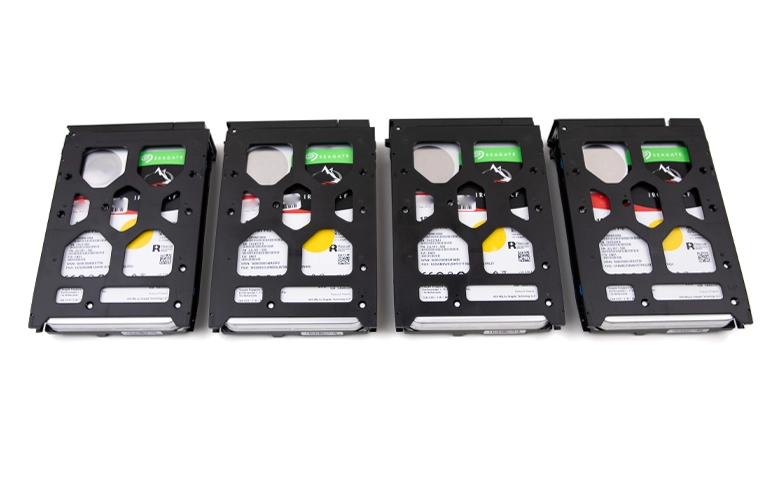
What RAID Really Does
RAID, or Redundant Array of Independent Disks, is designed to improve storage performance and fault tolerance. By combining several drives into a single logical unit, RAID distributes data across disks to increase speed and provide redundancy.
In many configurations, if one drive fails, the system can continue running by using parity information or mirrored copies.
However, RAID is not intended to act as a backup system. Its role is to keep data available during certain types of hardware failure, not to protect against data loss caused by deletion, corruption, malware, or user error.
A RAID array can still fail completely if multiple drives are damaged, if the controller develops a fault, or if the configuration is rebuilt incorrectly.
While RAID improves resilience, it cannot roll back to earlier versions of files or restore data that has already been deleted. It mainly reduces downtime from a single drive failure, which offers far less protection than a separate, well designed backup solution.
The Difference Between RAID and Backup
RAID and backup are often discussed together, but they perform very different roles. RAID is designed to support data availability, whereas a backup strategy exists to protect data when something goes wrong.
A RAID system helps keep your services running if a single drive fails. A backup allows you to restore lost files even if the entire system is compromised.
Here is a straightforward comparison to highlight the difference:
To explore these distinctions in more depth, read our detailed guide on RAID vs backup. Understanding the gap between redundancy and true backup is a crucial first step in building a reliable data protection plan.
Common Misconceptions About RAID
Many businesses wrongly assume that RAID provides complete data protection. While it offers redundancy, it does not replace a structured backup strategy. Below are some of the most frequent misconceptions:
“RAID is a backup.”
RAID is designed to support data availability, not full data recovery. If files are deleted or become corrupted, RAID will not bring them back.“RAID protects against ransomware.”
When ransomware encrypts your data, it typically affects every drive in the array at the same time. You are left with no clean copy to restore from, which is why RAID is not a backup.“RAID 1 mirroring means my data is backed up.”
Mirroring writes the same data to two drives in real time. If you delete a file or it is corrupted, that change is mirrored instantly, so both copies are lost.“RAID never fails.”
RAID systems can still fail due to controller faults, power issues, firmware problems, or multiple drive failures. When this happens, access to all data on the array can disappear without warning.“A RAID rebuild guarantees recovery.”
Rebuilding an array after a drive failure is not guaranteed to succeed. In some cases, the rebuild process can stress remaining drives or overwrite what is left of the data.
Relying on these myths can lead to extended downtime and permanent loss of valuable business information, especially when there is no independent backup in place.
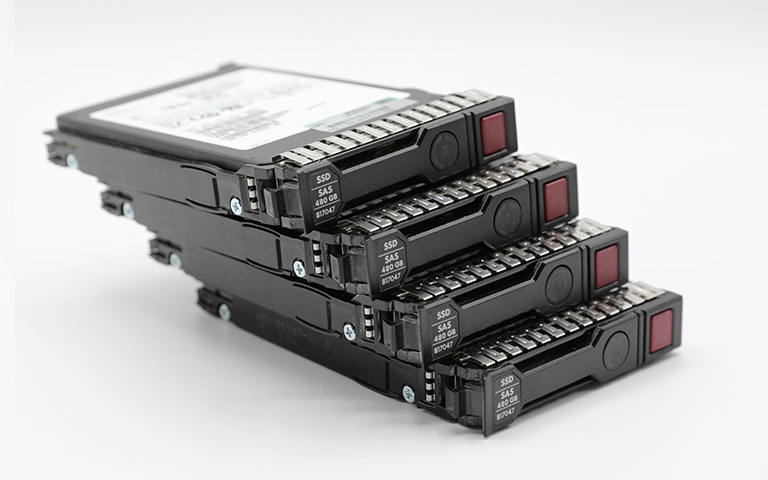
When RAID Fails: Real-World Scenarios
RAID configurations are designed for reliability, but they are far from invincible. When something goes wrong, it often happens quickly and with little warning. Looking at typical failure scenarios makes it clear why RAID should never be treated as a substitute for a proper backup.
A common example is multiple drive failure. RAID arrays rely on a minimum number of healthy disks. If more drives fail than the configuration can tolerate, the entire system can become unreadable.
Controller failure is another frequent issue. The RAID controller manages how data is written and read across the drives. When it develops a fault, even perfectly healthy disks may appear empty, offline, or inaccessible.
File system corruption can also render stored data unreadable, while power cuts and electrical surges can cause incomplete writes or drive desynchronisation.
In situations like these, businesses often discover that RAID redundancy mainly protects against limited hardware faults, not against complex failures. You can learn more about these causes in our post on reasons for RAID data loss.
Without a separate backup copy, critical files can be lost permanently, even when a RAID system is in place.
Fast turnaround times for business-critical data
Why RAID Alone Cannot Prevent Data Loss
RAID provides redundancy, but redundancy is not the same as real protection. It can keep your systems running when a single drive fails, yet it cannot shield you from every type of data loss.
Logical issues such as accidental deletion, malware infection, or file corruption typically affect every drive in the array at the same time. Because RAID synchronises data across disks, these problems are written to all drives instantly.
Ransomware attacks are another major risk. Once the array is encrypted, there are no unaffected drives left to restore from. RAID also offers no protection if data is overwritten or volumes are reformatted during incorrect rebuild attempts. In many of these cases, permanent loss occurs unless specialist business data recovery engineers intervene quickly.
Our detailed article on RAID rebuild data loss risks explains how improper rebuilds and configuration changes can make the situation significantly worse.
In short, RAID redundancy is a tool for improving hardware uptime, not a complete data protection strategy. RAID is not a backup, and a dedicated, well structured backup plan remains essential for long term data preservation.
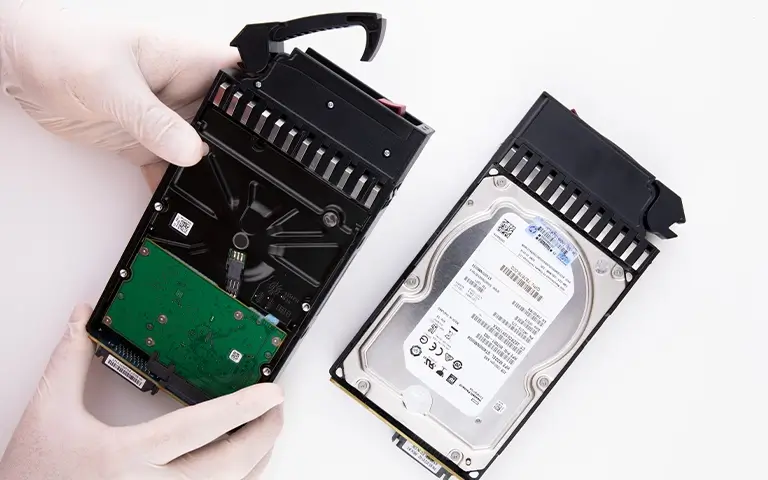
Building a Proper Backup Strategy
A robust backup strategy ensures your data can be recovered even after a serious incident. Unlike RAID, which is designed to keep systems running, backups allow you to restore information from a separate, trusted copy.
Here are key practices every business should follow:
Apply the 3 2 1 rule:
Keep three copies of your data, stored on two different types of media, with at least one copy kept off site or in the cloud.Automate your backups:
Schedule regular, automated backups so they do not depend on manual tasks or memory.Test your backups regularly:
Check that backup copies are complete and readable so you can restore them successfully when needed.Separate backups from your primary network:
Store backups on isolated infrastructure where possible to prevent ransomware from encrypting both live data and backup sets.Use versioning:
Maintain multiple versions of key files so you can roll back to a clean copy if corruption, deletion, or ransomware occurs.
A structured backup plan not only reduces downtime but also strengthens overall business resilience. For further guidance, review our post on data loss prevention, which outlines practical ways to secure corporate data.
Professional Help When RAID Fails
When a RAID system fails, trying to repair it without professional support can easily make the situation worse. Reinitialising the array, replacing drives in the wrong order, or running generic recovery tools can overwrite critical data. The safest course of action is to stop all activity immediately and contact a specialist business data recovery provider.
At RAID Recovery Services, our engineers specialise in recovering data from failed RAID arrays, servers, and enterprise storage platforms.
We carry out detailed diagnostics to identify the cause of failure and rebuild the configuration in a controlled laboratory environment. By working from exact disk images rather than the original drives, we protect data integrity throughout the recovery process.
Our team works with all common RAID levels, including RAID 0, 1, 5, 6, 10, and hybrid configurations. Whether the problem is multiple drive failures, controller damage, or corrupted metadata, we can restore access to critical information quickly and securely.
Engaging professional support not only reduces downtime but also helps prevent the irreversible damage that so often results from do it yourself recovery attempts.

Trust the experts with proven results
Frequently Asked Questions
Why is RAID not regarded as a true backup?
RAID provides redundancy to help systems stay online during a drive failure, but it does not keep independent copies of your data. If files are deleted, encrypted, or corrupted, RAID cannot roll back to an earlier version or restore what has been lost.
What happens if a RAID array fails completely?
When multiple drives fail or the RAID controller is damaged, the array can become entirely inaccessible. In these situations, professional data recovery services are required to reconstruct the configuration and retrieve the data safely.
Can RAID protect against ransomware attacks?
No. Once ransomware infects a system, it encrypts the data across the whole RAID array. Because RAID stores synchronised copies, every drive holds the same encrypted content, leaving no clean version to recover from.
What is the main difference between RAID and backup?
RAID supports uptime by using redundancy within the same system. A backup stores copies of data in a separate location. Backups allow you to recover from accidental deletion, corruption, ransomware, or a complete system failure, which is why RAID is not a backup.
How can businesses protect themselves from data loss?
Implement regular backups using the 3 2 1 rule, keep at least one copy off site, and test your backups frequently. For additional assurance, work with experts such as RAID Recovery Services to handle system failures and recover inaccessible data efficiently.