
Many users assume that RAID automatically protects their data, but this is one of the most common causes of serious data loss. RAID and backup both provide safeguards, yet they operate in completely different ways.
RAID keeps a system running when a drive fails by creating redundancy within the same storage array. Backup stores a separate copy of your data in another location, allowing recovery even if the RAID array becomes inaccessible.
Confusing the two can lead to issues such as data corruption, multiple drive failures or controller damage.
Our engineers frequently recover data from systems that were never backed up correctly. This article explains the differences between RAID and backup and why understanding them is essential for preventing data loss.
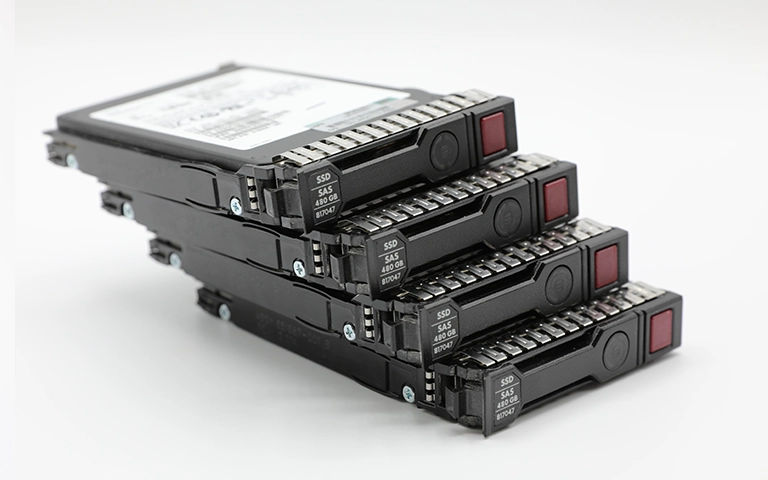
What RAID Actually Does
RAID, or Redundant Array of Independent Disks, links multiple drives into one logical unit. Its purpose is to improve performance and provide limited fault tolerance if a single drive fails. Depending on the RAID level, the system may mirror data across drives or use parity to rebuild missing blocks.
What RAID does not do is protect against every form of data loss. If files are deleted, corrupted or overwritten, those changes are immediately mirrored or striped across the entire array.
Controller faults, firmware issues or multiple drive failures can also make the RAID volume completely inaccessible.
In these situations, professional recovery is required. Engineers at RAID Recovery Services use specialist tools to rebuild damaged configurations, create safe drive images and restore data without adding further risk.
What Backup Actually Does
A backup is an independent copy of your data stored on another device or in a separate location. Unlike RAID, which aims to keep systems operational during hardware issues, a backup protects against a wide range of data loss events including accidental deletion, malware, corruption and complete hardware failure.
Backups can be stored on external drives, network storage or cloud platforms. The essential point is that they remain separate from your live system. Even if a RAID array fails or all drives become unreadable, a valid backup allows you to restore your data quickly and with minimal disruption.
Without proper backups, recovery becomes far more complex and time consuming. Many of the cases we handle come from systems where users relied solely on RAID redundancy and had no recent backup to fall back on.
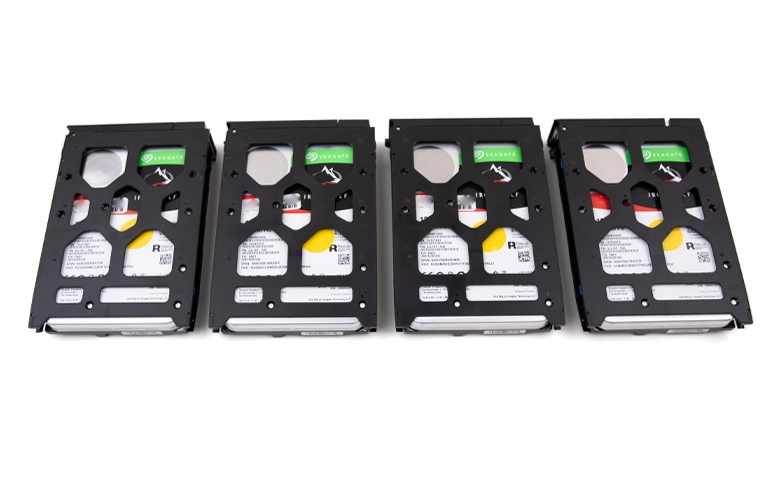
RAID vs Backup – The Real Difference
Although both RAID and backup help protect data, they operate in fundamentally different ways. RAID focuses on keeping systems online during hardware issues, while a backup ensures data can be restored after loss or damage. Understanding the difference is essential for choosing the right strategy for your environment.
When a RAID array fails or multiple drives stop responding, the data stored within becomes inaccessible. In these situations, a valid backup allows operations to be restored quickly.
If no backup is available, professional data recovery is often the only safe method to retrieve the missing files without causing further damage.
Fast turnaround times for business-critical data
How Relying Only on RAID Leads to Data Loss
Many users rely on RAID for data safety, assuming its redundancy is enough to prevent loss. This misconception often results in critical data disappearing when unexpected failures occur.
Common situations where depending solely on RAID causes serious issues include:
Multiple drive failures:
If more drives fail than the RAID level can tolerate, the array becomes unreadable and the data inaccessible.Accidental deletion or formatting:
Deleted or formatted data is mirrored instantly across all disks, leaving no recoverable copy.Controller or firmware failure:
A controller malfunction can corrupt metadata or prevent the system from recognising the drives.File system corruption:
Logical damage spreads across every disk in the array, making recovery significantly more complex.
These examples highlight that RAID redundancy is not a substitute for true data protection. Without a proper backup strategy, even a minor fault can lead to downtime and the loss of valuable data. To minimise risk, RAID should always be paired with regular backups and effective system monitoring.
For more insight, see our detailed guide on RAID is not backup.
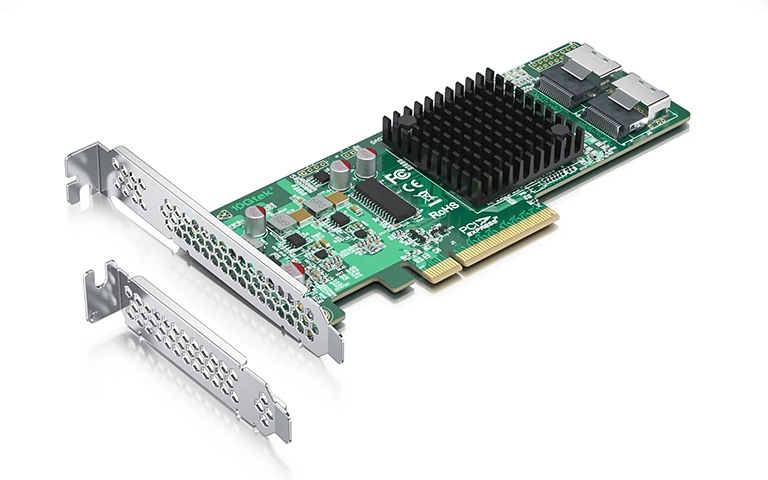
When Data Recovery Becomes Necessary
RAID arrays can fail without warning, even when redundancy is present. Early signs often include missing volumes, unusual noises coming from drives or a system that refuses to boot.
In these situations, attempting to rebuild or reinitialise the array without understanding the underlying issue can cause permanent damage.
Once failure occurs, it is crucial to stop using the system immediately and contact a professional recovery team.
Recovery engineers can:
Diagnose the failure and identify affected drives
Create sector by sector images to preserve all recoverable data
Rebuild the RAID configuration using specialist tools
Extract and verify recovered files safely
We handle recovery from degraded, unrecognised or corrupted RAID volumes across all levels. Our engineers use advanced techniques to restore data while maintaining its integrity.
To explore common causes of RAID failures, visit Reasons for RAID Data Loss or Troubleshoot RAID Failure.
Building a Reliable Protection Strategy
The most effective way to safeguard your data is to combine the strengths of both RAID and backup. RAID maintains system performance and guards against single drive failure, while backup provides complete data restoration if the entire system becomes inaccessible.
To create a robust protection plan, consider the following steps:
Use RAID for uptime, not data safety.
RAID helps minimise downtime but cannot replace a dedicated backup.Schedule regular backups.
Store copies on separate devices or cloud platforms to protect against all types of data loss.Test recovery procedures.
Verify that your backup data can be restored successfully when required.Monitor drive health.
Routine checks reduce the likelihood of unexpected RAID issues.
By combining RAID with consistent backup practices, your data stays protected even in cases of severe corruption or hardware failure.
For additional preventive measures, read our guide on Data Loss Prevention.

Professional Help for RAID and Backup Failures
Even with a well planned setup, data loss can still occur. When RAID configurations fail or backups become corrupted, professional recovery is often the only safe option for restoring critical information.
At RAID Recovery Services, we specialise in recovering data from all RAID levels and a wide range of backup storage systems. Our engineers carry out detailed diagnostics, image each drive in a controlled environment and rebuild the array structure to extract lost files safely.
We also manage complex scenarios such as multiple drive failures, damaged controllers and overwritten or corrupted backup archives. Every case is handled with care to maintain data confidentiality and system integrity.
If your environment has suffered a RAID or backup failure, avoid further rebuild attempts or software based fixes. Contact RAID Recovery Services for a professional assessment and a clear recovery plan tailored to your situation.
Trust the experts with proven results
Frequently Asked Questions
Is RAID the same as a backup?
No. RAID improves system reliability by keeping data accessible during a drive failure, while a backup creates an independent copy that can be restored if the entire system is lost or corrupted.
Can RAID prevent all types of data loss?
No. RAID cannot protect against accidental deletion, file corruption or ransomware. These issues affect every drive in the array, which is why separate backups are essential.
What happens if my RAID array fails and I have no backup?
If no backup exists, professional data recovery is the only option. Specialists can rebuild the RAID configuration, capture drive images and recover data from damaged or degraded arrays.
How often should I back up data from a RAID system?
Businesses should use daily or automated backup routines. Personal users should back up weekly or whenever important files are added or updated.
Can RAID Recovery Services recover data from both RAID and backup devices?
Yes. Our engineers recover data from failed RAID configurations, corrupted backup drives, cloud storage issues and damaged external media. All recovery work is performed securely in controlled conditions.