
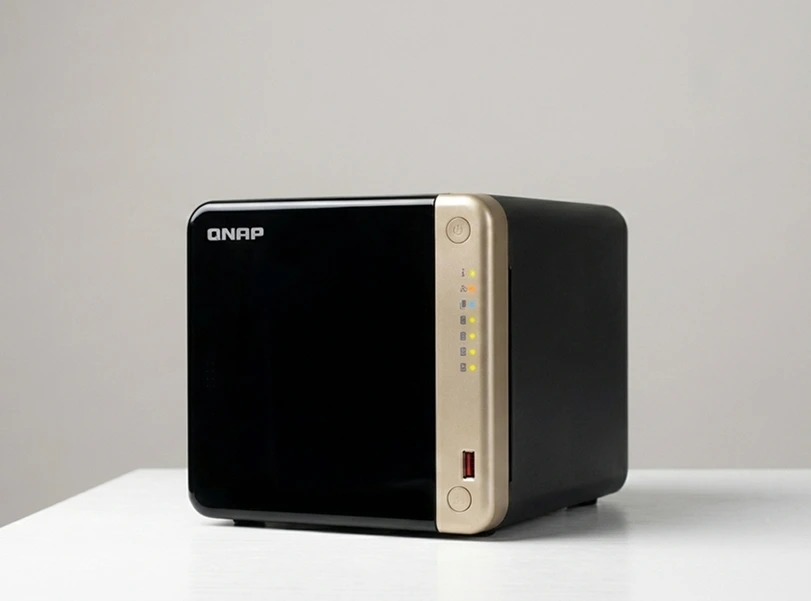
A QNAP TS-464 used by an auto gallery for critical surveillance operations failed after multiple accidental drops. The NAS became inoperable, interrupting recording and access to security footage.
RAID Recovery Services performed a structured diagnostic, rebuilt the damaged RAID environment, and successfully restored essential surveillance video data.
The gallery regained operational visibility and restored full monitoring continuity.
Incident Background and Impact Assessment
The QNAP TS-464 was central to the gallery’s smart surveillance architecture, capturing footage from multiple cameras around the facility.
After the accidental drops, the gallery experienced:
Complete NAS shutdown with no accessible footage
Disrupted video recording workflows
Loss of operational visibility and security coverage
Given the symptoms, this case aligned with standard NAS failure patterns, similar to those described in our resource on NAS failure and recovery.
Key Diagnostic Findings
Given the RAID architecture of QNAP systems, our engineers referenced methodologies used in similar QNAP NAS recovery cases to validate probable RAID layout issues.
Step by Step Recovery Workflow
A controlled, step driven process ensured safe extraction of the surveillance data:
Documented device handling history, drop details, and suspected impact areas.
Reviewed RAID configuration behavior similar to those outlined in how many drives for RAID to anticipate layout challenges.
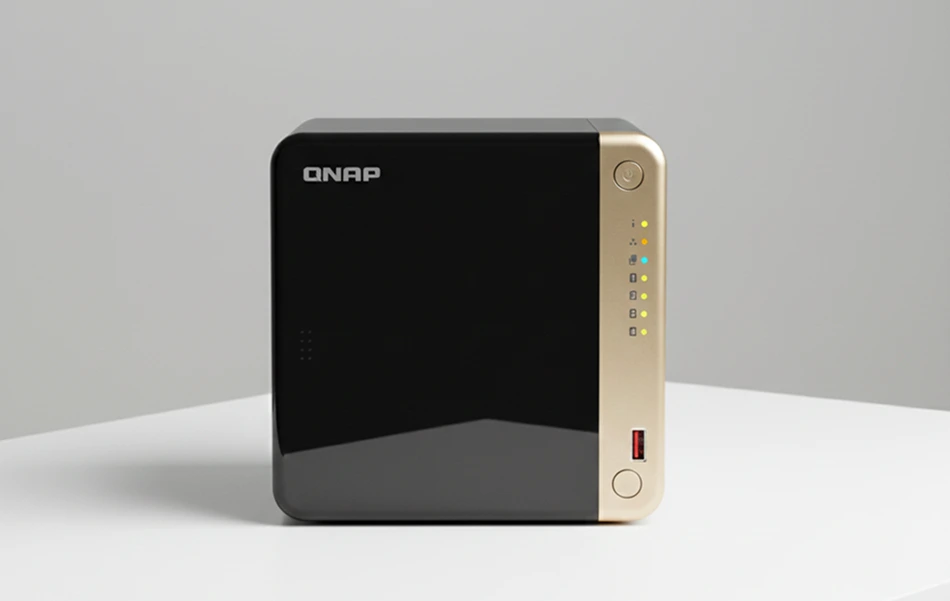
The team removed all drives in sequencing order.
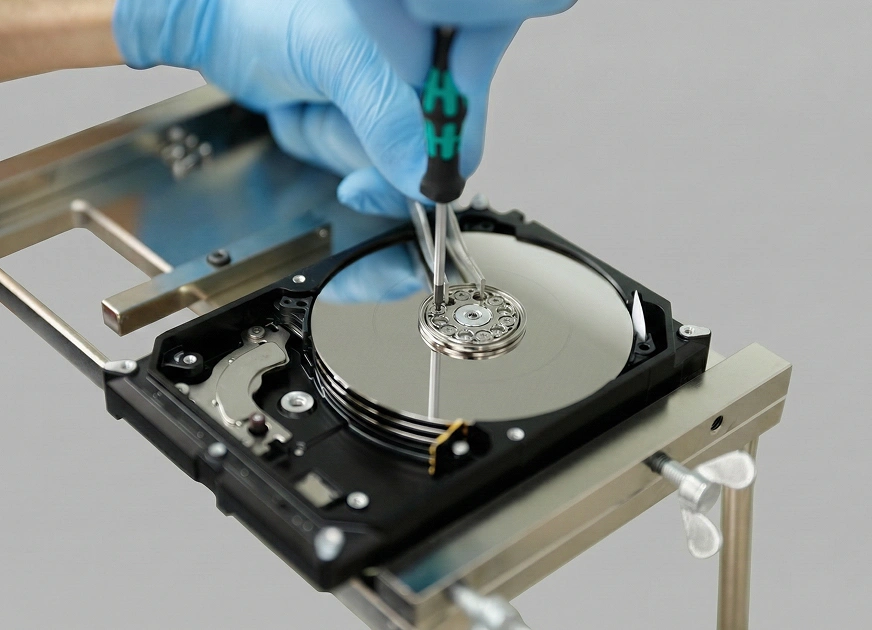
Each drive was isolated before any power testing to avoid additional platter damage.
-
Drives were imaged with controlled read parameters.
-
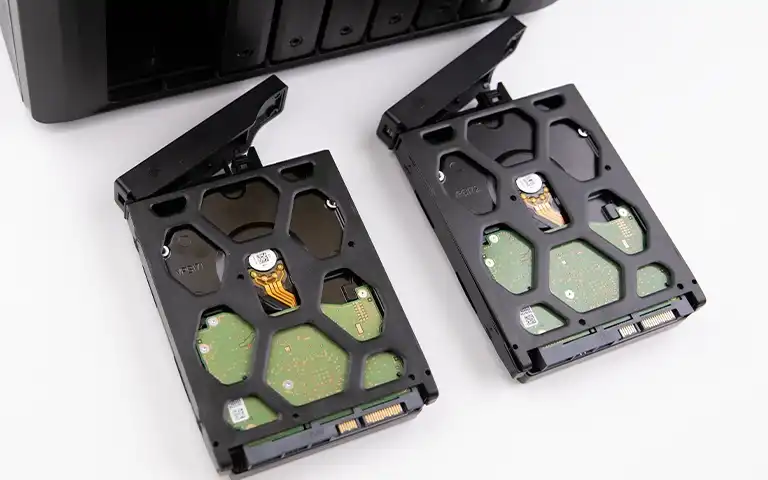
Any drive showing mechanical stress underwent stabilization procedures, following practices applied in QNAP related incidents such as QNAP RAID5 mdadm failure recovery.
Engineers rebuilt the TS-464 RAID environment using verified disk images.
Multiple configurations were tested until parity logic and camera recording structures aligned.
Located recording archives, fragmented index files, and camera storage paths.
Extracted usable video sequences and validated key surveillance periods.
Critical Handling Advisory
If a NAS suffers impact damage, do not reboot or attempt QNAP rebuild options. Actions involving forced RAID repair can overwrite still recoverable sectors. Review our advisory on troubleshoot RAID failure before taking any steps.
Fast turnaround times for business-critical data
Final Recovery Outcomes
RAID Recovery Services returned a fully validated surveillance dataset containing:
Restored video footage from multiple camera angles
Key monitoring intervals surrounding operational hours
Folder structures reorganized to match QNAP’s native directory conventions
The gallery received the data on a secure encrypted drive. Playback testing confirmed integrity, similar to validation workflows described in NAS data loss causes.
The organization regained surveillance continuity and closed operational blind spots.
Strategic Takeaways for Preventing Future Data Loss
To strengthen surveillance continuity and reduce the risk of similar failures, organizations should consider the following measures:
Implement a secondary backup workflow: Maintain an independent backup target for surveillance footage to prevent operational gaps when a primary NAS fails.
Use vibration and shock resistant mounting: Surveillance environments often involve frequent equipment movement. Protective mounting reduces impact damage and extends drive lifespan.
Monitor drive health regularly: Set up scheduled checks for drive temperature, SMART indicators, and I/O performance to identify early signs of mechanical degradation.
Document RAID and camera storage configurations: Recording configuration details such as drive order, RAID level, and camera mappings simplifies reconstruction during incident response.
Conduct periodic risk assessments: Evaluate physical placement, handling practices, and environmental exposure to minimize accidental damage and ensure operational resilience.
Trust the experts with proven results
Frequently Asked Questions
Can a physically dropped QNAP TS-464 still be recovered?
Yes. Even with impact damage, data is often recoverable if the drives are handled correctly and imaged before further deterioration occurs.
Should I power on the NAS after accidental damage?
No. Powering on a damaged NAS can cause additional mechanical harm or corrupt the RAID structure, reducing the chance of successful recovery.
How long does surveillance data recovery typically take?
Timeframes vary based on drive condition and RAID complexity, but most surveillance focused recoveries are completed within a few business days.
What parts of surveillance data can usually be restored?
Video recordings, camera folders, metadata, indexing files, and timeline segments are commonly recoverable depending on drive integrity.
Do all drives need to be functional for a successful recovery?
Not always. Many RAID configurations allow partial recovery even if one or more drives are degraded, provided proper imaging and reconstruction are performed.