
A fast growing digital marketing company suffered a critical drive failure in its Synology DiskStation DS1823xs+, the core platform for shared project files and campaign assets.
As the RAID array degraded, key folders became inaccessible and collaboration across teams stalled.
With deadlines approaching and client deliverables at risk, the business engaged RAID Recovery Services to analyze the failure, stabilize the NAS, and determine how much of the disrupted data environment could be brought back online.
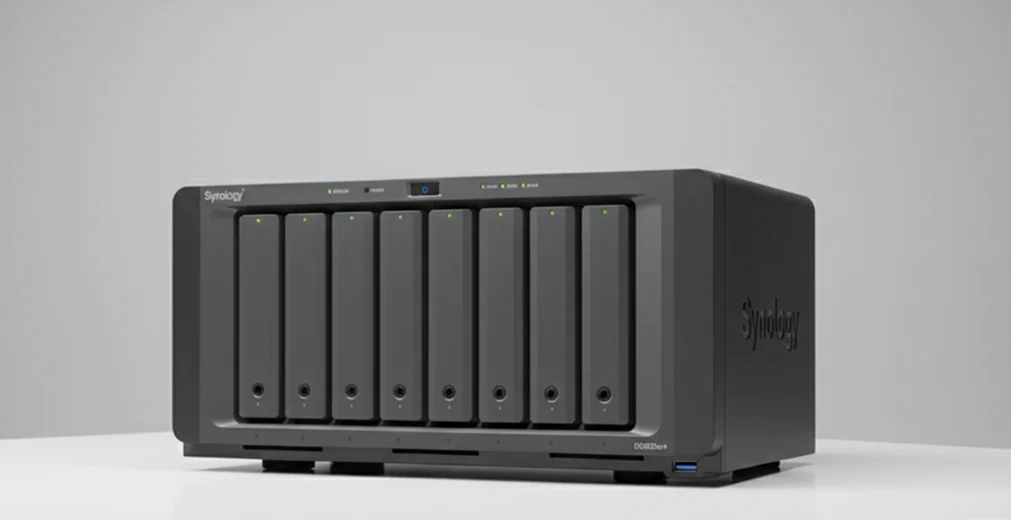
Incident Background and Impact Assessment
The Synology DiskStation DS1823xs+ developed a critical drive failure within its RAID configuration. Shortly after, the team noticed:
Folders and files becoming intermittently inaccessible
Network shares slowing down or dropping connections
Backup and scheduled tasks ending with errors
The array moved into a degraded state, reducing redundancy and introducing data inconsistencies. Similar patterns are common in complex NAS outages, as seen in other Synology NAS recovery cases.
Key Diagnostic Findings
Our engineers performed targeted diagnostics on the Synology DS1823xs+ to determine the exact condition of the failed drive and RAID set.
These findings confirmed that any attempt at an on device rebuild carried significant risk.
In similar situations, administrators are encouraged to review structured guidance on how to troubleshoot RAID failures safely.
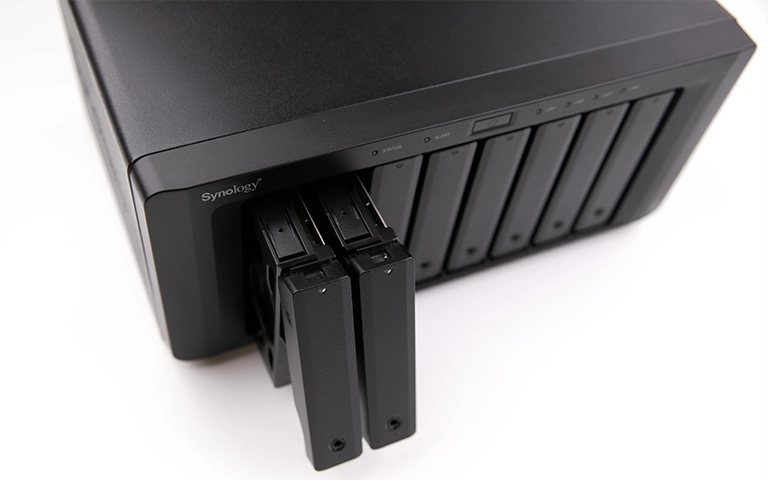
Step by Step Recovery Workflow
Our team performed an on site, controlled recovery to stabilize the Synology DS1823xs+ and protect remaining data.
The NAS was isolated from the production network, and all active writes were stopped. System logs, SMART reports, and RAID status information were collected for analysis.
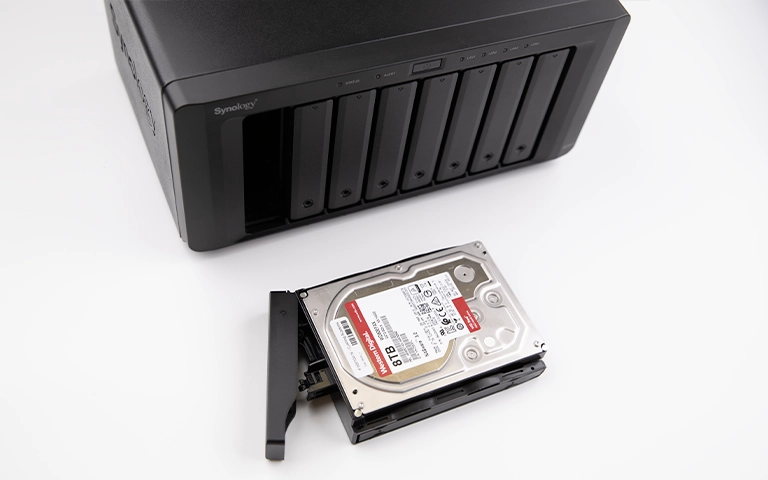
Each drive was tested to confirm the failed member and identify any marginal drives. This ensured that no additional disks were pushed into failure during the process.
The failed and at risk drives were imaged using dedicated equipment. All work was done against images rather than the original media to avoid further degradation.
Engineers recreated the Synology RAID configuration from the drive images, validating parameters such as order, stripe size, and parity layout. This followed the same disciplined approach used in complex RAID rebuild risk scenarios.
Project data, shared folders, and key working directories were extracted from the reconstructed volume. Sample files were opened and verified to confirm that content was intact and usable.
Critical Handling Advisory
If a Synology array is degraded, do not force a rebuild or keep swapping drives. This can trigger further failures and overwrite recoverable data. Power the system down, record the configuration, and have specialists work from drive images, not the live NAS.
Fast turnaround times for business-critical data
Final Recovery Outcomes
The on site engagement restored full functionality of the Synology DS1823xs+ and returned stable access to all working data.
The failed drive was isolated, the RAID set was safely reconstructed from drive images, and project folders were brought back online without further data loss.
The recovery process achieved a 100 percent data recovery for the affected volume. Teams regained access to campaigns, assets, and shared workspaces, allowing ongoing projects to resume without rework or data reconstruction from older backups.
The DiskStation was returned to service with a healthy array and documented guidance for future maintenance.
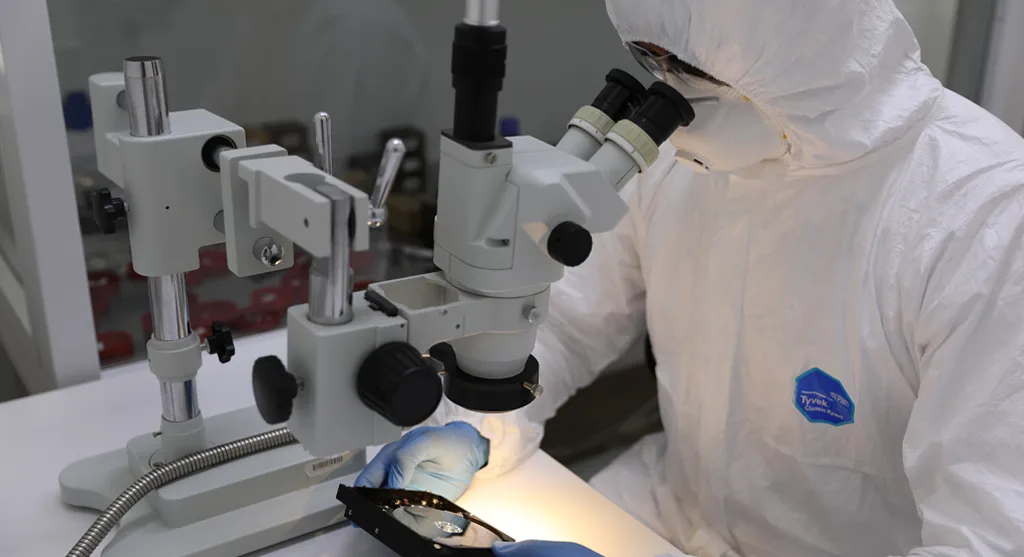
Strategic Takeaways for Synology NAS Environments
Act fast on degraded alerts: When DSM reports a degraded array, pause nonessential activity and follow a defined incident procedure instead of experimenting with rebuilds.
Watch health signals closely: Use SMART data and DSM notifications to catch issues early. To understand typical root causes, learn more about common NAS data loss causes.
Prove your backups, not just configure them: Run regular test restores from local and offsite backups. For wider outage planning, explore NAS failure and recovery scenarios.
Replace drives before they fail: Rotate out aging or noisy drives based on usage hours and early error trends, not just when they fully fail.
Trust the experts with proven results
Frequently Asked Questions
Can a single failed drive in a Synology DS1823xs+ cause data loss?
Yes. In a degraded RAID, one failed drive removes redundancy. If another drive becomes unstable or a rebuild is mishandled, data loss can occur.
Is it safe to swap the failed drive and start a rebuild immediately?
Not always. If other drives are marginal, a rebuild can push them into failure and corrupt data. The array should be assessed first.
How long does Synology DS1823xs+ data recovery usually take?
Time depends on array size, drive condition, and the extent of damage. Most business cases take from several days to a couple of weeks.
Can all project data and shared folders be fully recovered?
Recovery potential depends on drive health and any prior actions taken. In many cases, most or all active project data can be restored with a controlled process.
What should an IT team do right after a drive fails in a Synology RAID?
Stop nonessential writes, capture logs and configuration details, avoid forced rebuilds, and contact a professional recovery provider before taking further action.