
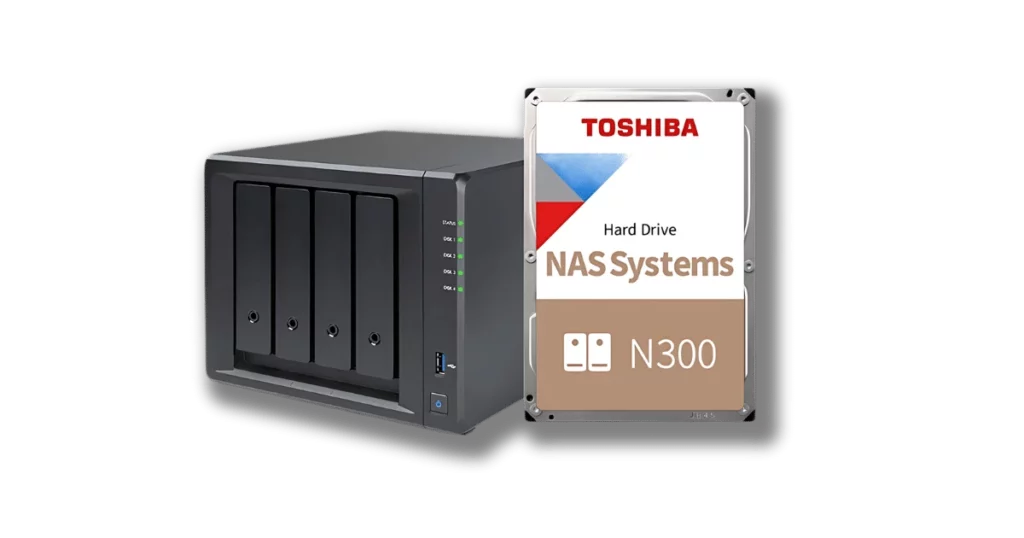
A small business owner in Manhattan recently experienced a serious storage failure that disrupted daily operations. Her Toshiba N300 NAS, configured in RAID 1 for redundancy, suddenly became inaccessible. The system had always performed reliably, so the unexpected loss of access came as a shock.
The NAS stored essential business information, including financial records, invoices, and customer data, all of which were critical for running day-to-day operations. When both drives stopped responding, the situation quickly became a major concern.
Although the owner understood that RAID 1 is designed to protect against individual drive failures, the complete inaccessibility of the system indicated a more severe issue that required professional data recovery support.
Business Impact and Data Importance
The failed Toshiba N300 NAS contained information that was critical to the company’s day-to-day operations. The system stored financial statements, tax documents, and client records that supported every core function of the business. Losing access to this data meant the business could no longer operate normally.
With the files inaccessible, accounting activities came to a standstill, communication with clients was disrupted, and several ongoing projects faced delays. The incident demonstrated how a single NAS failure can jeopardise the stability of an entire small business.
For the owner, every hour without access increased the urgency to find a dependable data recovery service that could restore the information safely and with complete accuracy.
To learn more about why these failures occur, visit our comprehensive guide on Reasons for RAID Data Loss.
Customer’s Attempt to Restore Data
After the failure, the business owner attempted several troubleshooting steps to bring the NAS back online.
She checked the network connections, restarted the device, and even tried connecting each Toshiba N300 drive directly to a computer. However, none of the drives were recognised.
Hoping to resolve the issue quickly, she searched online for possible recovery methods. The more she attempted, the clearer it became that the problem was more serious than a simple configuration error. Each unsuccessful attempt carried the risk of worsening the condition of the drives.
Understanding that the data was too valuable to lose, she stopped all recovery attempts and decided to contact professionals who specialise in NAS data recovery.
Technical Evaluation and Identified Problem
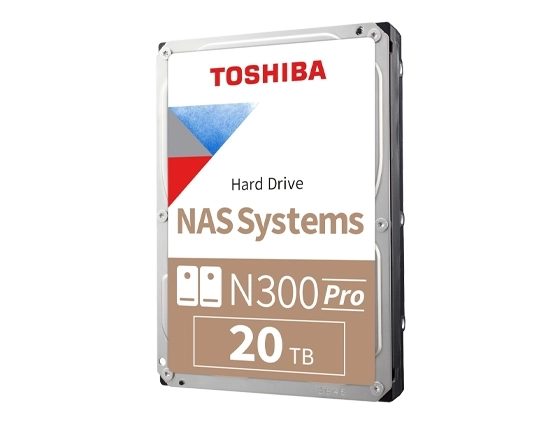
After receiving the Toshiba N300 NAS drives, our engineers carried out a complete diagnostic process to determine the root cause of the failure. The evaluation included several key steps:
Visual inspection:
Each Toshiba N300 HDD was examined in a clean environment to identify any visible physical or electronic damage.Drive status testing:
Specialised equipment was used to assess the drives’ read and write functions and review SMART parameters without altering or risking the stored data.Identification of head crash:
One drive displayed clear evidence of a head crash, which prevented the heads from reading data from the platters.Impact on the RAID 1 mirror:
The second drive had developed read errors caused by repeated synchronisation attempts after the first drive failed. These attempts often accelerate deterioration in RAID 1 arrays.Preparation for physical recovery:
Both drives were scheduled for controlled cleanroom recovery to allow safe extraction of data and prevent any further damage.
This structured evaluation helped our engineers determine the full extent of the failure and choose the safest method for complete data recovery.
For more information, read our guide on Rebuilding RAID 1 After Drive Failure.
Fast turnaround times for business-critical data
Our Professional Data Recovery Process
Once the issue was identified, our team at RAID Recovery Services followed a structured recovery procedure to ensure that every piece of data was retrieved safely.
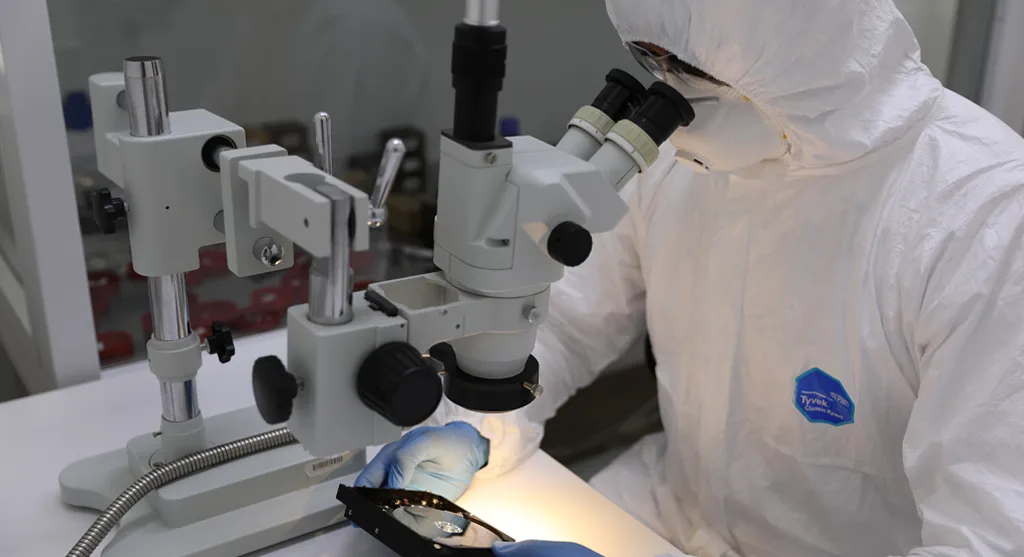
The damaged Toshiba N300 drives were opened inside our ISO certified cleanroom to prevent contamination during the inspection of heads and platters.
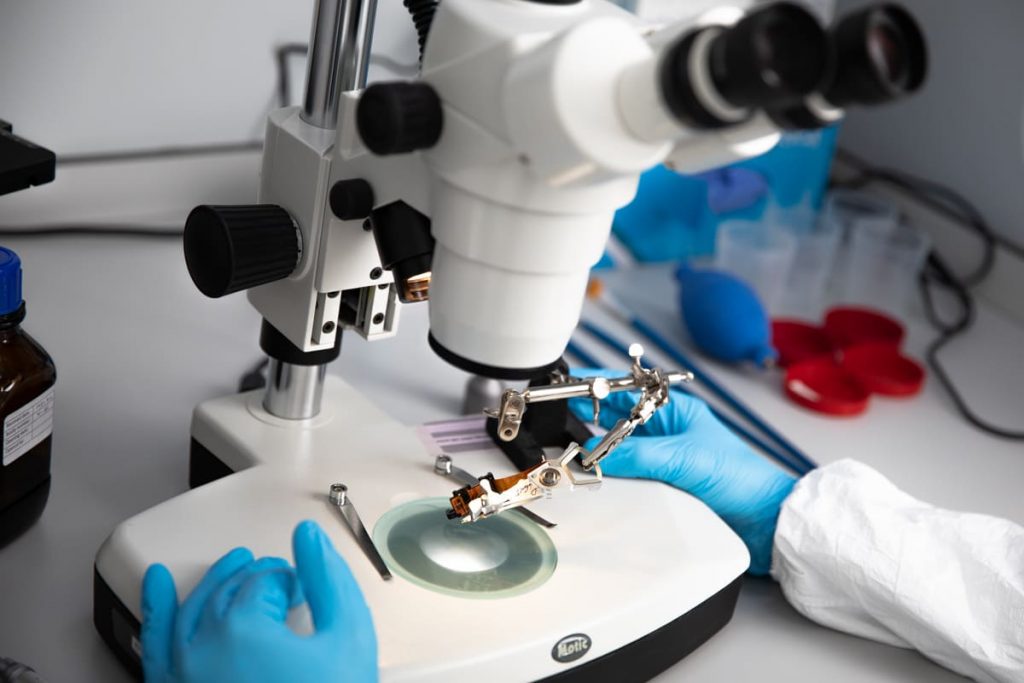
Compatible donor parts were used to replace the damaged heads. Each drive was then imaged sector by sector to create safe working copies for analysis.
Using the healthy drive images, our engineers rebuilt the RAID 1 configuration virtually to restore the original data structure.
Once the array was successfully reconstructed, the data was extracted and verified for completeness and consistency.
The recovered files were transferred to a secure storage medium and delivered to the client after the final validation.
This controlled approach ensured a complete recovery while maintaining data integrity and confidentiality at every stage.
To explore similar recovery scenarios, visit our NAS Data Recovery Case.
Recovery Outcome and Key Takeaways
The recovery of the Toshiba N300 NAS drives was completed successfully. All financial documents, customer information, and operational records were fully restored without any data corruption. The client reviewed the recovered files and confirmed that every critical folder was intact.
This case demonstrates that RAID 1 configurations, although designed for redundancy, can still fail completely if they are not handled correctly after the first drive begins to fail. Controller issues or repeated synchronisation attempts often make the system inaccessible, as highlighted in our RAID Controller Failure Recovery case study.
To reduce the risk of similar incidents, businesses should:
Monitor NAS drive health regularly and replace ageing drives before failure occurs.
Maintain off-site backups of all essential data.
Contact professional recovery specialists at the first sign of drive issues.
RAID Recovery Services continues to support businesses by preventing data loss and recovering valuable information from failed RAID systems.
Trust the experts with proven results
Frequently Asked Questions
What causes Toshiba N300 NAS drives to fail in a RAID 1 setup?
Toshiba N300 NAS drives can fail due to head crashes, power surges, overheating, or prolonged vibration in multi-bay systems. Although RAID 1 offers redundancy, both drives can become inaccessible if one fails and the system continues repeated rebuild attempts.
Can data be recovered from a Toshiba N300 NAS after a head crash?
Yes. Recovery is possible when performed by professionals in a cleanroom environment. Specialists can replace damaged components, image the drives, and reconstruct the RAID to restore the data safely.
Should I try to rebuild my Toshiba N300 NAS RAID 1 at home?
It is not recommended. Attempting a rebuild or running recovery software can worsen the damage or overwrite recoverable data. Contacting professional engineers ensures the safest and most reliable recovery process.
How long does professional NAS data recovery take?
The timeframe depends on the type of damage and the number of affected drives. For cases similar to this Toshiba N300 NAS, recovery typically takes between 2 and 5 business days after the evaluation is complete.
Where can I get Toshiba NAS data recovery services?
RAID Recovery Services provides professional RAID and NAS data recovery across the United States. Our specialists handle complex failures involving Toshiba N300 and other NAS systems with secure, reliable processes tailored to each case.