
When building a Network Attached Storage (NAS) system, choosing the right hard drive is one of the most important decisions you’ll make.
Many users assume any standard HDD will work, but NAS environments require drives designed for continuous operation, multi drive setups, and constant data access.
Choosing the wrong drive can lead to slow performance, unexpected dropouts, or even long term data loss. Understanding what makes a NAS drive reliable is essential for protecting business or personal data.
This guide explains how to choose the best NAS hard drive, which features matter most, and how to ensure long term reliability in RAID based systems.
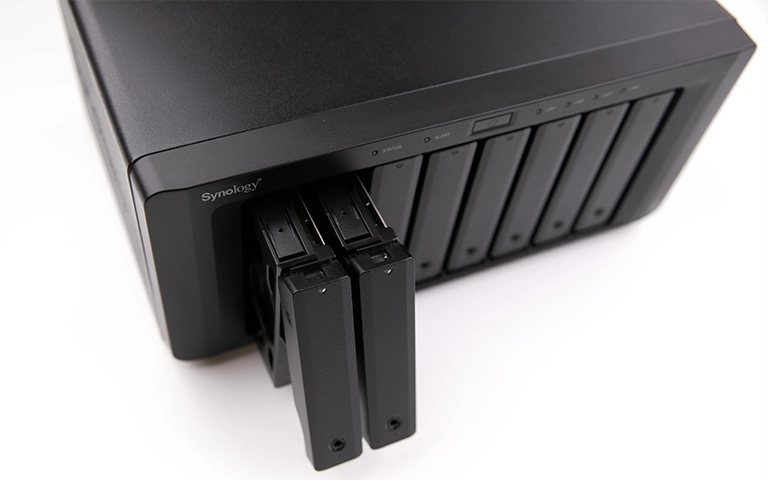
What Makes NAS Hard Drives Different
Standard desktop drives are not designed for the demands of a NAS. While they handle light, intermittent use, NAS drives are engineered for continuous operation and multi user access. Key differences include:
24/7 Operation: Designed to run nonstop with higher endurance.
RAID Optimisation: Stay in sync across multiple drives and support quick, stable rebuilds.
Better Vibration and Heat Resistance: Built to remain stable inside multi drive enclosures.
Error Recovery Controls: Features like TLER prevent unnecessary RAID dropouts.
Higher Workload Ratings: Tested to handle frequent read/write cycles over long periods.
Key Factors to Consider When Choosing a NAS Drive
Choosing the best NAS hard drive involves more than checking capacity. Several technical factors influence long term performance and reliability. Here are the key points to review before buying.
Decide how much data you’ll store and how frequently the drives will be accessed. NAS drives have workload ratings measured in TB per year, and higher ratings are essential for business or multi user systems.
RPM and cache size affect transfer speeds and backup performance. Most NAS drives run at 5400 or 7200 RPM, offering a balance between speed and heat output.
Technologies such as TLER, ERC, and AgileArray improve stability in RAID setups by preventing unnecessary drive dropouts during synchronisation.
Ensure the drive supports the RAID level you plan to use. RAID 1, 5, and 6 require drives that can handle coordinated operations without timing issues.
Choose drives with solid warranty coverage and a high MTBF rating, as these reflect expected reliability under continuous workloads.
For the best consistency, it is recommended to purchase all NAS drives from the same model line and batch, especially when building a new RAID array.
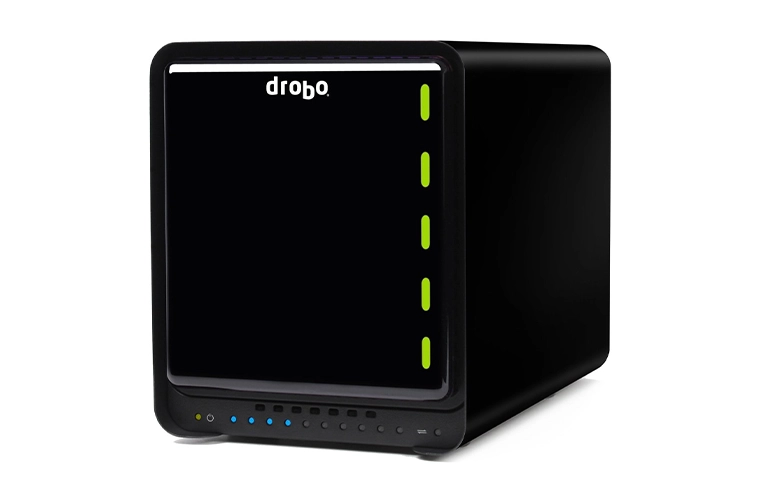
Popular NAS Drive Brands and Series
When choosing a NAS drive, it helps to know which brands deliver strong reliability and consistent RAID performance. Below is a quick comparison of the most trusted NAS drive series for both home and enterprise use.
These drives are purpose built for NAS use, offering better endurance, more stable RAID behaviour, and superior compatibility compared to standard desktop hard drives.
For more detail on how NAS drives differ from regular HDDs, explore our guide on NAS hard drive vs regular hard drive.
Common NAS Hard Drive Problems
NAS drives can fail due to wear, firmware issues, or power faults. Recognising early warning signs helps reduce the risk of data loss. Common problems include:
Bad Sectors: Unreadable sectors cause slow performance and failed transfers.
Drive Not Recognised: Often linked to connection issues, firmware corruption, or mechanical faults.
RAID Rebuild Failure: Rebuilds can fail if another drive develops errors during the process.
Firmware or Controller Faults: Internal issues prevent the drive from initialising, leading to missing volumes.
Clicking or Beeping Sounds: Indicate head or spindle problems and require immediate shutdown.
Overheating or Vibration: Poor ventilation or unstable mounting can damage drives over time.
If your NAS shows slowdowns, degraded warnings, or unusual noises, power it off and contact RAID Recovery Services for a professional evaluation.
For more detail, read our post on NAS failure and recovery.
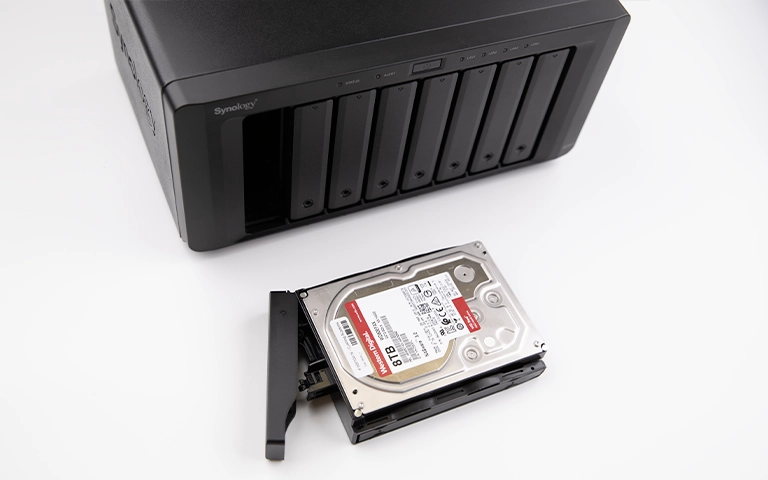
NAS Drive and RAID Compatibility
NAS systems often rely on RAID for protection and performance, but the reliability of these setups depends heavily on using drives that are fully compatible with your chosen RAID level.
Mixing different drive models or firmware versions can cause timing issues, inconsistent write speeds, rebuild errors, or degraded volumes. Using identical NAS certified drives helps maintain proper synchronisation and stable operation.
Redundant RAID levels such as RAID 1 and RAID 5 rely on all drives responding consistently. Features like TLER and ERC in NAS drives support this by preventing disks from dropping out during long error correction cycles.
If your RAID setup becomes degraded or fails, avoid replacing or reinitialising drives straight away.
First, review our guide on troubleshoot RAID failure to understand the correct recovery steps before contacting a specialist.
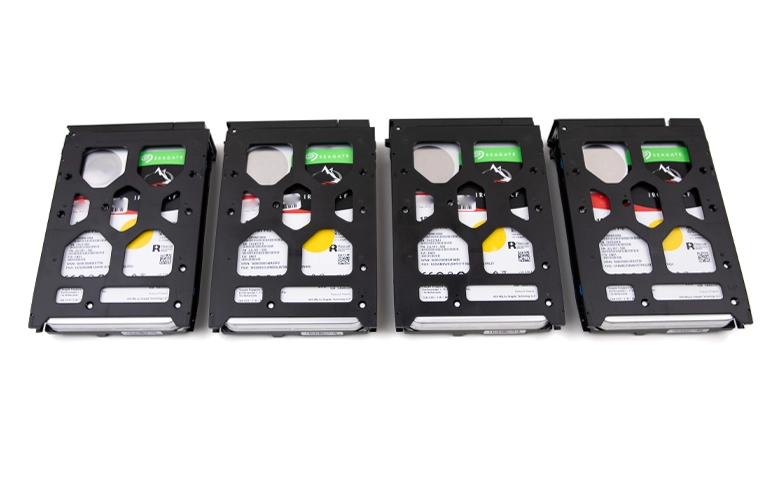
How RAID Recovery Services Handles NAS Drive Failures
RAID Recovery Services specialises in recovering data from failed NAS drives and damaged RAID arrays. Our engineers begin with a detailed evaluation to identify mechanical, firmware, or logical faults.
If physical damage is present, the drives are handled in an ISO certified cleanroom to protect data integrity. Our team then rebuilds the RAID structure, extracts recoverable files, and returns the data securely to the client.
Whether your NAS uses Seagate IronWolf, WD Red, or Toshiba N300 drives, we can recover your files quickly and safely.
Fast turnaround times for business-critical data
Conclusion
Choosing the best NAS hard drive is essential for consistent performance and long term data protection.
NAS specific drives offer the endurance, stability, and RAID compatibility required for continuous operation. Always review workload ratings, firmware features, and brand reliability before purchasing.
If your NAS shows warnings or begins to fail, avoid DIY recovery. These systems are complex and can suffer permanent data loss if handled incorrectly.
Contact RAID Recovery Services for professional NAS data recovery and secure restoration of your critical information.

Trust the experts with proven results
Frequently Asked Questions
What type of hard drive should I use for my NAS?
Use NAS specific drives such as Western Digital Red, Seagate IronWolf, or Toshiba N300. These models are built for continuous workloads, RAID compatibility, and multi drive environments.
Can I use a regular desktop hard drive in my NAS?
It’s not advisable. Desktop drives aren’t designed for 24/7 use or RAID synchronisation and may overheat, slow down, or drop out of the array, increasing the risk of data loss.
How long do NAS hard drives usually last?
Most NAS drives last around three to five years, depending on workload and temperature. Drives with higher MTBF ratings and good cooling often last longer.
What happens if one NAS drive fails?
In redundant RAID levels such as RAID 1, 5, 6, or 10, your data may remain accessible. However, replacing a drive or attempting a rebuild without expert guidance can lead to corruption. Professional support is recommended.
Can RAID Recovery Services recover data from NAS drives?
Yes. Our engineers specialise in NAS and RAID recovery, handling physical, firmware, and logical failures across all major NAS brands while maintaining confidentiality and high success rates.