
Selecting the right RAID setup is a key step in building a reliable server. RAID, or Redundant Array of Independent Disks, defines how data is stored, accessed, and protected across multiple drives.
Because servers manage high volumes of critical information, both performance and resilience are essential. The right RAID level can increase speed, maintain access during a drive failure, and simplify system management.
With several RAID options available, each offering different levels of speed, redundancy, and capacity, choosing the best fit can be challenging.
This guide outlines how RAID works in server environments, reviews the most common RAID levels, and helps you identify the configuration that meets your storage needs.
You will also learn what happens when a RAID array fails and how RAID Recovery Services can assist with secure, professional data recovery.
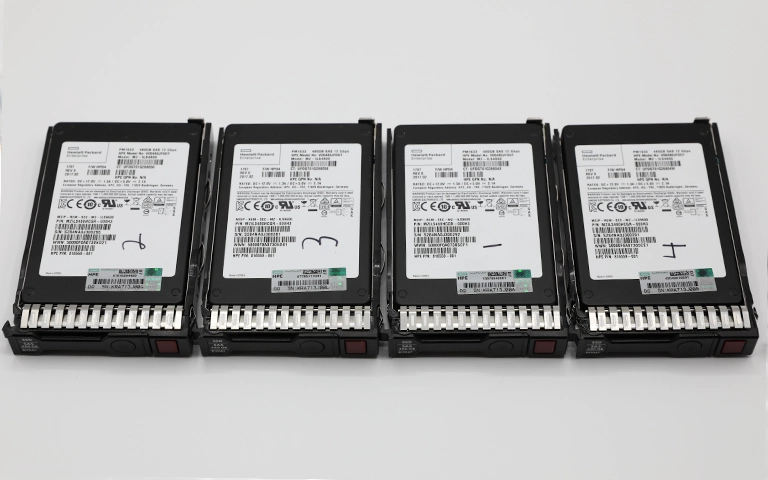
Understanding RAID in Server Environments
RAID brings multiple physical drives together as one logical unit, boosting performance, improving redundancy, or delivering a mix of both depending on the configuration. In server environments, it is essential for maintaining continuous data access and protecting against drive failures.
Servers run around the clock and support many users or applications simultaneously. With the right RAID setup, data can be written and retrieved efficiently across several disks, reducing slowdowns and safeguarding information if a drive stops working.
Every RAID level offers a different balance of speed, resilience, and usable capacity. Some rely on mirroring for stronger protection, while others use striping and parity to achieve faster throughput and better space efficiency. Understanding these differences is key when choosing the right setup.
For a closer look at how RAID structures vary, you can explore our article on types of RAID.
Common RAID Levels for Servers
RAID levels vary in speed, protection, and storage efficiency. Here is a quick overview to help you identify the right option for your server.
Stripes data across drives for maximum performance but offers no redundancy. If one drive fails, all data is lost.
Copies data to two or more drives. Strong protection against drive failure, but usable capacity is reduced.
Uses striping with parity to deliver good speed, capacity, and fault tolerance. Can run with one failed drive. See our RAID 5 vs RAID 6 comparison for more detail.
Stores two sets of parity data, allowing the array to survive two drive failures. Suitable for critical, enterprise workloads.
Combines mirroring and striping for strong performance and high availability. Common for databases and virtualisation.
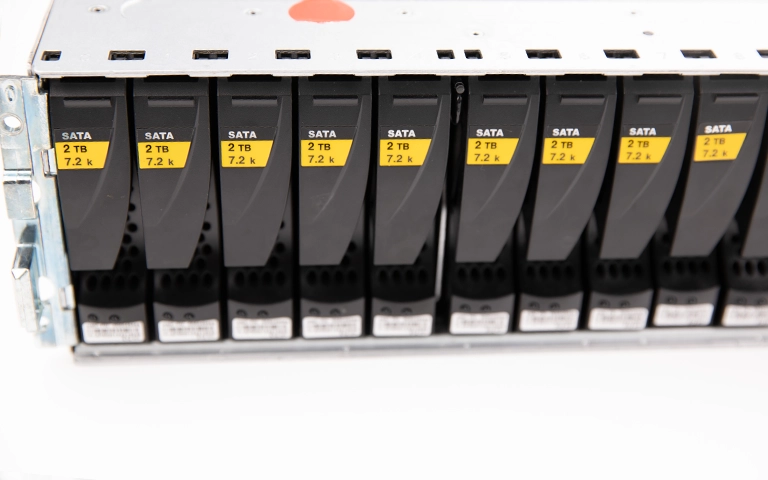
RAID Level Comparison for Server Performance
Choosing the right RAID level comes down to how you prioritise speed, capacity, and data protection. The table below highlights the most common RAID options used in servers to help you identify which setup aligns with your operational needs.
To learn how controller type influences these results, read our article on software RAID vs hardware RAID.
Key Factors When Choosing RAID for a Server
Choosing the right RAID setup depends on how your server runs and what level of speed or resilience you need. Keep these points in mind before deciding.
Workload Type: Databases and virtual machines often suit RAID 10, while general file storage works well with RAID 5 or RAID 6.
Drive Count: RAID 1 needs two drives, RAID 5 needs three, and RAID 6 requires four or more.
Data Importance: If uptime is critical, prioritise redundancy. RAID 6 and RAID 10 continue operating even during drive failures.
Performance Needs: For high read and write speeds, RAID 10 is ideal. RAID 0 is fast but unsafe for critical data.
Budget and Growth: More protection means more drives and higher cost. Factor in budget and future expansion.
To reduce risks during expansions or rebuilds, read more about RAID rebuild data loss risks.
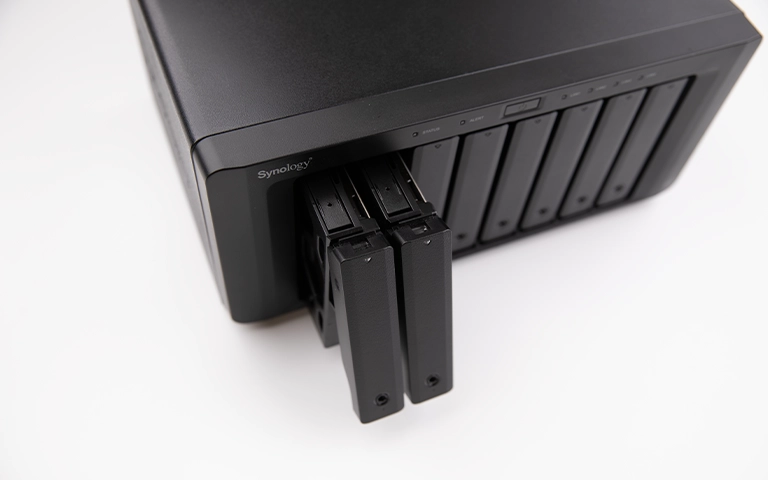
RAID Failures in Servers and Recovery Options
Even well configured RAID systems can fail due to hardware faults, power issues, or incorrect rebuild attempts. When a server RAID fails, the impact can be significant, causing downtime, corrupt volumes, or complete loss of access.
A frequent cause is a drive failure followed by an unsuccessful rebuild. In other cases, a faulty RAID controller may write incorrect configuration data, putting the entire array at risk. DIY repairs often make the situation worse and can lead to irreversible data loss.
If your server RAID has failed, avoid reinitialising or rebuilding the array. Power the system down and contact a specialist.
RAID Recovery Services provides professional recovery for failed server arrays, including RAID 5, RAID 6, and RAID 10. Our engineers use controlled, technical recovery methods to handle your data safely.
For further details on causes and recovery procedures, see our guides on RAID controller failure recovery and troubleshoot RAID failure.
Fast turnaround times for business-critical data
Conclusion: Choosing the Ideal RAID for Your Server
The best RAID option depends on how you balance speed, capacity, and redundancy. RAID 10 is a strong choice for high performance workloads, while RAID 5 and RAID 6 offer an efficient mix of protection and usable space. RAID 1 remains reliable for smaller setups that prioritise data safety.
Plan your configuration carefully by considering workload demands, data importance, and future growth. Ongoing monitoring and maintenance will help reduce the risk of failure.
If your server RAID is failing or showing unusual behaviour, RAID Recovery Services can help with secure, professional data recovery across all RAID levels.

Trust the experts with proven results
Frequently Asked Questions
What is the best RAID level for a server?
It depends on your priorities. RAID 10 is ideal for high performance workloads that need both speed and redundancy. RAID 5 and RAID 6 are common in business servers because they balance capacity, performance, and fault tolerance.
Can I use RAID 0 for a server?
RAID 0 delivers strong performance but offers no protection. It should only be used for temporary or non critical data. For most servers, redundant levels such as RAID 5 or RAID 10 are much safer.
What causes RAID failure in servers?
Typical causes include drive failure, power issues, overheating, controller faults, or incorrect rebuild attempts. Any of these can lead to data loss or an inaccessible array.
How can I recover data from a failed server RAID?
Shut the system down immediately and avoid running rebuilds. Contact RAID Recovery Services for a professional assessment. Our specialists can recover data from failed or corrupted arrays without causing additional damage.
How can I prevent RAID failure in a server?
Use reliable drives, monitor their health, replace weak components early, and maintain proper cooling and power conditions. Always keep backups of important data.