
RAID, short for Redundant Array of Independent Disks, is a virtual storage method that links several physical drives to function as one logical unit. Whether you are working on a desktop, a professional workstation, or a performance laptop, RAID can deliver stronger read and write speeds, improved storage efficiency, and a layer of protection against individual drive faults.
However, when a fault does occur, RAID setups are far more difficult to diagnose and repair than a single drive. As a result, data recovery becomes significantly more complex and often requires specialist handling.
In this article, we outline how RAID works in computers, look at widely used RAID levels such as RAID 0 and RAID 1, assess their impact on performance and data loss risks, and review the recovery paths available when a RAID system fails.
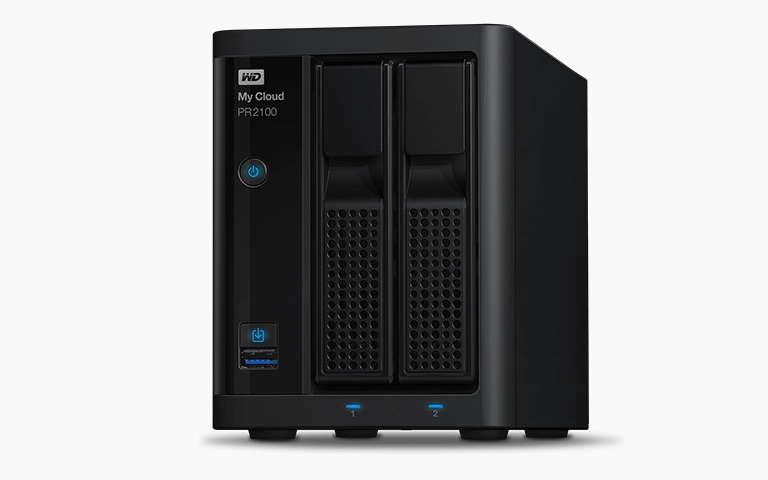
Why Computers Use RAID and What It Means for Data Safety
In desktop PCs and professional workstations, RAID is commonly used to:
Enhance read and write speeds by striping data across multiple drives
Provide resilience by mirroring data between disks
Increase overall capacity by pooling several drives into one volume
You’ll often see RAID configurations in:
Gaming systems and video production rigs
Servers and development workstations
Business desktops that handle large data workloads
Although RAID boosts performance and adds redundancy, it is not a fail-safe solution. When a RAID array encounters a fault, recovery becomes far more complex than dealing with a single drive and generally requires specialist support to avoid further data loss.
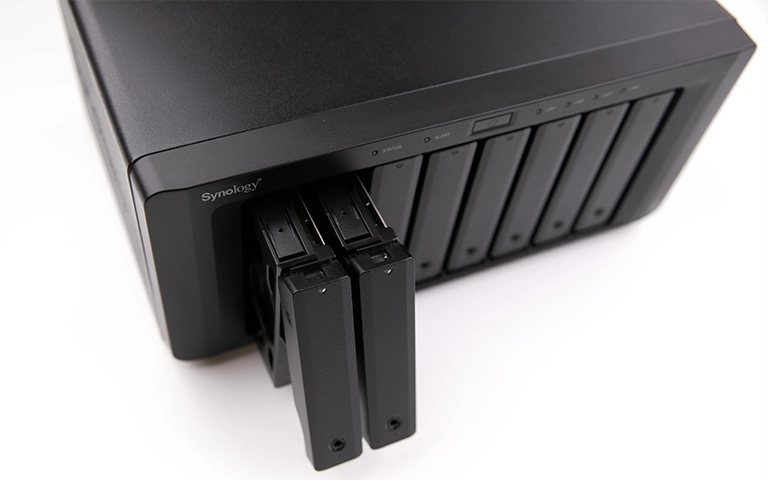
RAID 0 in Computers: Fast Performance, No Protection
RAID 0 stripes data across two or more drives to deliver maximum performance. It is widely used in gaming systems, video editing workflows, and other tasks that demand fast storage throughput.
Key Characteristics:
Needs a minimum of two drives
Provides no redundancy at all
A single drive failure results in complete data loss
Higher overall risk because the array depends on every disk functioning correctly
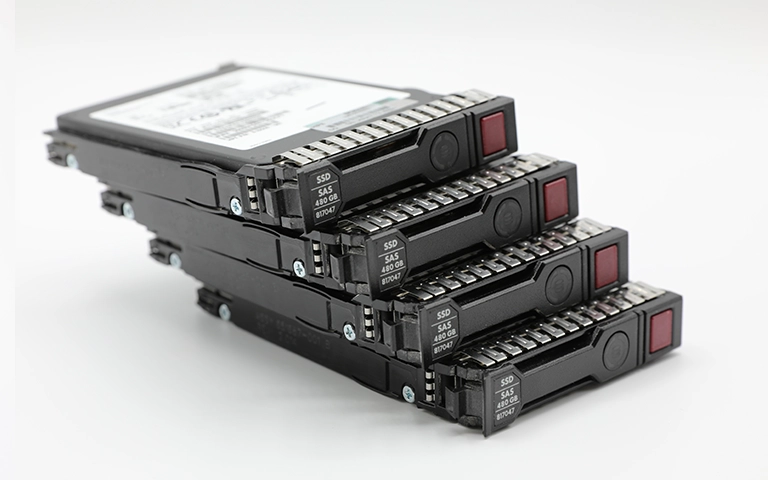
RAID 1 in Computers: Mirrored Storage for Reliability
RAID 1 duplicates data across two drives, creating a fully mirrored set. It is well suited to systems where data reliability takes priority over raw performance.
Key Characteristics:
Requires two matching drives
Delivers full redundancy
Does not provide a performance increase
Does not add extra usable storage capacity
RAID 1 Recovery
RAID 1 is one of the more straightforward RAID levels to recover, particularly when only a single drive has failed. However, issues such as file system corruption, accidental rebuilds, or controller faults can still result in data loss if the array is not handled properly.
Seeking specialist support ensures the mirror is imaged safely and the data extracted without further risk.
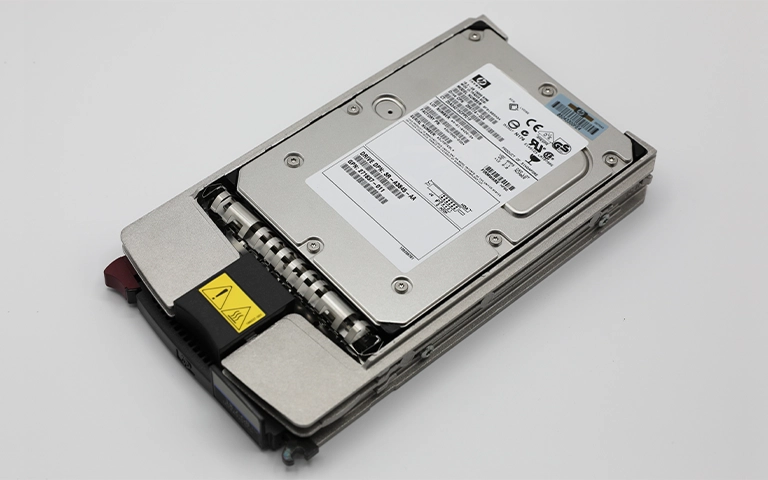
Advanced RAID Levels in Desktops and Workstations
Beyond RAID 0 and RAID 1, many high-performance desktops and workstations rely on RAID 5 and RAID 10 to achieve stronger data protection and improved throughput.
RAID 5: Requires a minimum of three drives. Uses striping with parity to provide fault tolerance while maintaining solid read performance.
RAID 10: Combines mirroring and striping. Needs four drives and delivers both high performance and robust redundancy.
These configurations are more complex to manage but provide significantly better resilience, making them a common choice for professional workflows and business-class storage systems.
If you are dealing with data loss or require expert assistance, our dedicated RAID 5 and RAID 10 data recovery services can help you restore essential data safely and efficiently.
Fast turnaround times for business-critical data
Pros and Cons of Using RAID in a Computer
Does RAID Work on Laptops?
Yes, certain high-end laptops support RAID, particularly premium gaming models and business-class devices from Dell, HP, ASUS, and Lenovo.
Benefits of RAID in laptops:
RAID 0 increases performance for intensive workloads
RAID 1 safeguards data by mirroring it across drives
Helpful for video editing, virtualisation tasks, or maintaining secure backups
However, RAID is not supported on all laptops. Always review your BIOS options and confirm motherboard compatibility before configuring a RAID array.
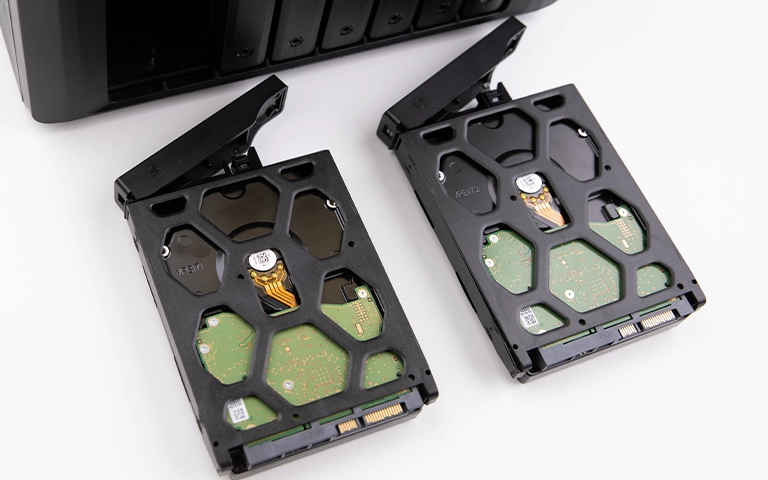
RAID 0 in Laptops: Speed Over Safety
Many high-performance laptops use RAID 0 with dual NVMe drives to maximise speed. This configuration suits users who need rapid boot times, quick access to large game files, or smooth video production workflows.
However, the risk is significant. If either drive fails, the entire array collapses and all data is lost. Successful recovery requires both drives and advanced reconstruction processes handled by specialists.
RAID 1 in Laptops: Reliable Storage for Professionals
RAID 1 is adopted in laptops where data protection is the priority. Professionals who work with sensitive documents or client material benefit from the security of mirrored storage.
While RAID 1 does not increase performance or storage capacity, it ensures continued access to your data even if one of the drives fails.
What Happens When Laptop RAID Fails?
Laptop RAID arrays can fail for several reasons, including:
Sudden power loss or improper shutdowns
BIOS resets or incorrect configuration changes
Firmware problems affecting the SSDs
Controller or motherboard faults
Recovery becomes challenging because:
RAID implementations differ between laptop manufacturers
Some models use proprietary connectors or drive layouts
BIOS utilities typically provide very limited recovery options
If your laptop RAID has failed, switch the device off immediately and consult a professional. Attempting DIY recovery can worsen the damage and reduce the chances of successful data restoration.

How We Recover Data from Failed RAID Systems
At RAID Recovery Services, we support recovery from:
RAID 0, RAID 1, RAID 5, and RAID 10 arrays
Desktop computers, servers, and laptops
Mixed SSD and HDD environments
Issues such as logical corruption, failed rebuilds, and controller faults
Our engineers capture sector-level images of every drive, rebuild the striping or mirroring structure, and extract the data using specialised in-house tools. This process ensures your files are recovered safely, accurately, and with full protection of data integrity.
Need RAID Data Recovery?
If your RAID array has failed, whether on a desktop, laptop, or server, our team is ready to assist.
RAID Recovery Services provides:
Diagnostic assessment at no cost
Cleanroom handling for damaged drives
Efficient turnaround times
Support for all RAID levels and device types
Get in touch today to recover your data with specialist, reliable care.
Trust the experts with proven results
Frequently Asked Questions
Does my laptop have RAID?
Not every laptop supports RAID. Check the BIOS settings or the manufacturer’s technical specifications to confirm compatibility.
Can data be recovered from RAID 0?
Yes, but the process is highly complex and should only be carried out by trained professionals.
Does RAID 1 prevent data loss?
RAID 1 protects against the failure of a single drive, but it cannot prevent data loss caused by file corruption, accidental deletion, or malware.
Is RAID faster than a single SSD?
RAID 0 and RAID 10 can deliver faster performance than a single SSD. RAID 1 does not provide a speed benefit.
What is the best RAID level for laptops?
RAID 1 is preferred for reliability, while RAID 0 is chosen for performance, depending on your specific requirements.